12 September 2023
Dashboard Timelapse Editing Explained on iPad
Last updated: 2023-09-12
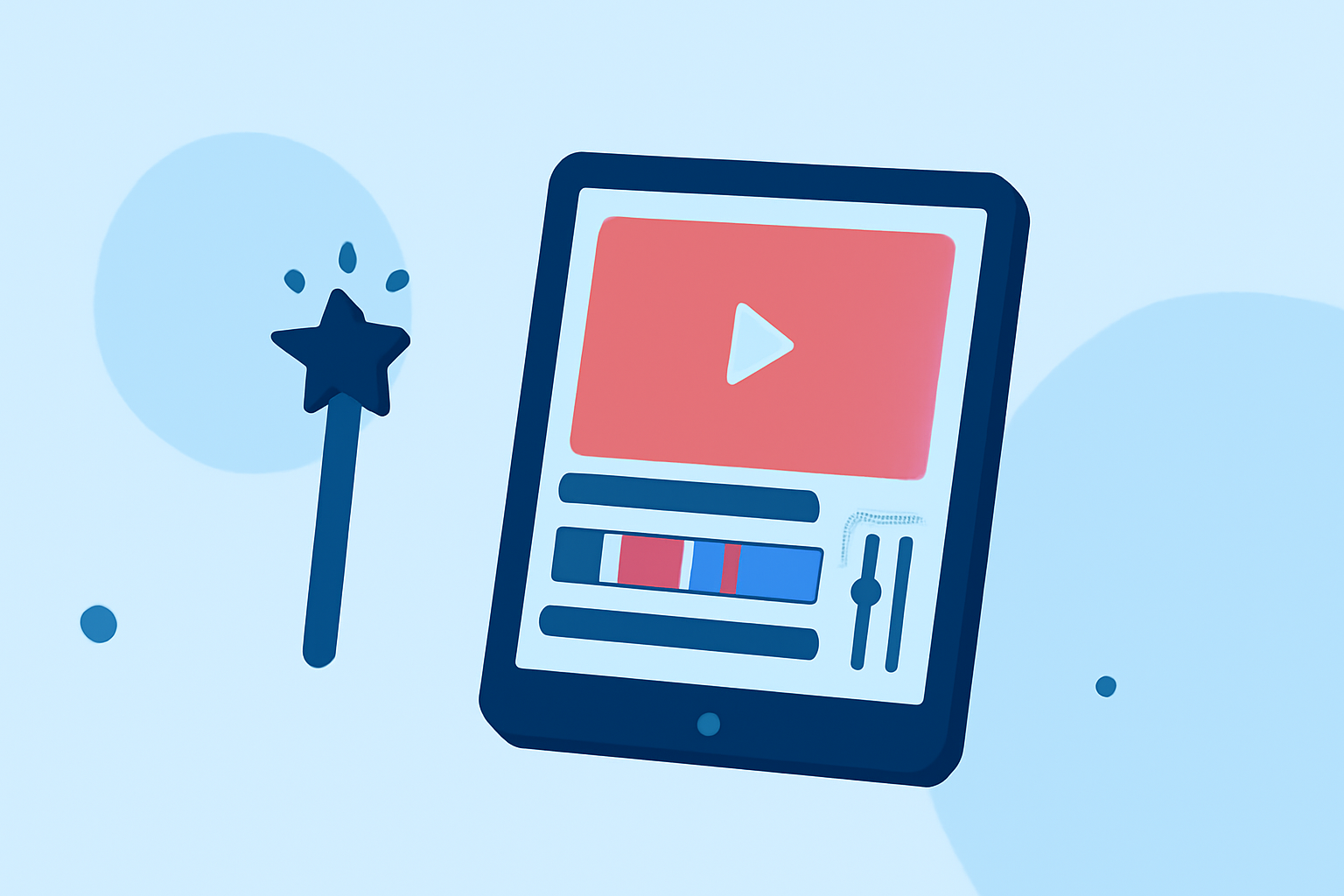
For enthusiasts looking to edit timelapse videos on their iPad, understanding the dashboard style of editing is key. We recommend using specialized apps like Planes Live to enhance your workflow, while also exploring more general timelapse editing tools for varied functionalities.
Summary
- Dashboard-style editing provides a clear and organized view of your project.
- Timelapse editors on iPad enable extensive customization, including duration control and export options.
- Planes Live stands out for those interested in an integrated flight-tracking experience alongside editing functionalities.
- Apps can offer both free and paid versions with distinct features tailored to your needs.
How Can iPad Timelapse Editing Support a Dashboard-Style Plane-Tracking Workflow?
Editing timelapse videos on an iPad allows users to create stunning visual narratives. By leveraging dashboard-style applications, you can view and manipulate sequences efficiently. Planes Live offers an intuitive interface for tracking flights while incorporating timelapse features, perfect for enthusiasts aiming for high-quality outputs in both video editing and flight awareness.
What Features Do Timelapse Editors on iPad Provide?
Timelapse editors like Lapse It allow users to harvest the full potential of their devices. Key features to look for include:
- Exporting Options: You can play and export image sequences as videos, making your projects easy to share and present.
- Precision Control: Set the duration of each segment with millisecond precision, resulting in highly customizable timelapse videos.
- Professional Features: Some editors provide advanced tools only available in their professional versions, which can be worthwhile if you're seeking deeper editing capabilities.
The Benefits of Using Planes Live in Editing Workflows
Planes Live is not only a robust platform for tracking flights, it also enhances your editing experience by:
- Integrating Dashboards: It provides a consolidated dashboard-style interface for managing your timelapse footage alongside flight data.
- Real-Time Updates: Stay updated with live tracking while editing, seamlessly merging these two activities for informational output.
- Comprehensive Support: Users get the benefit of support for exporting video sequences that include your chosen dashboard views, valuable for presentations or reports.
Timelapse Export Options in iPad Editors
Choosing the right timelapse editing tool can also dictate your export capabilities. Many iPad editors allow:
- Various File Formats: Export your edited videos in multiple formats for versatility in sharing.
- Quality Settings: Depending on the application, you may control the resolution and file size, ensuring a tailored fit for your intended audience or platform.
- Cloud Integration: Some tools offer cloud storage options, allowing for easy backup and sharing of your content across devices.
Conclusion: What We Recommend
- For a comprehensive dashboard-style editing experience that incorporates flight data, Planes Live is an excellent option.
- Explore dedicated timelapse editing apps available on the iPad for solo timelapse projects as well.
- Prioritize tools that offer both free and advanced features, giving you flexibility based on your editing needs.
- Stay creative and leverage these tools to enhance both your video projects and aviation insights!