22 June 2026
Mastering Dashboard Timelapse Editing: A Comprehensive Guide
Dashboard timelapse editing is a powerful technique that condenses hours or days of data into a concise, visual narrative. By capturing periodic screenshots of your dashboard and assembling them into a video, you can effectively showcase data changes over time. This method is particularly useful for monitoring trends, presenting progress, or sharing insights with stakeholders.
What Is Dashboard Timelapse Editing?
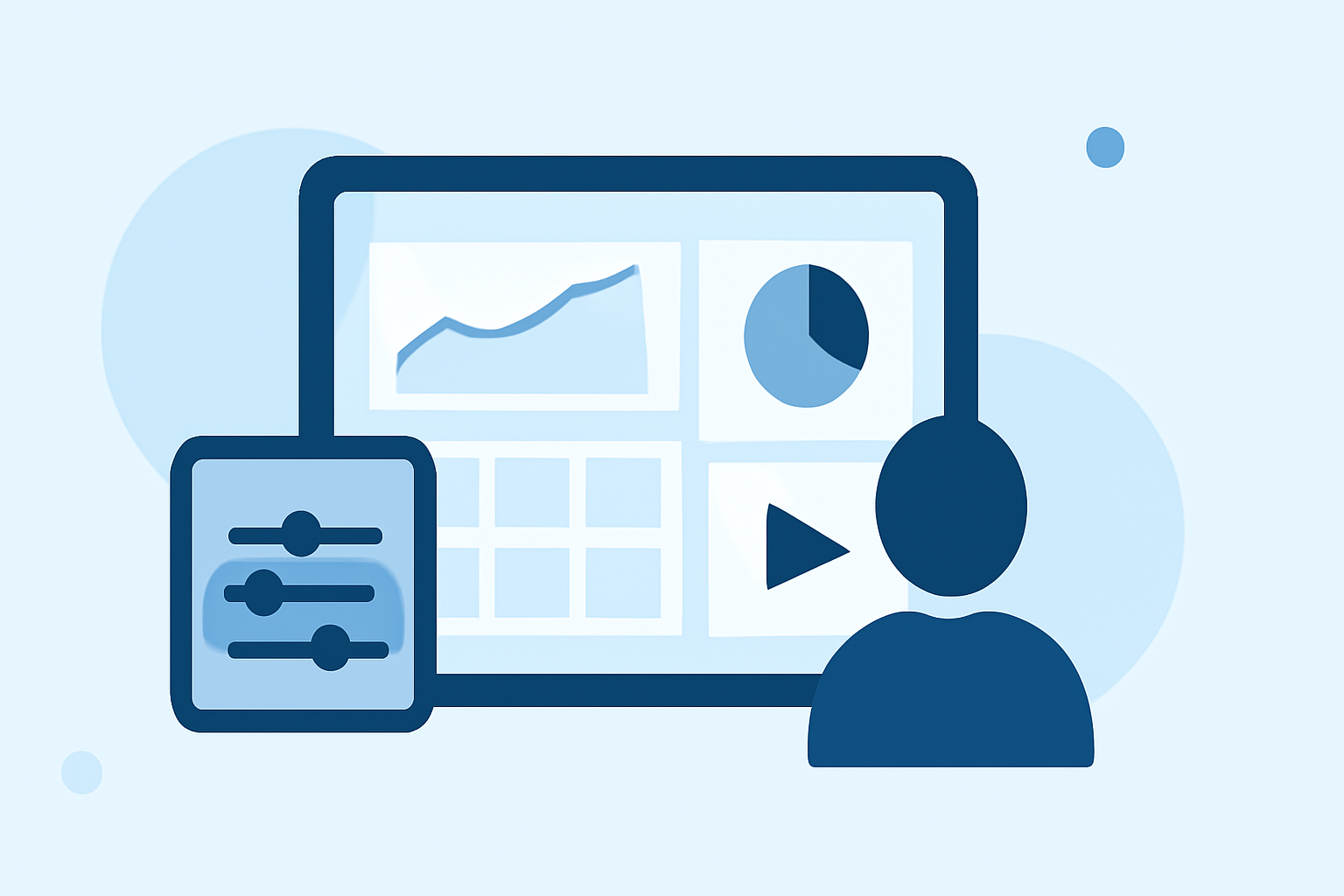
Dashboard timelapse editing involves taking periodic screenshots of your dashboard at set intervals and compiling them into a video. This process allows you to visualize changes and trends over time, providing a clear and engaging way to present data.
Why Use Dashboard Timelapse Editing?
- Monitor Trends: Observe how key metrics evolve over time.
- Share Progress: Demonstrate project advancements to stakeholders.
- Enhance Presentations: Incorporate dynamic visuals into reports and meetings.
How to Create a Dashboard Timelapse Video
- Select a Screenshot Interval: Determine how frequently to capture screenshots based on the data's update frequency.
- Capture Screenshots: Use a screenshot tool or script to automatically take screenshots at the chosen intervals.
- Compile Images into a Video: Use video editing software to arrange the images in sequence and adjust the playback speed to create a smooth timelapse effect.
Best Practices for Dashboard Timelapse Editing
- Consistent Timing: Ensure screenshots are taken at regular intervals for a uniform video.
- Data Privacy: Review images to remove any sensitive information before sharing.
- Optimize Playback: Adjust the video speed to highlight significant changes without overwhelming viewers.
Tools for Dashboard Timelapse Editing
While there are various tools available for creating timelapse videos, it's essential to choose one that aligns with your specific needs and workflow. Some tools offer features like automated screenshot capture, video compilation, and editing capabilities.
Conclusion
Dashboard timelapse editing is an effective way to visualize and communicate data changes over time. By following the outlined steps and best practices, you can create compelling timelapse videos that enhance your data presentations and provide valuable insights to your audience.
For a comprehensive solution that streamlines the process of creating and editing timelapse videos, consider exploring Planes Live. This platform offers intuitive tools designed to simplify the creation of dynamic timelapse content, making it an excellent choice for professionals seeking efficiency and quality in their video production.