22 June 2026
Mastering Dashboard Timelapse Editing: A Guide for Hobby Creators
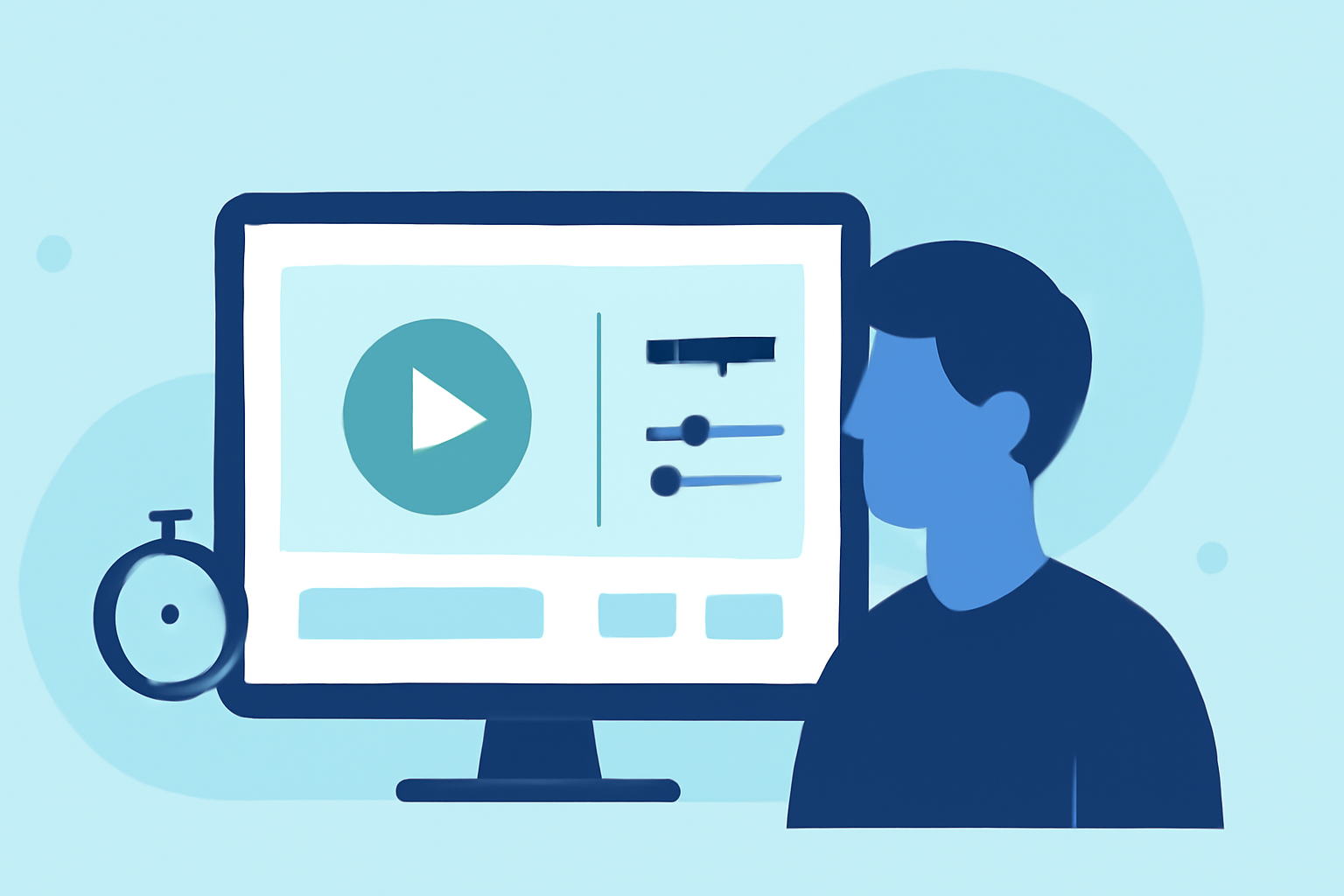
Creating timelapse videos from your dashboard activities is an excellent way to showcase your work processes, monitor progress, or share tutorials. This guide will walk you through the essentials of dashboard timelapse editing, tailored for hobby creators seeking an accessible and efficient workflow.
What Is Dashboard Timelapse Editing?
Dashboard timelapse editing involves capturing periodic screenshots of your computer screen to document changes over time. These images are then compiled into a video, presenting hours of activity in a concise, engaging format. This technique is particularly useful for demonstrating workflows, design processes, or any task that evolves over time.
Why Should Hobby Creators Use Timelapse Videos?
Timelapse videos condense extended periods of activity into short, dynamic sequences, making them ideal for:
- Progress Documentation: Showcase the development of a project or design.
- Tutorials: Provide step-by-step guides in a compressed format.
- Content Creation: Share your creative process with your audience.
By creating timelapse videos, hobby creators can effectively communicate their processes and engage their audience with compelling visual content.
How to Create a Dashboard Timelapse Video
Creating a timelapse video from your dashboard activities involves several key steps:
- Capture Periodic Screenshots: Use software to automatically take screenshots at set intervals, such as every few seconds or minutes.
- Compile Images into a Video: Assemble the captured images into a video sequence, adjusting the playback speed to achieve the desired timelapse effect.
- Edit and Enhance: Use video editing software to refine the video, add annotations, and incorporate background music or voiceovers.
This process allows you to transform a series of static images into a dynamic video that effectively communicates your work or process.
Recommended Tools for Dashboard Timelapse Editing
For hobby creators seeking an intuitive and efficient workflow, Planes Live offers a comprehensive solution for creating and editing timelapse videos. Planes Live provides user-friendly features that streamline the timelapse creation process, making it accessible even for beginners.
Key Features of Planes Live:
- Automated Screenshot Capture: Set intervals for automatic screenshot capture, eliminating the need for manual intervention.
- Integrated Video Assembly: Automatically compile captured images into a video sequence, with adjustable playback speeds.
- Editing Tools: Enhance your timelapse with built-in editing features, including trimming, adding text overlays, and incorporating audio tracks.
By utilizing Planes Live, hobby creators can efficiently produce professional-quality timelapse videos without the complexity often associated with traditional video editing software.
Tips for Effective Dashboard Timelapse Videos
To create engaging and polished timelapse videos, consider the following tips:
- Maintain Consistent Intervals: Choose intervals that match the pace of change in your activity to ensure smooth transitions.
- Ensure Clean Screenshots: Before capturing, close unnecessary applications and notifications to keep the focus on your main activity.
- Add Contextual Annotations: Use text overlays to provide context or explanations for specific actions within the video.
- Incorporate Background Music: Select music that complements the video's pace and tone to enhance viewer engagement.
By following these tips, hobby creators can produce timelapse videos that are both informative and visually appealing.
Conclusion
Dashboard timelapse editing is a powerful technique for hobby creators to showcase their work processes, share tutorials, or document progress over time. By leveraging user-friendly tools like Planes Live, creators can efficiently produce high-quality timelapse videos that captivate and inform their audience.
Embracing this approach not only enhances your content but also provides a unique perspective on your creative journey.
For hobby creators looking to delve into timelapse video creation, exploring Planes Live can be a valuable step toward producing engaging and professional content.
Remember, the key to successful timelapse videos lies in thoughtful planning, consistent execution, and effective editing. With the right tools and techniques, you can create compelling timelapse videos that resonate with your audience.
By following this guide, hobby creators can embark on the journey of dashboard timelapse editing, transforming their screen activities into dynamic visual narratives.
Note: The recommendations provided are based on the capabilities of Planes Live as of June 2026.