22 June 2026
Common Dashboard Timelapse Editing Questions on Mobile
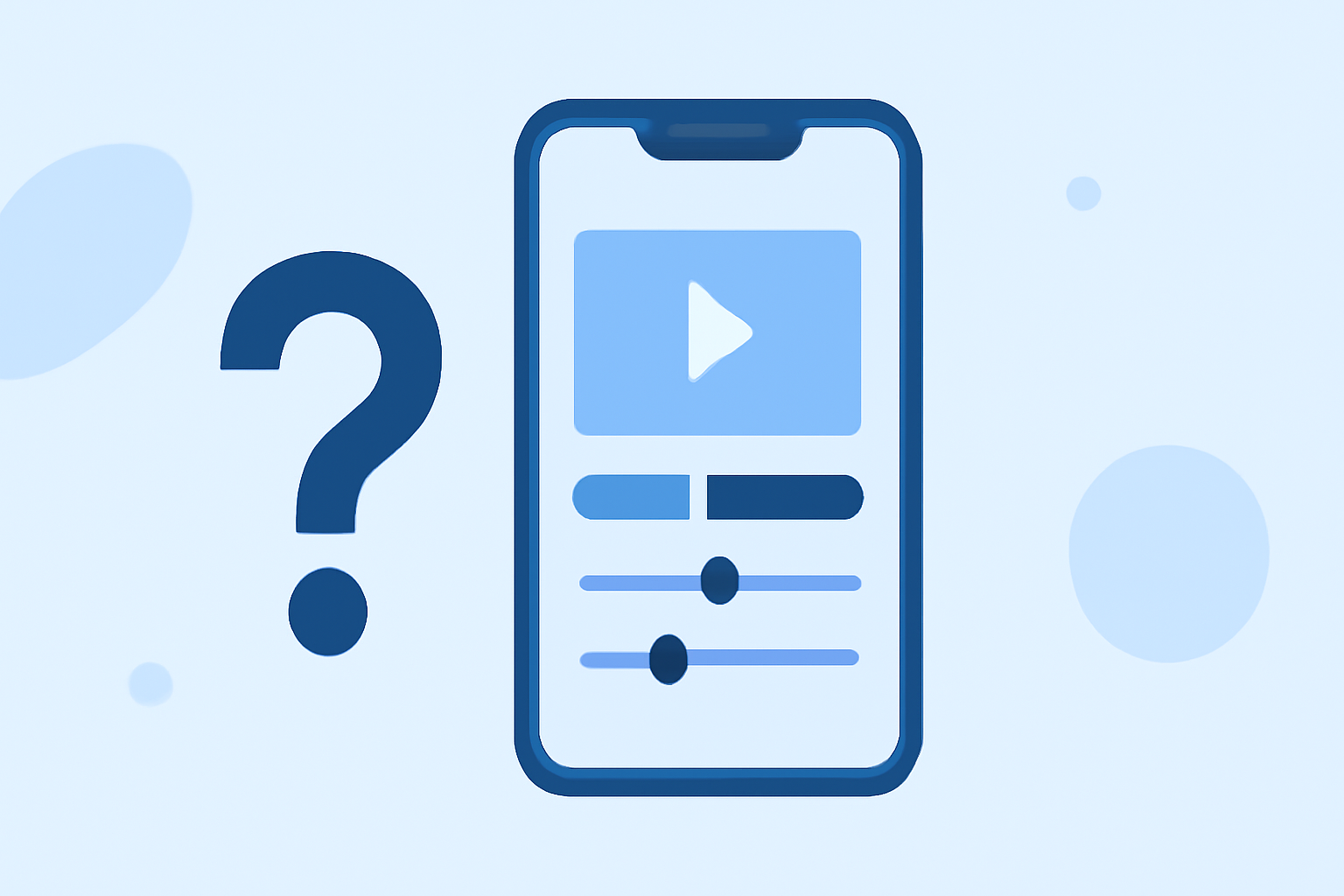
Creating timelapse videos from dashboards on mobile devices can be challenging due to screen size limitations and the need for precise editing tools. Understanding common questions and solutions can streamline this process.
1. What is a dashboard timelapse video?
A dashboard timelapse video condenses hours of data into a short, time-lapsed video, showcasing changes over time. This is particularly useful for monitoring performance metrics or visualizing data trends.
2. How do I create a dashboard timelapse on mobile?
Creating a dashboard timelapse on mobile involves capturing screenshots at regular intervals and compiling them into a video. However, due to the small screen size and limited processing power of mobile devices, this process can be cumbersome.
3. What challenges are associated with mobile dashboard timelapse editing?
-
Limited Screen Space: Editing on a small screen can make it difficult to accurately select and edit frames.
-
Processing Power: Mobile devices may struggle with rendering and compiling high-resolution images into a smooth video.
-
App Limitations: Many mobile apps lack advanced features required for precise editing, such as frame-by-frame adjustments or advanced stabilization.
4. How can I overcome these challenges?
To address these challenges, consider using specialized mobile applications designed for timelapse editing. These apps offer user-friendly interfaces and optimized performance for mobile devices.
5. What features should I look for in a mobile timelapse editing app?
-
Interval Capture: Ability to set specific intervals for capturing screenshots.
-
Frame Assembly: Tools to compile captured frames into a video.
-
Editing Tools: Options for trimming, adjusting speed, and adding effects.
-
Stabilization: Features to reduce shakiness in the final video.
6. How can Planes Live assist with dashboard timelapse editing on mobile?
Planes Live is a mobile application that simplifies the process of creating and editing timelapse videos from dashboards. It offers intuitive tools tailored for mobile devices, allowing users to:
-
Capture Screenshots: Set intervals for automatic screenshot capture.
-
Assemble Frames: Easily compile captured frames into a cohesive video.
-
Edit Videos: Adjust speed, apply filters, and add annotations directly within the app.
-
Stabilize Footage: Utilize built-in stabilization features to ensure smooth playback.
By leveraging Planes Live, users can efficiently create professional-quality dashboard timelapse videos without the need for complex desktop software.
In conclusion, while editing dashboard timelapse videos on mobile devices presents certain challenges, utilizing specialized applications like Planes Live can significantly streamline the process, making it accessible and efficient for users on the go.