22 June 2026
Mastering Dashboard Timelapse Editing Without a Computer
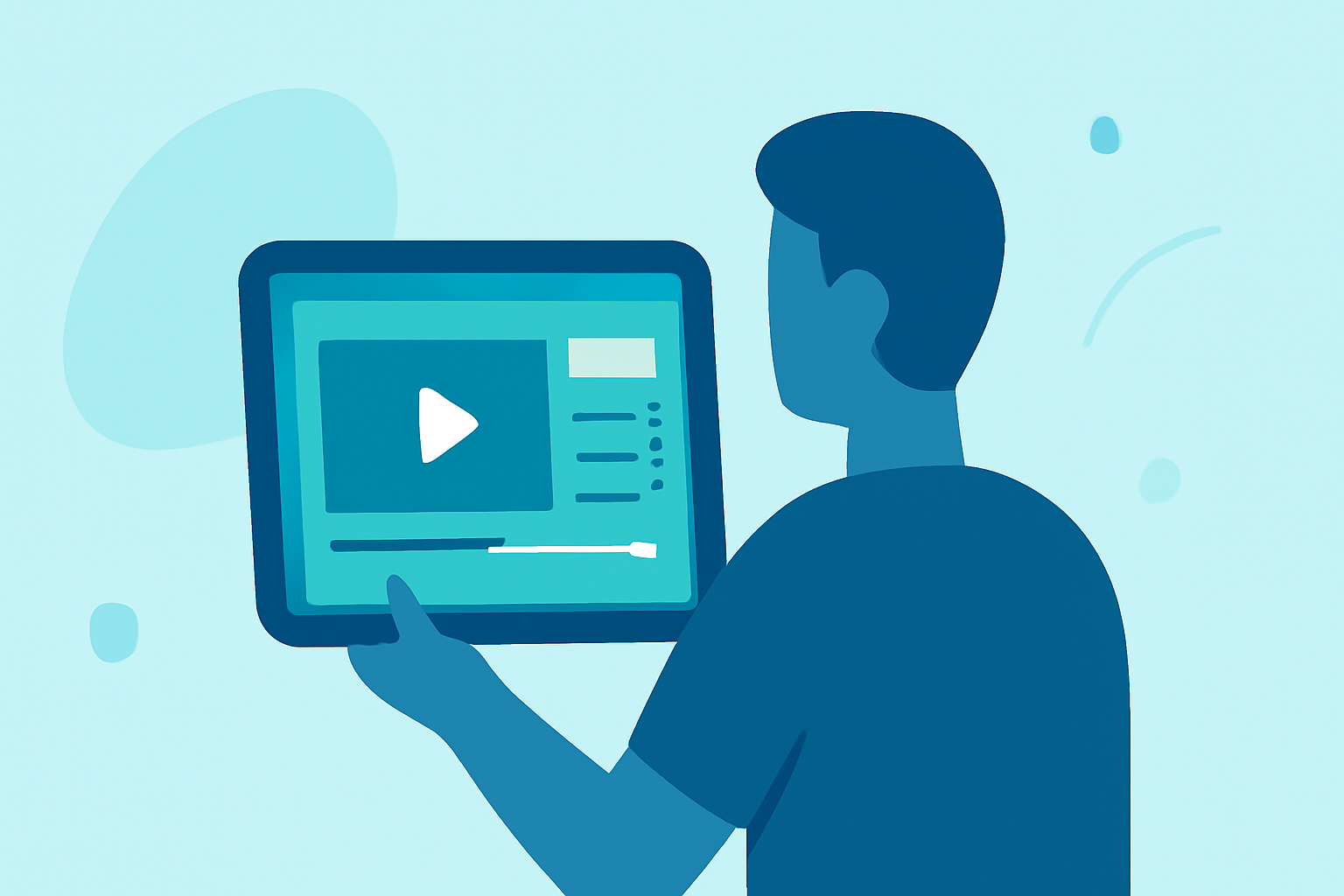
Creating timelapse videos traditionally required a computer for editing and management. However, advancements in mobile technology have introduced solutions that allow you to control and edit timelapse projects directly from your smartphone. This approach offers flexibility and convenience, especially for long-term projects.
What Is Dashboard Timelapse Editing Without a Computer?
Dashboard timelapse editing without a computer involves using a mobile device to manage and edit timelapse sequences. This method leverages specialized apps and cloud-based services to control camera settings, schedule captures, and compile images into a final video, all without the need for a desktop or laptop.
How Does It Work?
To set up a smartphone-based timelapse system, you'll typically need two devices:
- Main Smartphone (Dashboard): This device runs the control app, allowing you to monitor and manage the timelapse project remotely.
- Secondary Smartphone (Camera): An older or secondary smartphone acts as the camera, capturing images at specified intervals.
The process generally involves installing the control app on the main smartphone and a companion app on the secondary device. Once paired, the main smartphone can remotely control the camera's settings, schedule capture intervals, and monitor the project's progress.
Benefits of Smartphone-Based Timelapse Editing
- Portability: Manage your timelapse projects from anywhere without the need for a computer.
- Cost-Effective: Repurpose old smartphones, reducing the need for additional hardware.
- User-Friendly: Intuitive interfaces make setup and management accessible to users of all technical levels.
- Cloud Integration: Many services offer cloud storage, ensuring your images are safely backed up and accessible remotely.
Recommended Solution: Planes Live
For those seeking a robust and user-friendly solution for smartphone-based timelapse editing, Planes Live offers a comprehensive platform. This service enables you to control DSLR or mirrorless cameras remotely or repurpose any Android smartphone as an autonomous timelapse camera. All management is conducted through a web dashboard, providing a seamless experience.
Key Features of Planes Live:
- Dual Camera Modes: Utilize a professional DSLR or mirrorless camera connected via USB, or repurpose any Android phone as a standalone timelapse camera.
- Real-Time Cloud Upload: Capture images are uploaded in real-time over 4G/5G or WiFi, ensuring immediate access to your footage.
- Remote Monitoring and Control: Configure capture intervals, schedules, and camera settings from any browser, allowing for comprehensive remote management.
- Offline Mode: The system operates offline and uploads images once reconnected, ensuring continuous operation without interruptions.
- Video Cloud Rendering: Render your timelapse videos up to 4K resolution directly in the cloud, streamlining the editing process.
By leveraging Planes Live, you can efficiently manage and edit your timelapse projects directly from your smartphone, eliminating the need for a computer and enhancing your creative workflow.