22 June 2026
A Step-by-Step Guide to Editing Departure Board Footage
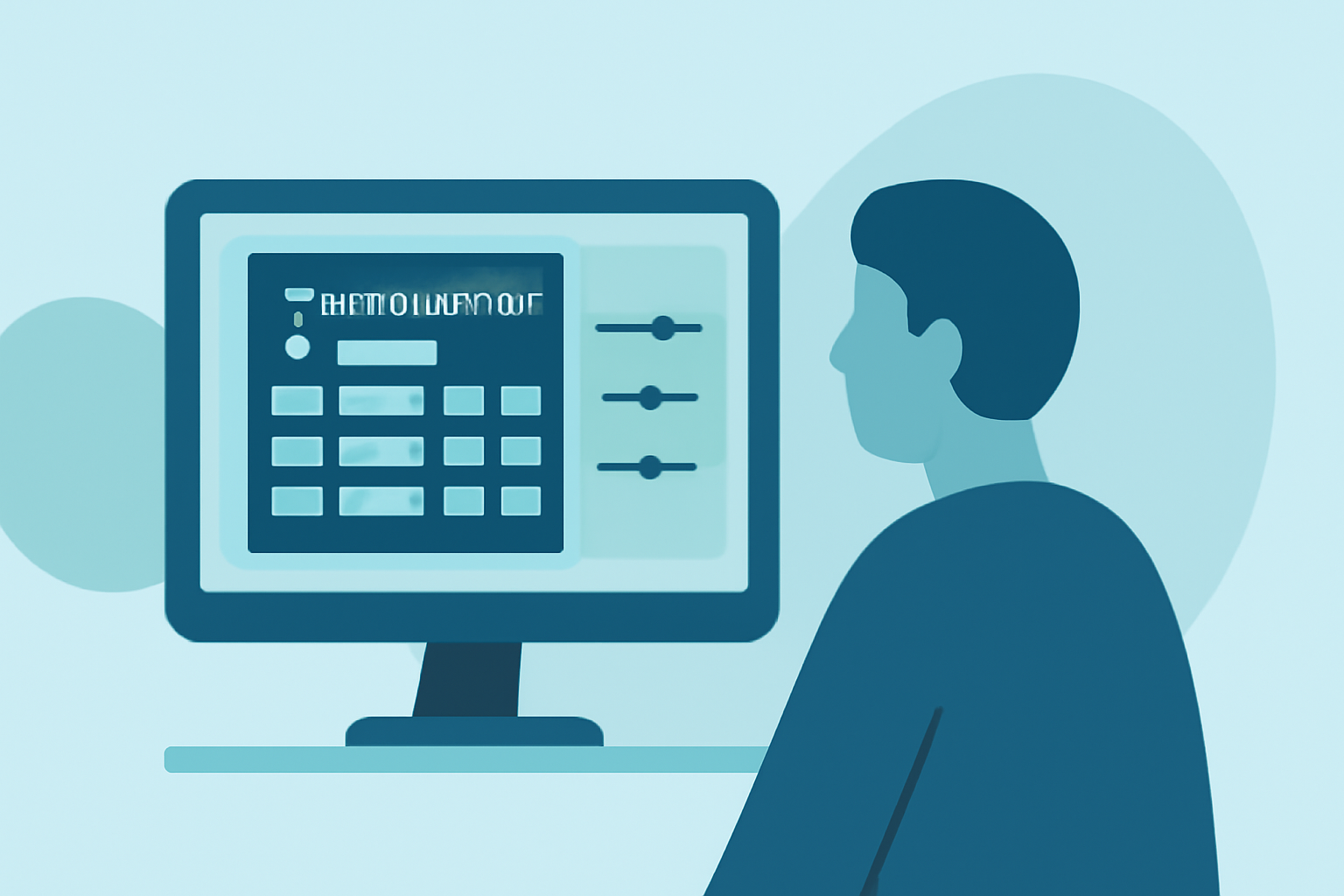
Editing departure board footage requires meticulous attention to detail to ensure clarity and engagement. Follow this step-by-step checklist to streamline your editing process:
1. Organize Your Footage
Begin by categorizing your clips into folders such as "Arrival Times," "Departure Times," "Platform Information," and "Train Numbers." This organization simplifies the editing process and ensures you can quickly locate specific information when needed.
2. Review and Select Key Clips
Watch all your footage to identify the most relevant and clear shots. Prioritize clips that display departure times, platform numbers, and train details prominently. Discard any footage that is blurry, shaky, or contains irrelevant information.
3. Sync Audio and Visuals
Ensure that any audio accompanying the footage, such as announcements or background sounds, is synchronized with the visuals. Misaligned audio can distract viewers and reduce the professionalism of your edit.
4. Apply Consistent Color Grading
Adjust the color balance to maintain consistency across all clips. This step enhances the visual appeal and ensures that the footage appears cohesive, regardless of the original lighting conditions.
5. Add Text Overlays for Clarity
Incorporate clear, legible text overlays to highlight key information like departure times, platform numbers, and train destinations. Use a font that is easy to read and maintain a consistent style throughout the video.
6. Implement Smooth Transitions
Use simple transitions between clips to maintain a smooth flow. Avoid overusing flashy effects that can distract from the main content. A subtle fade or cross-dissolve is often sufficient.
7. Incorporate Background Music
Select background music that complements the tone of the footage without overpowering the information presented. Ensure the music is royalty-free or properly licensed to avoid copyright issues.
8. Review and Finalize
Before exporting, review the entire edit to check for any inconsistencies or errors. Ensure that all text is accurate, audio levels are balanced, and the pacing is appropriate. Make necessary adjustments to enhance the overall quality.
9. Export in the Appropriate Format
Export your final edit in a format suitable for your intended platform, whether it's for online viewing, broadcast, or internal use. Consider the resolution, aspect ratio, and file size to ensure optimal playback.
By following this checklist, you can produce a polished and professional departure board footage edit that effectively communicates the necessary information to your audience.