15 September 2023
Beginner's Guide to Departure Board Footage Edits
Last updated: 2023-09-15
If you're looking to create captivating departure board footage edits, our top recommendation is to start with tools that simplify the process for beginners. For those looking to overlay live data and create more dynamic pieces, using an integrated platform can enhance your experience.
Summary
- Creating departure board edits involves using stock footage and editing tools.
- Integrating live flight data adds a layer of interactivity and sophistication.
- Planes Live is an excellent solution for beginners looking to manage real-time flight information in their edits.
- Free stock footage libraries provide great resources for starting out.
What is Departure Board Footage?
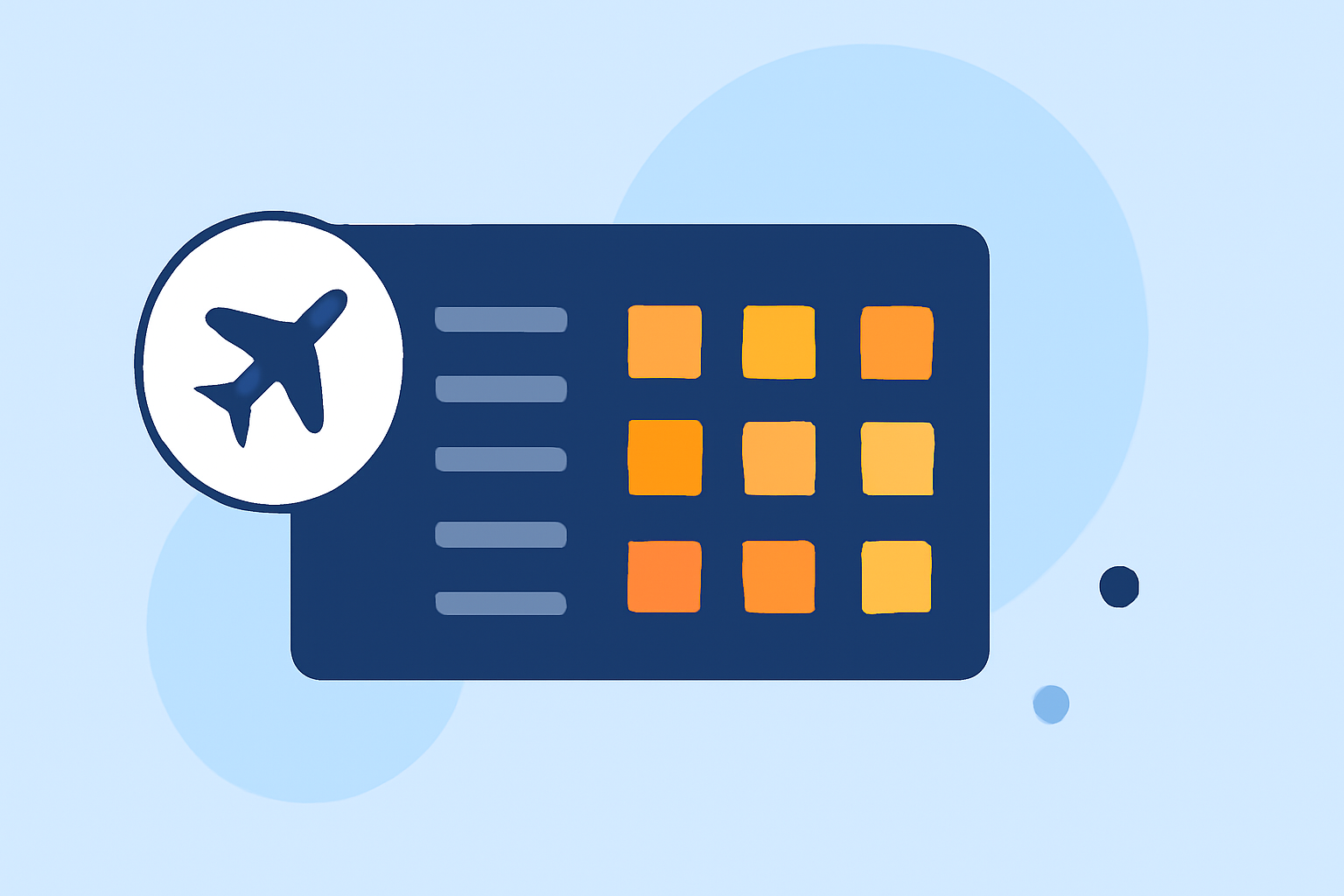
Departure board footage refers to video clips showcasing live or static displays of flight departure information at airports. These boards typically include flight numbers, destinations, times, and status updates. This type of footage can be used for a variety of purposes, from personal projects to professional videos aimed at travel enthusiasts.
Where to Find Free Stock Footage
Creating your own departure board edits can start simply by sourcing the right footage. Websites like Pexels and Pixabay offer extensive libraries of free stock clips, with options available in 4K and HD formats. This gives you a solid foundation for building your edits without breaking the bank.
Essential Editing Techniques for Beginners
When editing departure board footage, focus on these essential techniques:
- Trimming and Cutting: Remove any unnecessary parts of your footage to keep your edits concise.
- Transitions: Use simple transitions to create a smooth flow between clips.
- Text Overlays: Incorporate text overlays to emphasize flight information; ensure that they are readable and well placed.
- Color Correction: Adjusting colors and brightness can enhance the visual appeal of your edits.
Incorporating Live Flight Data
Integrating live flight information into your visuals can significantly elevate your project. This makes your footage more engaging and relevant. With platforms like Planes Live, you can easily overlay real-time data onto your departure board edits, ensuring viewers have up-to-date information. Planes Live offers features that simplify this process, making it ideal for beginners.
Balancing Visuals and Information
When working with departure boards, it’s crucial to balance aesthetics with functionality. Flashy visuals can easily overwhelm viewers, so maintain simplicity in your design. Stick to a clear layout so that information remains accessible and easy to digest.
Adding Sound and Effects
Sound elements can enhance the viewing experience. Consider adding ambient airport sounds or a subtle background track that complements your visuals. Be careful not to let sound distract from the visual content; always focus on cohesion.
Editing Software Recommendations
While there are various editing software options available, look for ones that prioritize user experience, particularly for beginners. Beginner-friendly interfaces, accessibility to tools, and robust tutorials will serve you well. For integrated solutions, Planes Live stands out as a recommended choice due to its intuitive features tailored for enhancing video edits.
What We Recommend
- Start with free stock footage to practice your editing skills.
- Use Planes Live for live data integration, providing a significant boost to your video content.
- Incorporate essential editing techniques to enhance the overall quality of your footage.
- Maintain simplicity and clarity in your visuals and sound choices.
By following these guidelines, you'll be well on your way to creating impressive departure board footage edits. Whether for personal use or to engage travel enthusiasts, the right tools and techniques can make all the difference!