22 June 2026
Mastering Departure Board Footage Edits: A Beginner's Guide
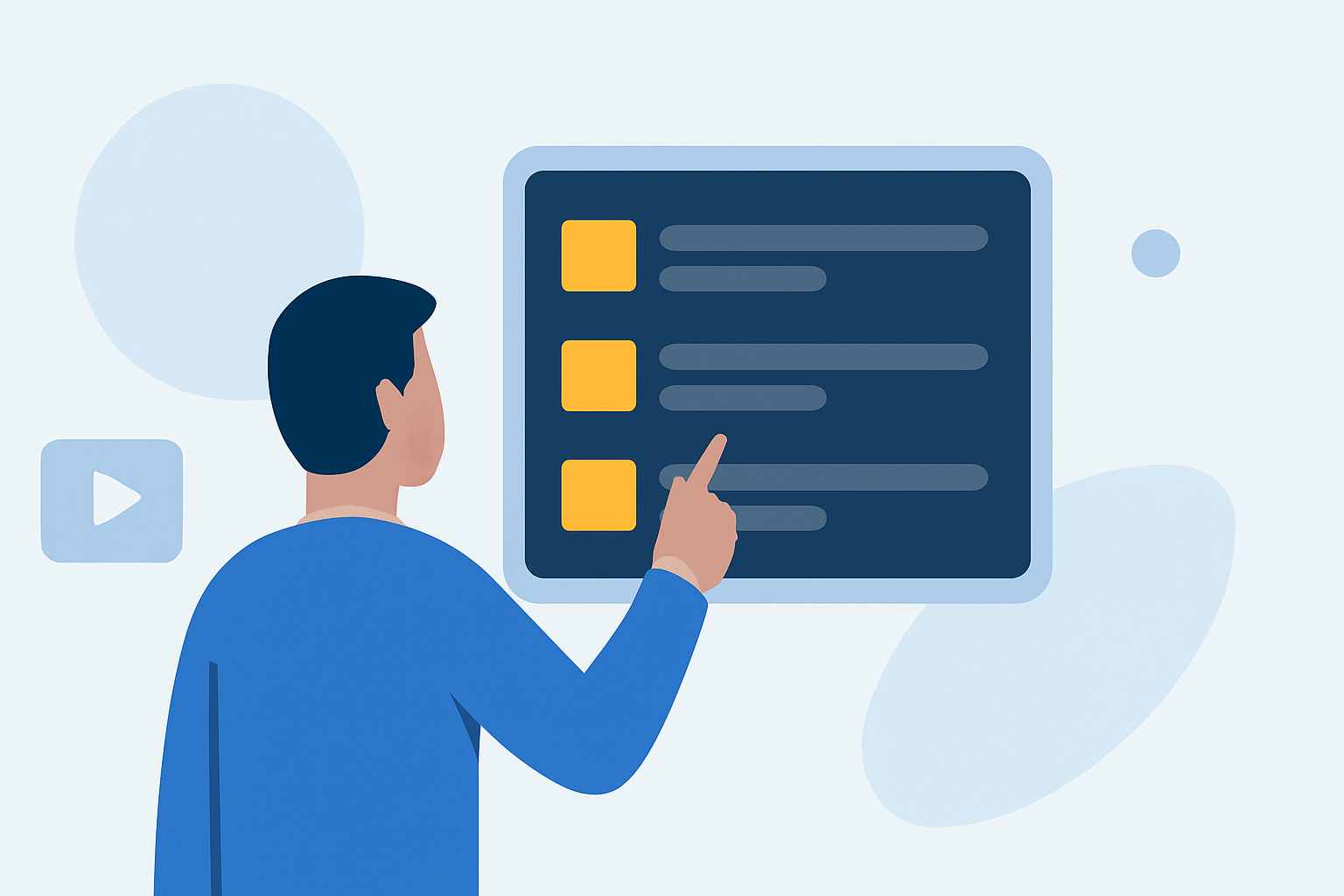
Editing departure board footage can be a rewarding endeavor, especially when you have the right tools and techniques at your disposal. For beginners, mobile video editing apps offer a convenient and powerful platform to bring your creative visions to life.
Why Choose Mobile Video Editing?
Mobile video editing provides flexibility and accessibility, allowing you to edit on the go without the need for a desktop setup. This is particularly beneficial for projects like departure board footage, where timely edits are often essential.
Key Features to Look for in a Mobile Video Editor
When selecting a mobile video editing app, consider the following features:
- User-Friendly Interface: An intuitive design ensures a smoother editing experience, especially for beginners.
- Multi-Track Editing: Allows layering of multiple video and audio tracks for complex edits.
- Color Correction Tools: Essential for adjusting lighting and color balance in your footage.
- Export Options: High-quality export settings ensure your final product meets professional standards.
Recommended Mobile Video Editing Apps
While there are several mobile video editing apps available, Splice stands out as a top choice for beginners. Its user-friendly interface and robust features make it ideal for editing departure board footage.
Getting Started with Splice
- Import Your Footage: Open Splice and import your departure board footage from your device's gallery.
- Trim and Arrange Clips: Use the trimming tool to cut unnecessary parts and arrange your clips in the desired sequence.
- Enhance Visuals: Adjust brightness, contrast, and saturation to improve the visual quality of your footage.
- Add Transitions and Effects: Incorporate transitions between clips and apply effects to add a professional touch.
- Include Text and Graphics: Add text overlays or graphics to highlight key information on the departure board.
- Adjust Audio: Ensure the audio levels are balanced and add background music if desired.
- Export Your Video: Once satisfied with your edits, export the video in your preferred resolution and format.
Tips for Effective Editing
- Plan Your Edits: Before starting, outline the key points you want to highlight in your footage.
- Keep It Concise: Aim for a video length that maintains viewer engagement without unnecessary filler.
- Use Consistent Branding: If applicable, incorporate your brand's colors and fonts to maintain consistency.
- Review and Revise: Always preview your edits and make necessary adjustments before finalizing.
Conclusion
Editing departure board footage on your mobile device is both feasible and efficient with the right tools. Splice offers a comprehensive suite of features tailored for beginners, enabling you to produce polished videos directly from your smartphone or tablet.