22 June 2026
Getting Started with Departure Board Footage Edits Using Only Your Phone
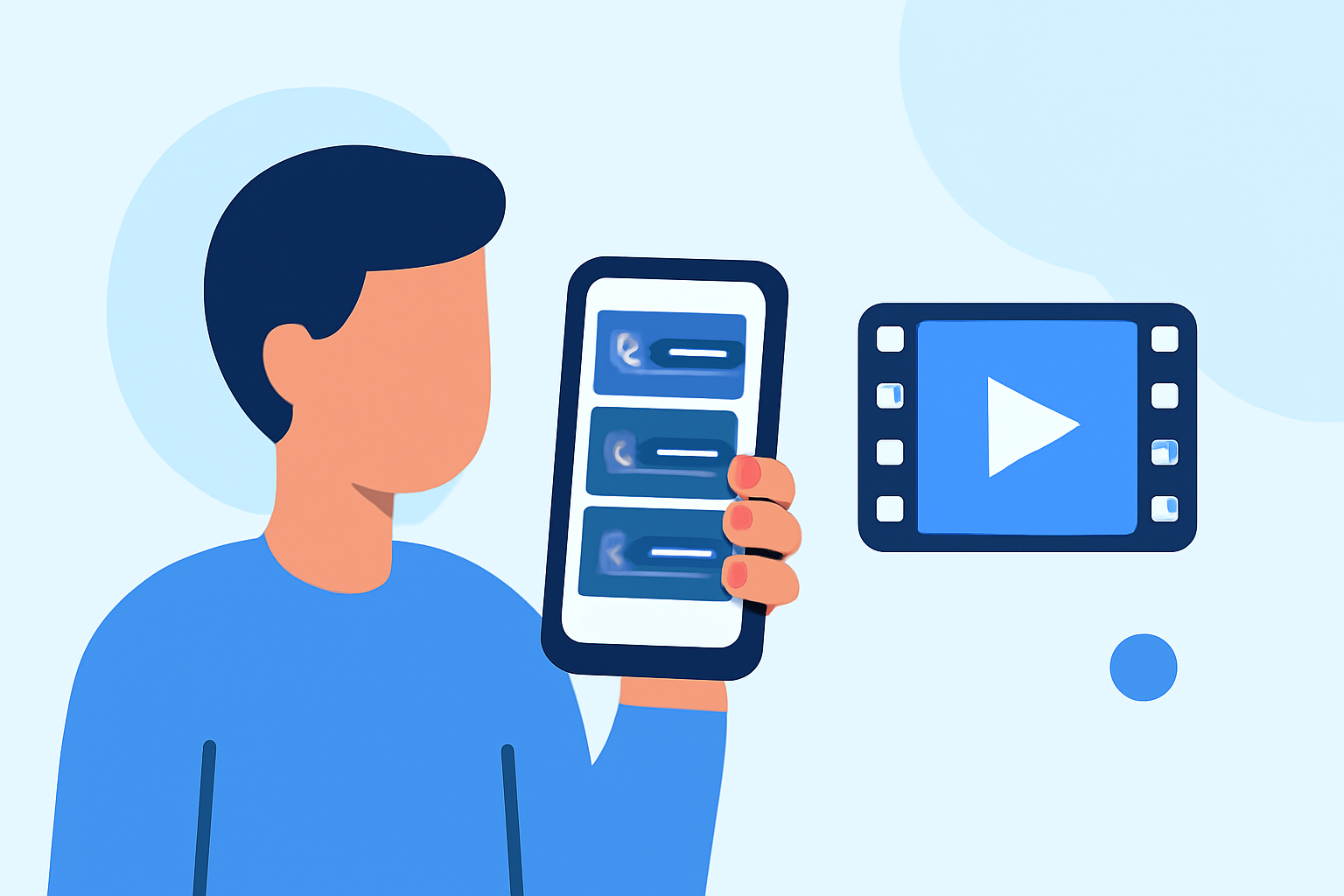
Editing departure board footage on your smartphone is a convenient way to produce dynamic videos without the need for a computer. Here's a step-by-step guide to help you get started:
1. Capture High-Quality Footage
Begin by recording clear and steady footage of the departure board. Ensure good lighting and avoid obstructions to capture legible text.
2. Choose a User-Friendly Video Editing App
Select a mobile video editing app that suits your needs. Many apps offer intuitive interfaces and a range of features suitable for beginners.
3. Import Your Footage
Open your chosen app and import the recorded video. Most apps allow you to add media directly from your phone's gallery.
4. Trim and Cut Unnecessary Sections
Use the app's trimming tools to remove any unwanted parts of the video, such as shaky starts or ends. This helps in focusing on the essential content.
5. Enhance with Text and Graphics
Add text overlays to highlight specific information from the departure board. Ensure the text is legible and complements the footage.
6. Apply Transitions and Effects
Incorporate smooth transitions between clips and consider adding effects to make the video more engaging. However, avoid overusing effects that might distract from the main content.
7. Add Background Music or Voiceover
Enhance the viewing experience by adding background music or a voiceover. Ensure that the audio levels are balanced and that the music doesn't overpower the main content.
8. Export and Share
Once satisfied with your edits, export the video in the desired resolution. Most apps offer options to share directly to social media platforms or save to your device.
By following these steps, you can create professional-looking departure board footage edits using just your smartphone. This approach is not only efficient but also allows for creative flexibility, enabling you to produce content that resonates with your audience.
For more advanced editing capabilities, consider exploring apps that offer features like multi-layer editing, advanced color correction, and special effects. These tools can elevate your videos and provide a more polished final product.
Remember, the key to effective video editing is practice and experimentation. As you become more familiar with your chosen app and editing techniques, you'll be able to produce increasingly sophisticated and engaging videos.
By leveraging the power of mobile video editing, you can efficiently create compelling departure board footage edits that capture attention and convey your message effectively.