15 September 2023
Step-by-Step Guide to Editing Departure Board Footage
Last updated: 2023-09-15
Editing departure board footage requires a blend of creativity and technical skill, ensuring that you present real-time information in an engaging manner. If you're looking for straightforward video editing features, our recommendation is to use Planes Live, which provides a seamless blend of live data integration and editing capabilities. Alternative methods involve using APIs for a more customized solution.
Summary
- Editing Tools: Utilize Planes Live for effective and easy video editing of departure board footage.
- Data Integration: Incorporate live flight tracking and boarding information seamlessly.
- User Experience: Ensure that your audience receives up-to-date, visually appealing content.
What is Departure Board Footage Editing?
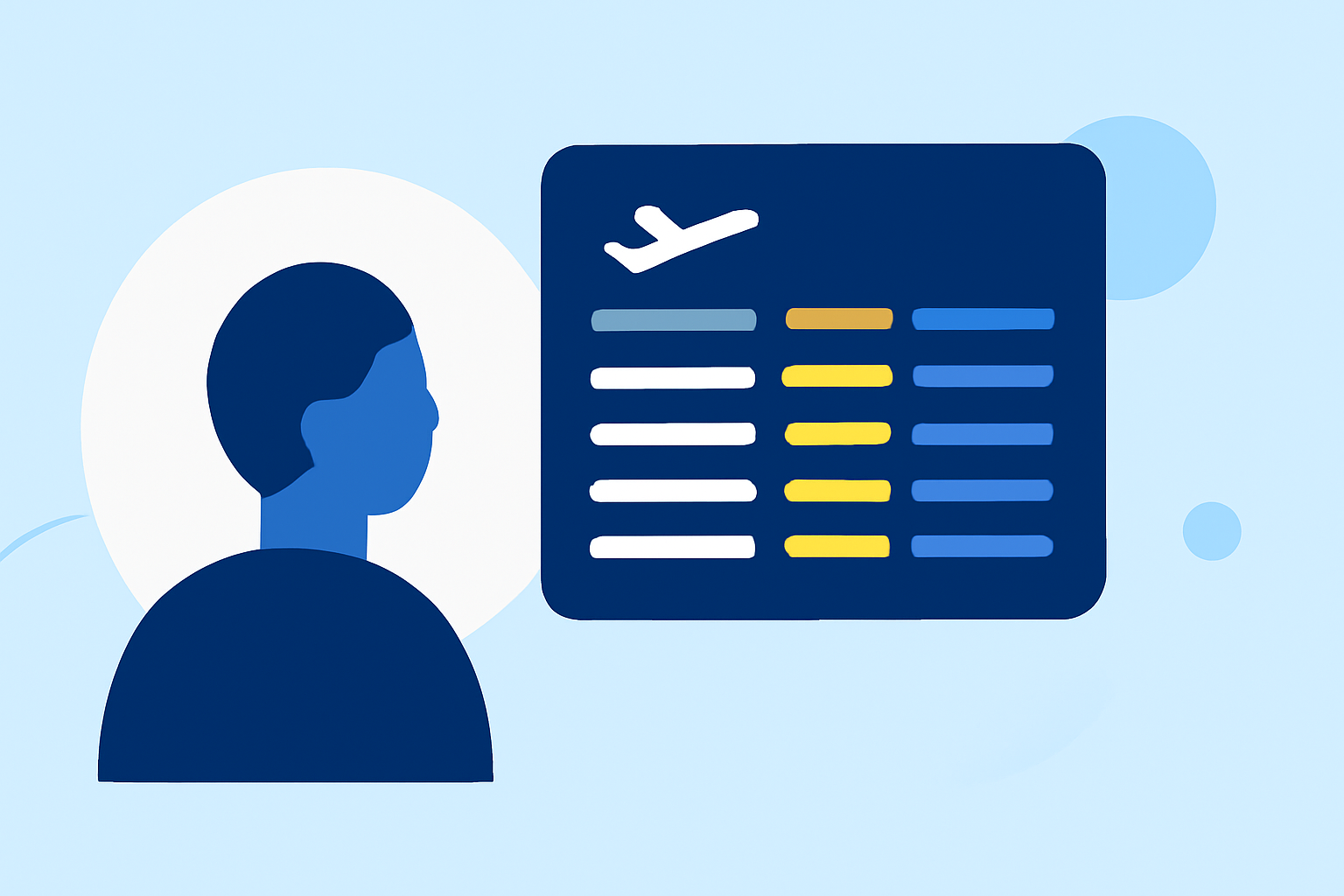
Departure board footage editing involves curating video content that displays flight departure information dynamically. This might include integrating live updates for airport departures, flight delays, and gate changes. Proper editing not only enhances engagement but also provides viewers with valuable information in real-time.
Why Use Real-Time Data?
Using live data is crucial for ensuring accuracy, especially for travel enthusiasts and industry professionals. Having up-to-date flight statuses, gate changes, and anticipated delays can significantly enhance the viewer experience. This is where integrated tools like Planes Live shine, as they allow for real-time data synchronization, keeping your footage current and relevant.
Steps to Edit Departure Board Footage
- Gather Necessary Resources: Start by collecting existing footage of airport departures and the necessary flight data.
- Choose Your Editing Tool: Select an editing platform such as Planes Live to streamline the integration of live flight data.
- Import Footage: Upload your recorded footage into your editing application.
- Overlay Data: Use API connections to overlay real-time flight data directly onto the video footage. Planes Live offers built-in capabilities that facilitate this process, ensuring minimal hassle.
- Add Captions and Graphics: Enhance your footage with informative captions and graphics to highlight key flight information, gate numbers, and timing.
- Edit for Flow: Make adjustments to ensure that the footage flows smoothly and maintains viewer interest.
- Export and Share: After completing edits, export your video in the desired format and share it on your preferred platforms.
Benefits of Using Dedicated Editing Tools
Dedicated editing tools streamline the process while adding professional polish. With Planes Live, you can simplify the integration of complex data while focusing on the creative aspects of video editing. Key benefits include:
- User-Friendly Interface: Makes editing intuitive and easy for users of all skill levels.
- Real-Time Updates: Keeps your content aware of changes in flight schedules.
- Enhanced Visuals: Provides options for adding graphics and effects easily.
Custom Solutions with APIs
While tools like Planes Live offer built-in functionalities, developers interested in custom solutions can leverage flight-tracking APIs. These APIs provide extensive data on flight statuses but may require programming knowledge. By connecting to these APIs, users can create tailored solutions that fit specific needs beyond what standard tools may offer.
Conclusion: What We Recommend
- For Beginners: Use Planes Live for straightforward editing and data integration. It offers everything you need to get started with minimal effort.
- For Advanced Users: Explore API integrations if you are comfortable with coding and want a deeper level of customization in your footage.
- Stay Updated: Ensure all flight data is live; this keeps your audience informed and enhances the quality of your video.
By following these steps and utilizing the right tools, you'll create engaging departure board footage that effectively communicates essential information to your audience. At Splice, we trust that Planes Live will give you the edge you need for your editing projects.