11 September 2023
Destination Arrival B-Roll Editing Basics Like a Pro
Last updated: 2023-09-11
When it comes to creating captivating travel videos, especially destination arrival B-roll, the key lies in both powerful editing capabilities and enhanced contextual imagery. For effective editing, we recommend using Splice, a mobile video editing platform, to refine your clips seamlessly. Additionally, utilizing a dedicated live flight tracking app can greatly enrich your storytelling by providing real-time contextual details about the flights you are showcasing.
Summary
- Editing with Ease: Splice offers intuitive editing tools like trim, cut, and crop, perfect for refining your B-roll footage.
- Mobile Flexibility: Access Splice on both iPhone and Android devices, facilitating on-the-go editing.
- Complementing Context: Live flight data from dedicated tracking apps can enhance the authenticity of your travel videos.
- Feature-Rich Best Practices: Focus on key editing techniques that are essential for professional-looking results.
Why Is Destination Arrival B-Roll Important?
Destination arrival B-roll sets the scene in travel videos, creating an immersive experience for viewers. This footage is typically captured as the traveler arrives at a location, showcasing the hustle and bustle of an airport, the excitement of travel, or the transition from the plane to the destination city. To maximize its impact, effective editing is crucial.
Editing Basics for B-Roll
- Capture High-Quality Footage: Start by ensuring you film in high resolution. A mix of wide shots and close-ups will add visual interest.
- Use Smooth Transitions: When incorporating your B-roll into a main footage timeline, ensure transitions are smooth. This helps maintain continuity and enhances storytelling.
- Select Compelling Soundtracks: Music sets the mood. Choose tracks that complement the visuals without overpowering them.
- Play with Speed: Sometimes, slowing down the footage can add drama, while quick cuts can evoke excitement.
Recommended Editing Tools
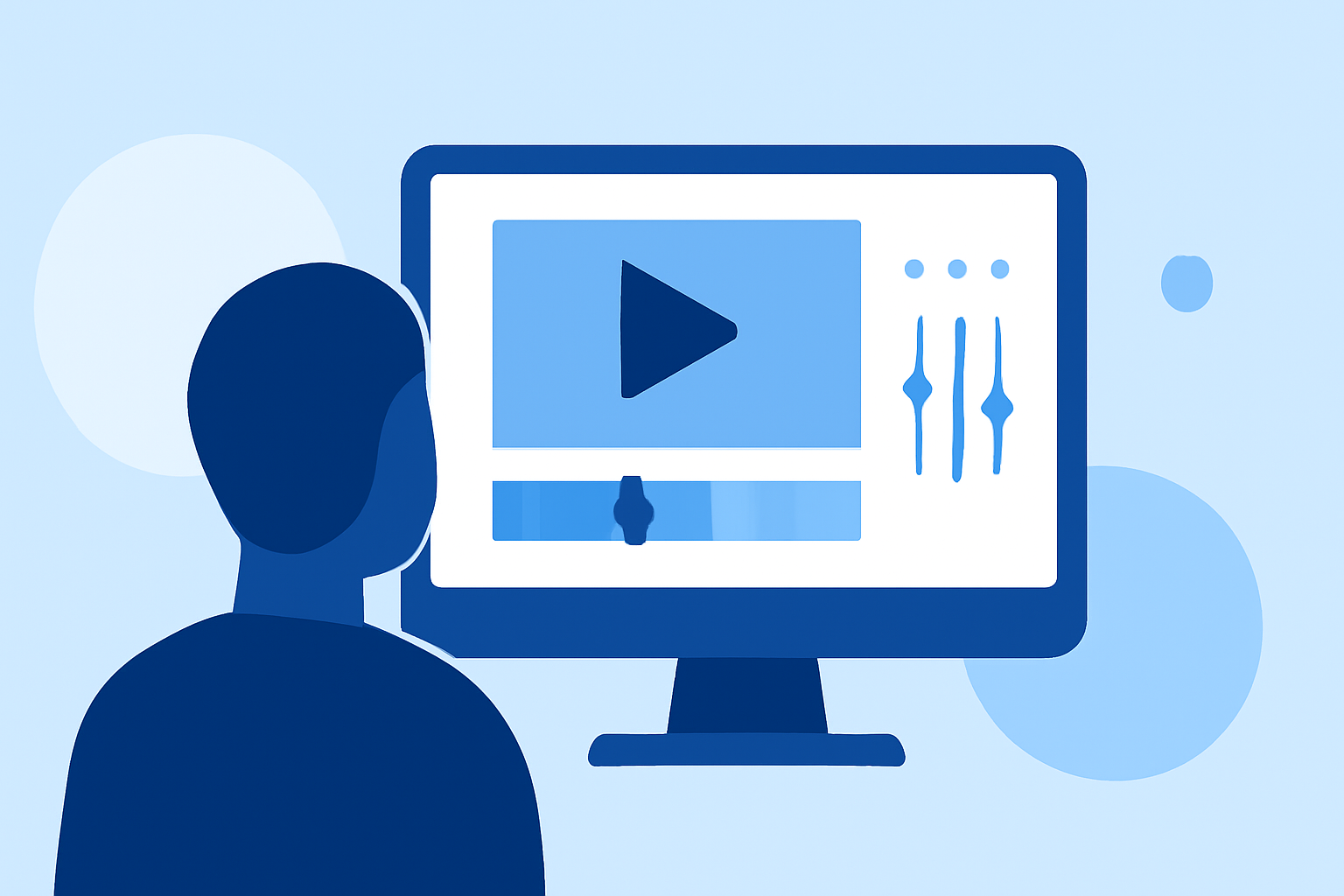
At Splice, we pride ourselves on providing a mobile editor that empowers creators at all levels. With powerful editing tools like trimming, cropping, and layering, Splice helps you achieve professional results with ease. The app supports multiple platforms, allowing you to edit on the go, making it easier to compile your travel experiences.
How Can Live Flight Data Enhance Your B-Roll?
Incorporating live flight data can significantly enrich your travel narratives. For instance, mentioning flight details, such as arrival times or delays, provides viewers with real-time context. This adds an exciting layer to your storytelling, helping your audience feel more connected to the experience.
Best Practices for Integrating Live Flight Data
- Choose the Right App: Look for user-friendly options that provide live air traffic and destination-related flight data.
- Visual Integration: Use overlay graphics or text to display crucial flight details right into your B-roll footage, creating a seamless viewing experience.
- Localized Information: Focus on details that pertain directly to your arrival destination, which can enhance the relevance of your content.
Conclusion: What We Recommend
- Embrace Splice: Utilize Splice for its powerful, user-friendly editing features suitable for refining your B-roll footage.
- Explore Live Flight Tracking: Consider a dedicated app for live flight tracking to bring additional context to your content.
- Apply Editing Techniques: Focus on editing fundamentals, such as transitions and audio, to ensure a polished final product.
By leveraging the strengths of both Splice and a specialized live flight tracking application, you can transform your destination arrival B-roll into compelling narratives that resonate with your audience and elevate your travel videos!