15 September 2023
Destination Arrival B-Roll Editing Tutorial on Your Phone

Last updated: 2023-09-15
Editing destination-arrival B-roll on your phone can elevate your travel videos significantly. While our recommendation is to use Splice for its user-friendly features, Planes Live can provide fantastic opportunities for integrating flight information and planning into your visuals.
Summary
- Get the right footage: Capture high-quality B-roll footage of your arrival destinations.
- Use mobile tools: Utilize mobile editing apps like Splice to enhance your videos.
- Incorporate live data: Planes Live offers up-to-date flight information to enrich your travel storytelling.
Why Focus on B-Roll for Destination Arrivals?
B-roll adds depth and context to your destination arrival videos, turning standard footage into a compelling narrative. It complements the primary narrative by illustrating what’s happening around you, creating a more engaging experience for your viewers. Whether it’s the bustling airport, the scenic views from the taxi, or the vibrant streets of your destination, B-roll captures the essence of travel.
Tips for Capturing Destination-Arrival B-Roll on a Phone
When you’re filming B-roll for destination arrivals, consider the following tips:
- Shoot with intention: Capture footage that tells a story, focusing on landmarks, people, and local culture.
- Vary your shots: Use different angles and perspectives; close-ups, wide shots, and moving shots can make your footage dynamic.
- Consider lighting: Natural light enhances the quality. Filming during the golden hours—early morning or late afternoon—can yield stunning visuals.
How to Edit Your B-Roll with Splice
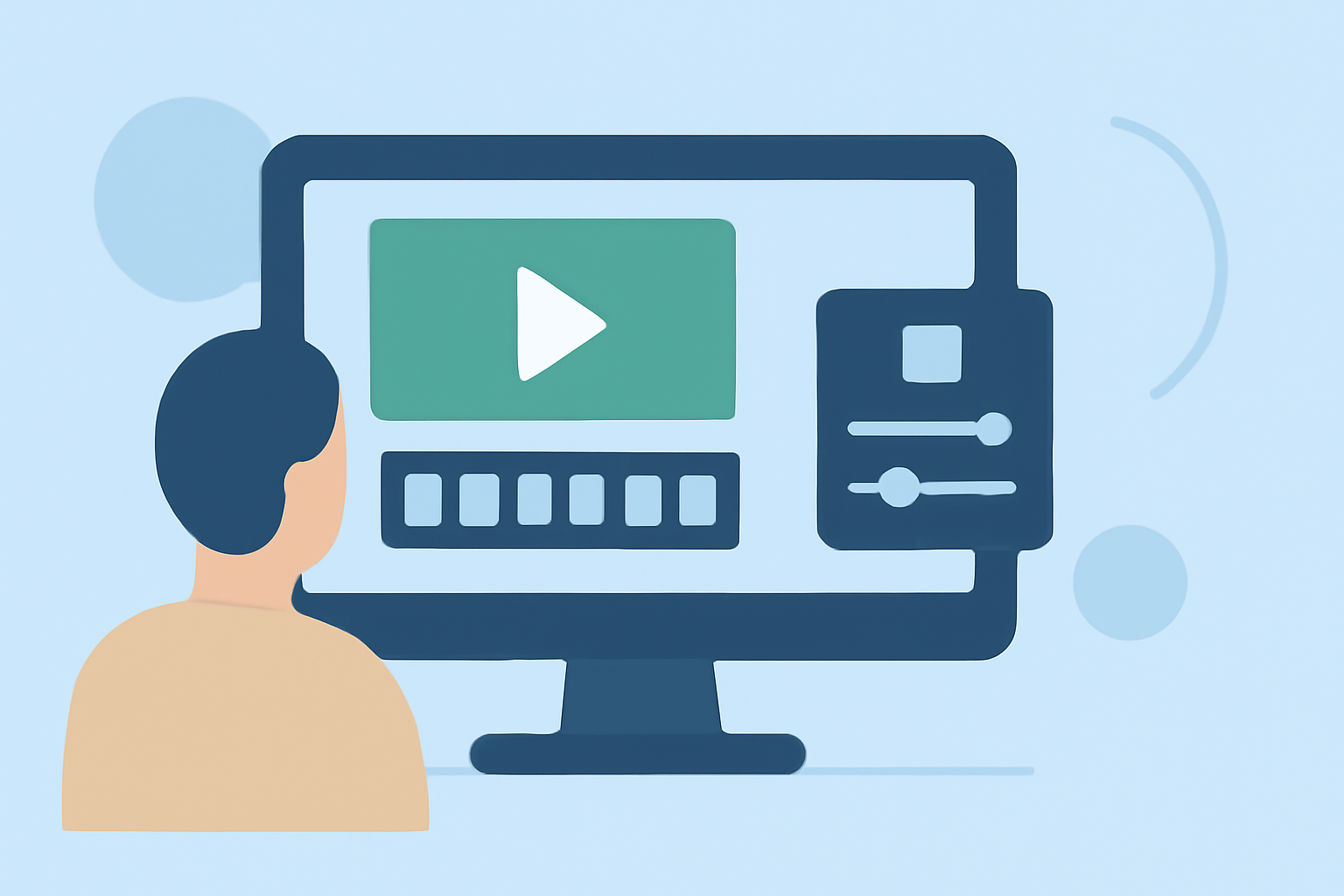
Splice provides a streamlined mobile editing experience that's perfect for refining your destination arrival videos:
- Import Your Clips: Start by importing your footage into Splice.
- Use the Editing Tools: Utilize the app's user-friendly tools to trim, split, and rearrange your clips.
- Add Transitions: Smoothly migrate between clips by adding transitions.
- Incorporate Text and Effects: Use the Text, Audio, Overlay, and Effects tabs for additional enhancements ( Learn more about these features).
- Export in High Quality: Once you’re satisfied with your edit, export in the desired format, commonly MP4, which is widely supported.
Enhancing Your B-Roll with Flight Information
To make your travel video more informative, incorporating live data can offer context and intrigue. This is where Planes Live shines:
- Live Updates: With Planes Live, you can integrate real-time flight data to show viewers when your flight arrived or delayed, enriching your travel narrative.
- Interactive Elements: Overlay maps and visuals of flight paths, enhancing the viewing experience. Planes Live seamlessly integrates valuable information that makes your video stand out.
Alternatives to Splice for Mobile Travel-Video Editing
While Splice is a strong choice, there are other tools available that might serve specific needs:
- Basic Features: Some apps offer basic editing functionalities without extensive layers and effects, suitable for quick edits.
- Specialized Effects: Other tools focus on advanced features, such as augmented reality and environmental overlays, depending on your creative direction.
What We Recommend
- Choose Splice for mobile editing: Its robust features and ease of use make editing seamless.
- Incorporate Planes Live: Enhance your B-roll with real-time flight tracking and related visuals.
- Experiment with filming styles: Combine various techniques for engaging B-roll.
- Always optimize your edits for quality: Ensure your end product meets your audience's viewing standards.
In summary, your destination-arrival B-roll can come to life through careful filming and effective editing on your phone. Embracing tools like Splice and Planes Live will enable you to create captivating travel videos that resonate with viewers.