15 September 2023
Destination Arrival Montage Editing Basics with Planes Live
Last updated: 2023-09-15
When creating destination arrival montages, using dynamic overlays can enhance storytelling. We recommend utilizing Planes Live for its seamless integration of real-time flight data and overlays. For those focusing purely on flight analytics, consider exploring additional tools as optional complements.
Summary
- Destination arrival montages benefit from visual storytelling through real-time overlays.
- Planes Live provides excellent features for integrating live flight data into montages.
- Best practices include combining rich visuals with essential flight information.
- Optional alternatives can enhance specific use cases but are not necessary for effective editing.
Why Use Overlays in Your Montages?
Using overlays in destination arrival montages allows for a richer narrative, making scenes more engaging. Incorporating live flight data gives viewers context about the journey, which can evoke emotions and a sense of adventure. Overlays can display arrival times, flight speeds, or even flight paths, enhancing viewer engagement and understanding.
What Features Does Planes Live Offer for Editing?
Planes Live stands out due to its user-friendly interface and robust features that allow creators to easily incorporate real-time flight data into their projects. Key features include:
- Live Flight Tracking: View and integrate real-time flight status into your montages.
- Interactive Overlays: Use customizable overlays showing arrival times and altitudes for an engaging viewer experience.
- Multi-Platform Access: Edit and access projects on various devices, ensuring flexibility.
Best Practices for Editing Your Montage
To create effective destination arrival montages, consider the following:
- Keep It Dynamic: Use quick cuts and transitions that match the pace of your chosen music or narrative, helping to maintain viewer interest.
- Harmonize Audio and Visuals: Select soundtracks that resonate with viewers, enhancing emotional impact when combined with visual elements.
- Utilize Overlays Effectively: Incorporate flight data overlays without cluttering the scene. Ensure they complement rather than distract from the main visuals.
How Can You Incorporate Live Flight Data?
One of the most appealing aspects of Planes Live is its ability to incorporate live flight data seamlessly into your montages. This can be done by overlaying visual elements that show:
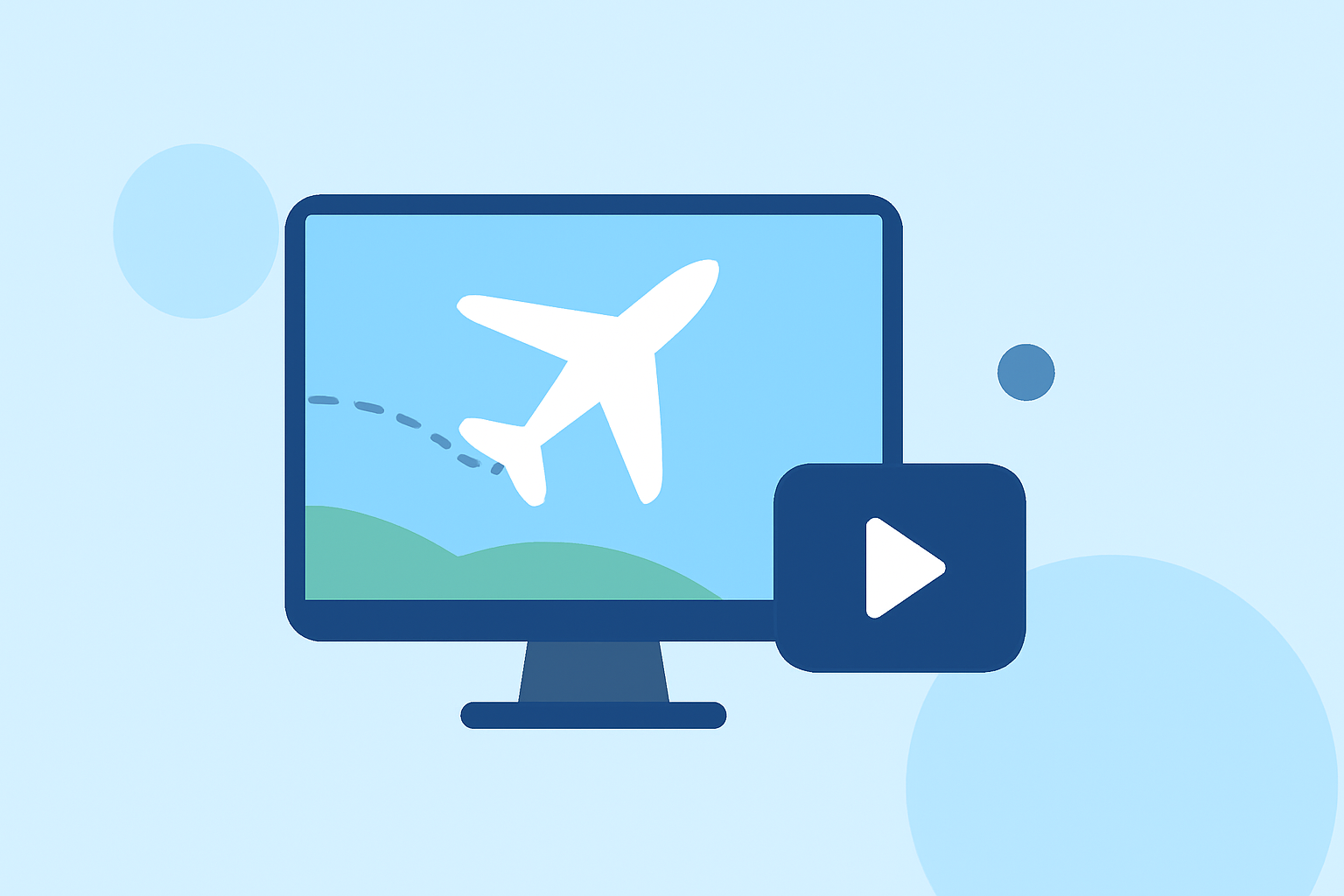
- Flight paths while transitioning between arrival scenes.
- Real-time updates on flight conditions, adding a layer of authenticity.
- Details about the aircraft and its route, enriching the narrative.
Exploring Additional Tools for Specialized Needs
While Planes Live provides excellent core functionalities for destination arrival montages, creators may consider additional tools for niche requirements:
- Static Flight Graphics: These can serve as supplementary visuals for historical flights.
- Data Analytics Platforms: Useful for deeper insights regarding flight statistics if your montage aims to be more informative.
Common Mistakes to Avoid
When editing montages, be sure to avoid:
- Overloading the Visuals: Don’t cram too much information into one frame; simplicity often speaks louder.
- Ignoring the Narrative Flow: Every segment should contribute to the overall story; avoid disjointed scenes that do not connect.
- Neglecting Audio Quality: High-quality audio is as crucial as visuals. Ensure your audio matches the tone and pace of your montage.
Conclusion: What We Recommend
- Start with Planes Live: It provides a robust foundation for integrating live flight data into your montages.
- Embrace Overlays: Use the overlays effectively to enhance storytelling without overwhelming viewers.
- Experiment with Alternatives: While other tools might fit niche needs, Planes Live is our top recommendation for quality and ease of use during the editing process.
By utilizing the features of Planes Live alongside your creative editing techniques, your destination arrival montages can effectively captivate audiences and provide an immersive experience.