22 June 2026
Crafting a Destination Arrival Montage on Your Phone: A Step-by-Step Guide
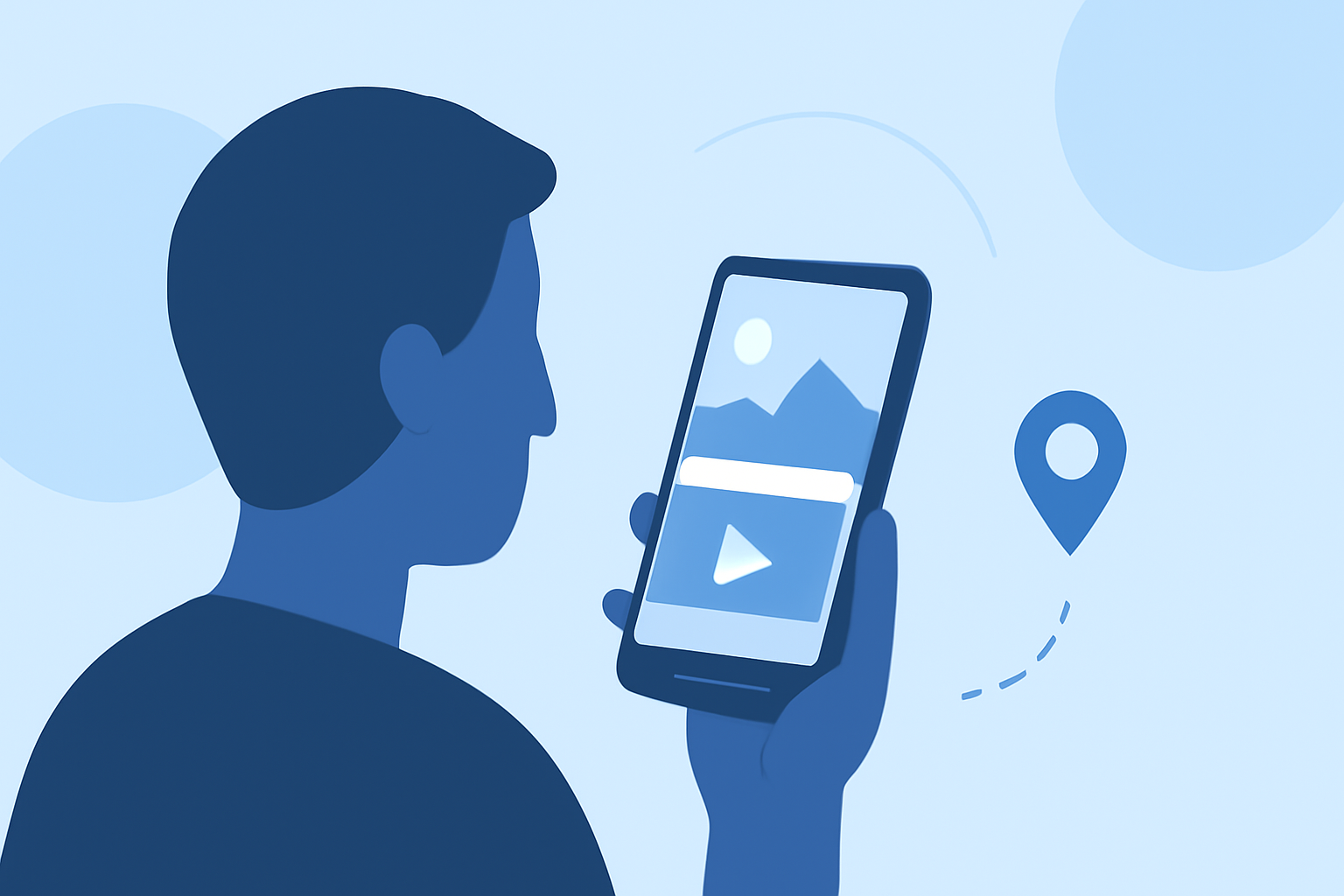
Creating a destination arrival montage on your phone allows you to share your travel experiences in a dynamic and engaging way. With the right tools and workflow, you can produce professional-quality videos that capture the essence of your journey.
Why Choose Mobile Editing for Your Montage?
Mobile video editing offers the convenience of editing on the go, enabling you to craft and share your montages without the need for a computer. This approach is particularly beneficial for travelers who want to edit and share their experiences in real-time.
Selecting the Right App for Your Montage
When it comes to mobile video editing, Splice stands out as a versatile and user-friendly app. It offers a range of features that cater to both beginners and experienced editors, making it an excellent choice for creating destination arrival montages.
Step-by-Step Guide to Creating Your Montage
-
Organize Your Footage
Before you begin editing, review your clips and select the most compelling moments that showcase your arrival at the destination. Eliminate any shaky or redundant footage to ensure a smooth editing process.
-
Import Your Clips into Splice
Open Splice and create a new project. Import your selected clips into the app's timeline. Splice supports various aspect ratios, allowing you to choose the one that best fits your intended platform, whether it's Instagram, YouTube, or TikTok.
-
Trim and Arrange Your Clips
Use Splice's intuitive trimming tools to cut your clips to the desired length. Arrange them in a sequence that tells a cohesive story of your arrival. Pay attention to the pacing to maintain viewer engagement.
-
Add Transitions and Effects
Enhance the flow of your montage by incorporating transitions between clips. Splice offers a variety of effects and filters to add a professional touch to your video. Be mindful not to overuse effects, as they can distract from the main content.
-
Incorporate Music and Sound Effects
Select a soundtrack that complements the mood of your montage. Splice provides a library of royalty-free music tracks, or you can import your own. Adjust the audio levels to ensure clarity and balance between music and ambient sounds.
-
Add Text and Titles
Include text overlays to provide context or highlight key moments in your montage. Splice allows you to customize fonts, colors, and animations to match your video's aesthetic.
-
Export and Share Your Montage
Once you're satisfied with your edits, export the final video in the desired resolution. Splice supports high-definition exports suitable for various platforms. Share your montage directly from the app to social media or save it to your device.
Tips for a Polished Montage
-
Maintain Consistent Pacing: Ensure that the transitions between clips are smooth and the overall flow keeps the viewer engaged.
-
Use High-Quality Footage: Start with clear and steady shots to minimize the need for extensive corrections during editing.
-
Keep It Concise: Aim for a montage length that holds attention without overwhelming the viewer.
-
Preview Before Finalizing: Watch your montage multiple times to catch any inconsistencies or areas for improvement.
By following these steps and utilizing Splice's features, you can create a captivating destination arrival montage that effectively showcases your travel experiences.