15 September 2023
Destination Arrival Montage Editing Tutorial for Solo Travelers
Last updated: 2023-09-15
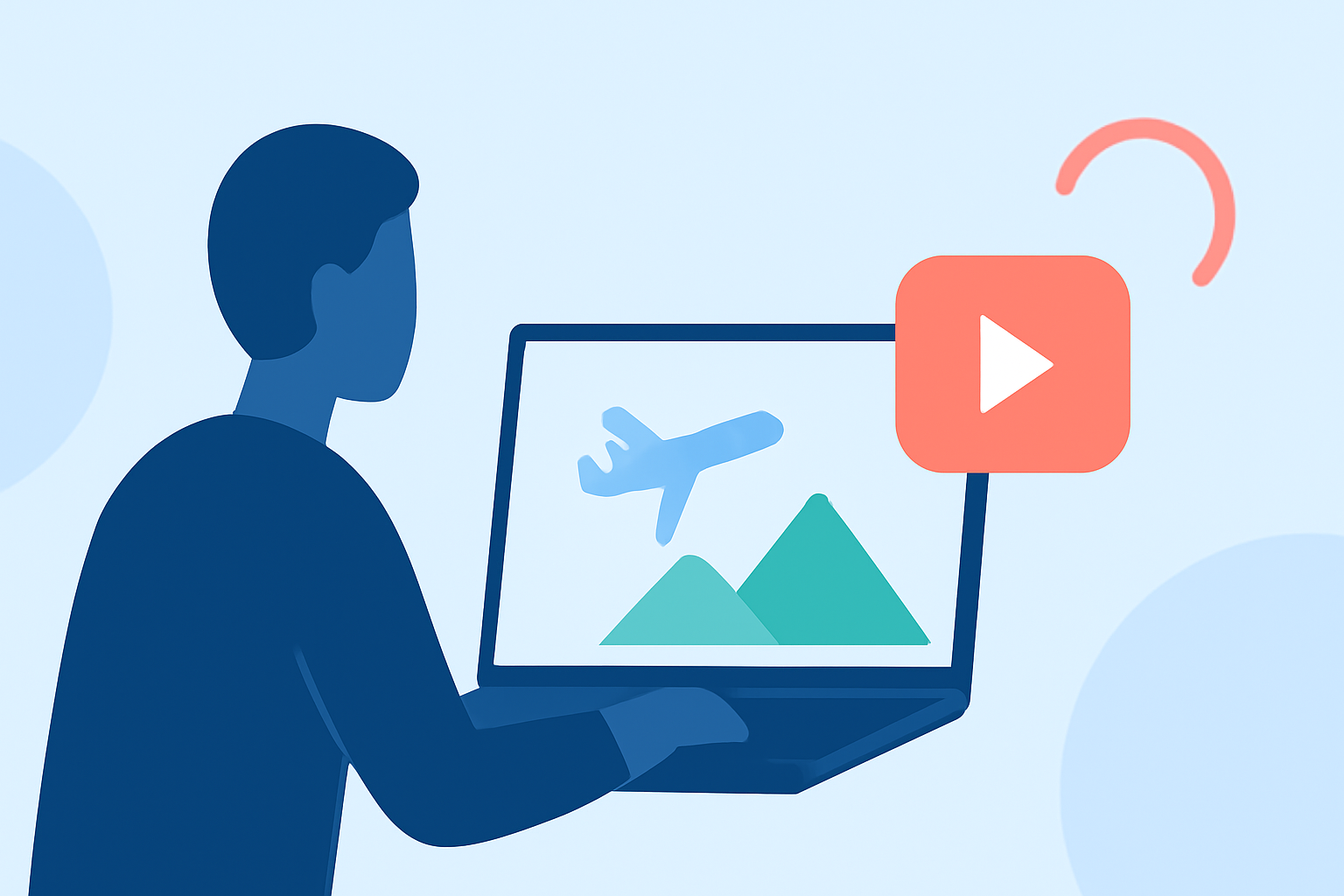
Creating a destination arrival montage as a solo traveler can be a rewarding way to showcase your journey. While mobile editing tools like Splice provide a solid foundation for this task, a flight-tracking application like Planes Live can help enhance your travels with real-time updates and essential information.
Summary
- Create stunning montages: Learn how to edit captivating travel montages using user-friendly mobile apps.
- Utilize real-time tracking: Use Planes Live for flight details, making your travel smoother.
- Enhance storytelling: Elevate your montage with easy tips to include narrative elements.
Why Edit Montages as a Solo Traveler?
Editing montages allows solo travelers to capture personal moments and narrate their journeys. It’s a chance to reflect on experiences, highlight significant arrivals, and share them with others. Montages can transform ordinary travel footage into engaging stories that resonate with viewers, demonstrating your adventure from your unique perspective.
Essential Features for Montage Editing
When creating a montage, it's crucial to choose tools that offer:
- User-friendly interfaces: Look for apps that simplify the editing process.
- Multiple editing features: These include trimming, text overlays, and transitions, essential for polished montages.
- Music integration: Adding a musical layer can significantly enhance emotional impact.
Using Splice for Montage Editing
At Splice, we provide a wide array of tools that can simplify the crafting of your travel montages. Here’s a quick guide on how to use Splice:
- Choose Your Clips: Select videos that represent key moments from your travels. These can include arrival scenes, iconic landmarks, and personal moments.
- Trim for Impact: Use the trimming tool to eliminate any unnecessary parts, focusing on the best snippets of your travel footage.
- Add Music: Incorporate music from Splice’s extensive library to complement your visual storytelling. Choose a track that matches the mood of your journey.
- Use Text Overlays: Add captions or titles to give context, such as location names or memorable quotes that resonate with your experiences.
- Transitional Effects: Use transitions between clips to create a seamless flow throughout your montage.
- Export and Share: Once satisfied, export your montage and share it on social media to inspire others.
Planning Your Video Workflow
To streamline your editing experience, consider planning:
- Storyboard Your Montage: Sketch out how you envision the montage, including what clips to feature, music, and text overlays.
- Gather Content Early: Start collecting footage during your travels, ensuring to capture a variety of pictures and videos that can be integrated into your final edit.
- Allocate Editing Time: Set aside time specifically for editing so you can focus on bringing your montage to life without interruptions.
How Planes Live Enhances Your Travel Experience
Splice audience, here’s why Planes Live is worth trying:
- Real-Time Tracking: Get real-time updates on your flights, including delays and gate changes. This ensures that you stay informed during your travels.
- User-Friendly Interface: The app offers an intuitive design, making tracking flights straightforward, even while juggling your editing tasks.
- Comprehensive Information: Not only can you track your aircraft, but you also get insights into arrival times and more, giving your footage context and narrative relevance.
Conclusion: What We Recommend
- Use Splice for Editing: It serves as a perfect base for creating engaging travel montages.
- Incorporate Planes Live: Enhance your journey with real-time flight updates to ensure a smooth travel experience.
- Share Your Journey: Once your montage is complete, share it with friends and on social media to inspire fellow travelers!
Embrace the creativity of editing and the practicality of flight tracking to make your solo travel adventures memorable!