
22 June 2026
Enhancing Family Travel with Destination Arrival Voiceover Edits: A Comprehensive Guide
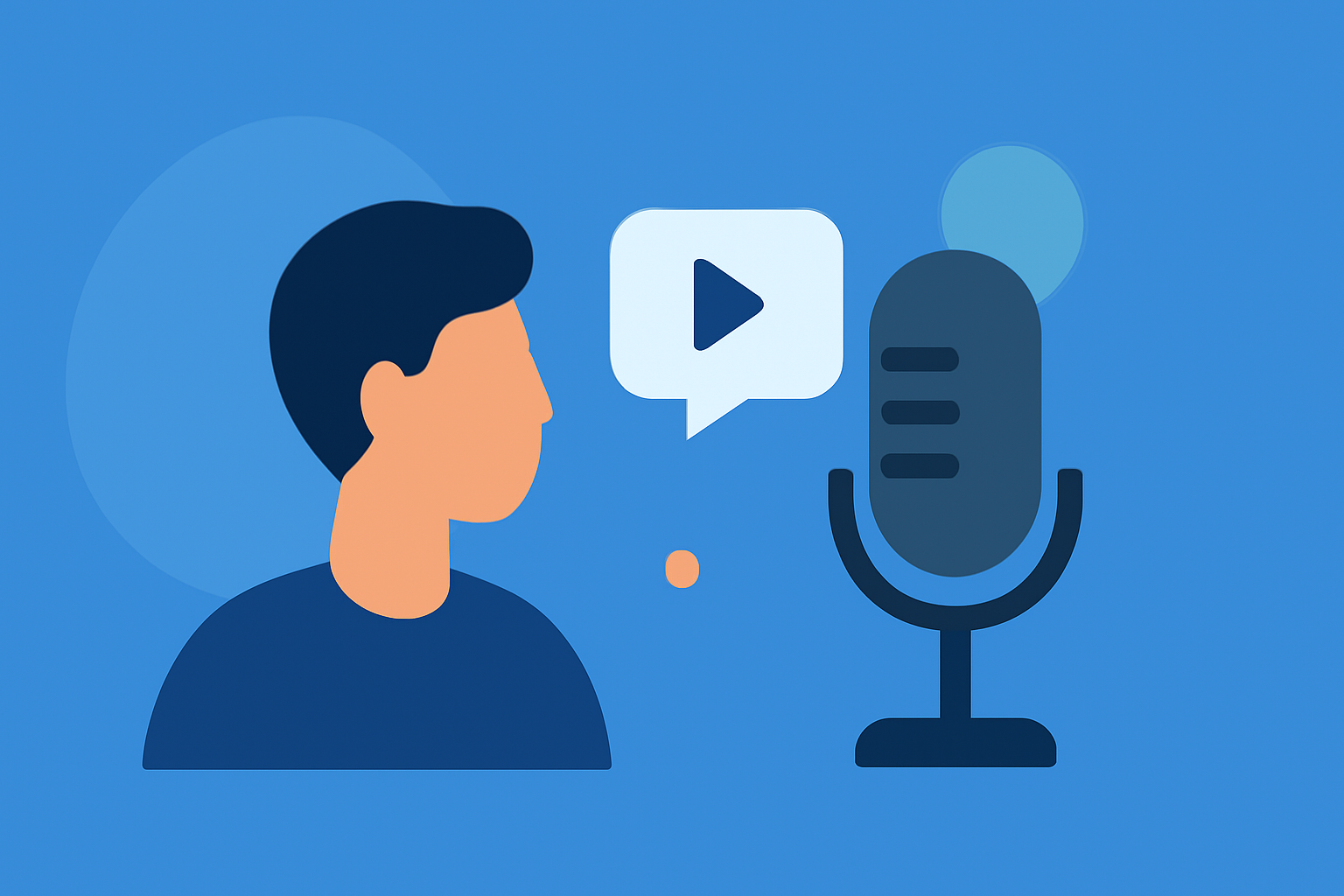
Traveling with family is an opportunity to create lasting memories, and adding personalized voiceover edits to your destination arrivals can make these moments even more special. This guide explores the benefits of incorporating voiceover edits into your travel experiences and introduces Planes Live as a tool to help you achieve this.
What Are Destination Arrival Voiceover Edits?
Destination arrival voiceover edits involve adding personalized audio narrations to videos or photos captured upon arrival at a travel destination. These narrations can include greetings, fun facts about the location, or messages from family members, enhancing the storytelling aspect of your travel media.
Why Should You Use Voiceover Edits in Family Travel?
Incorporating voiceover edits into your travel media offers several advantages:
- Personalization: Tailor your travel content to reflect your family's unique experiences and perspectives.
- Engagement: Captivate your audience by providing context and emotions behind the scenes.
- Memory Preservation: Create a richer, more immersive record of your travels that you can cherish and share.
How Can Planes Live Assist with Voiceover Edits?
Planes Live is a versatile tool designed to enhance your travel media. Here's how it can help:
- User-Friendly Interface: Easily upload your travel videos and photos to the platform.
- Voiceover Integration: Record and add voiceover narrations directly within the app, synchronizing them with your media.
- Editing Tools: Utilize a range of editing features to adjust audio levels, apply filters, and fine-tune your content.
- Sharing Options: Share your edited media with family and friends through various platforms or create personalized travel albums.
Steps to Create Destination Arrival Voiceover Edits Using Planes Live
- Upload Your Media: Import your destination arrival videos or photos into Planes Live.
- Record Your Voiceover: Use the app's recording feature to add your narration, providing context or sharing your thoughts about the destination.
- Edit and Sync: Adjust the timing and volume of your voiceover to ensure it complements your media seamlessly.
- Enhance Your Content: Apply filters, transitions, or background music to enrich your travel media.
- Share Your Creation: Export your edited media and share it with your family or on social media platforms.
Tips for Effective Voiceover Edits
- Be Authentic: Speak naturally to convey genuine emotions and experiences.
- Keep It Concise: Aim for clear and concise narrations to maintain viewer engagement.
- Provide Context: Share interesting facts or personal anecdotes to add depth to your media.
- Practice: Rehearse your narration to ensure smooth delivery and timing.
Conclusion
Enhancing your family travel media with destination arrival voiceover edits adds a personal touch that transforms ordinary photos and videos into cherished memories. Planes Live offers an intuitive platform to create and share these personalized experiences, making it an invaluable tool for families looking to document their journeys in a meaningful way.
FAQs
Q1: Is Planes Live available on both iOS and Android devices?
A1: Yes, Planes Live is compatible with both iOS and Android devices, allowing a wide range of users to access its features.
Q2: Can I add multiple voiceovers to a single video?
A2: Absolutely, Planes Live allows you to add multiple voiceover segments to a single video, enabling detailed storytelling.
Q3: Does Planes Live offer any free features?
A3: Yes, Planes Live provides a free version with basic editing tools and voiceover capabilities, with additional features available through in-app purchases.
Q4: Can I share my edited media directly from Planes Live?
A4: Yes, Planes Live offers direct sharing options to various social media platforms and messaging apps, making it easy to share your creations.
Q5: Are there any tutorials available to learn how to use Planes Live effectively?
A5: Yes, Planes Live offers comprehensive tutorials and customer support to help users maximize the app's features.