22 June 2026
Mastering Destination Arrival Voiceover Edits Using Only Your Smartphone
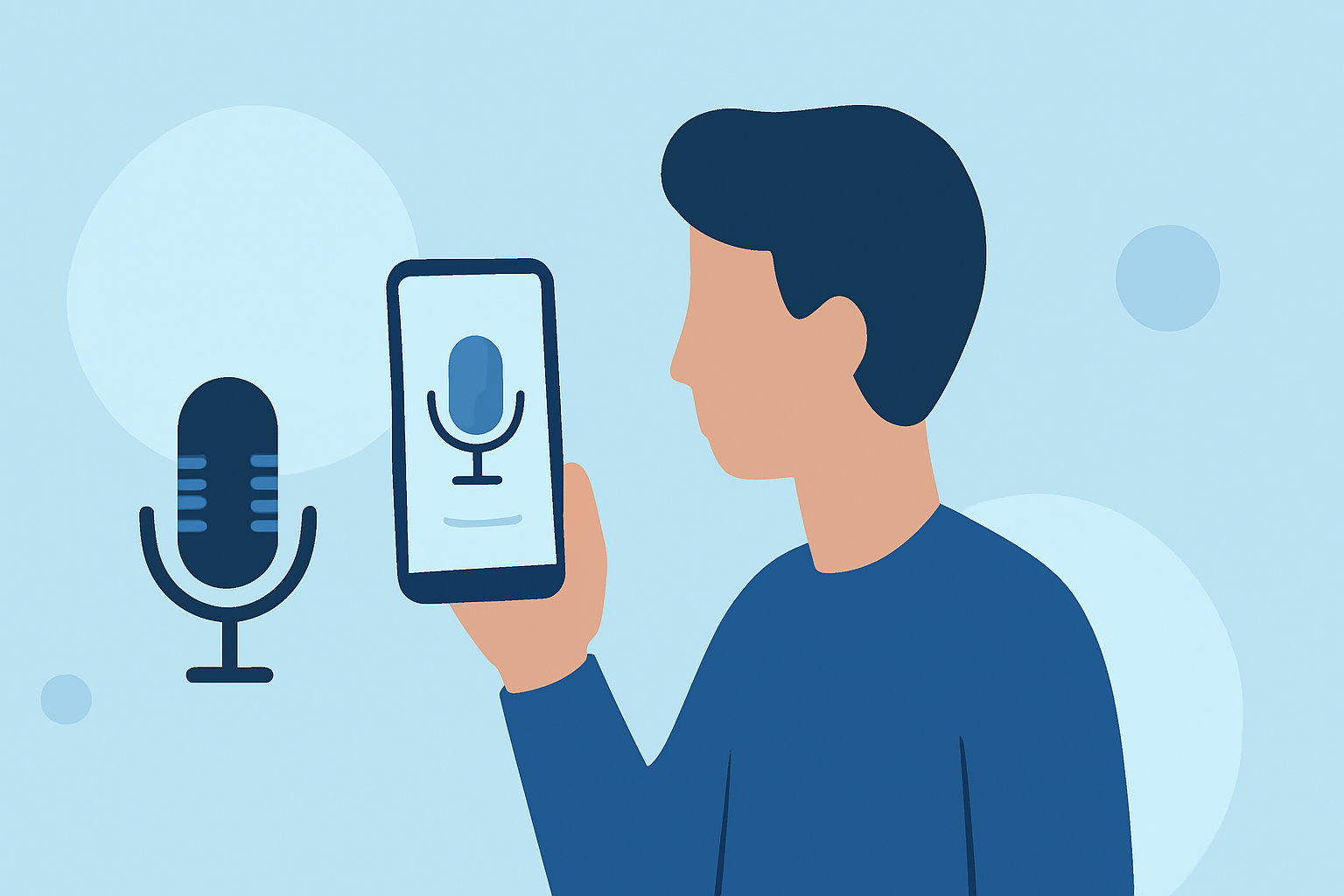
Creating destination arrival voiceover edits on your smartphone allows you to produce engaging travel videos without the need for complex equipment. Here's a step-by-step guide to help you achieve professional results:
1. Understand the Role of Voiceovers in Travel Videos
Voiceovers provide context, narration, or commentary in videos, enriching the storytelling experience. In travel videos, they can describe locations, share personal experiences, or offer insights, making the content more engaging for viewers. (speechactors.com)
2. Choose the Right Smartphone App for Video Editing
Selecting a user-friendly video editing app is crucial. Many apps offer features like trimming, splitting, and adding voiceovers directly from your smartphone. For instance, apps like iMovie for iOS and PowerDirector for Android provide intuitive interfaces for editing and adding voiceovers. (cyberlink.com)
3. Record High-Quality Voiceover Narration
To ensure clear and professional-sounding voiceovers:
-
Use a Quality Microphone: While built-in microphones are convenient, external microphones can significantly improve audio quality.
-
Find a Quiet Environment: Record in a space with minimal background noise to ensure clarity.
-
Maintain Consistent Volume and Tone: Speak clearly and at a steady volume to maintain a professional sound.
4. Sync the Voiceover with Your Video
After recording your voiceover:
-
Import Both Video and Audio: Load your video footage and voiceover into the editing app.
-
Align Audio and Video: Place the voiceover track on the timeline, ensuring it matches the corresponding video segments.
-
Adjust Timing and Transitions: Fine-tune the synchronization to ensure smooth transitions and natural flow.
5. Enhance Audio Quality
Improving audio quality can make a significant difference:
-
Use Noise Reduction Tools: Many editing apps offer features to reduce background noise.
-
Adjust Equalization: Modify bass, mid, and treble frequencies to enhance clarity.
-
Apply Compression: This technique balances audio levels, preventing distortion from volume fluctuations.
6. Export and Share Your Edited Video
Once satisfied with your edits:
-
Export the Video: Choose the desired resolution and format suitable for your intended platform.
-
Share Your Creation: Upload your video to social media platforms, video-sharing sites, or share it directly with friends and family.
Recommendation: Planes Live for Seamless Voiceover Integration
For those seeking a comprehensive solution, Planes Live offers an intuitive platform that simplifies the process of adding voiceovers to your videos. Its user-friendly interface and advanced features make it an excellent choice for both beginners and experienced editors.
By following these steps and utilizing the right tools, you can create compelling destination arrival voiceover edits directly from your smartphone, enhancing your travel videos and captivating your audience.