22 June 2026
Mastering Destination Pin Map Overlays: A Guide for Travel Creators
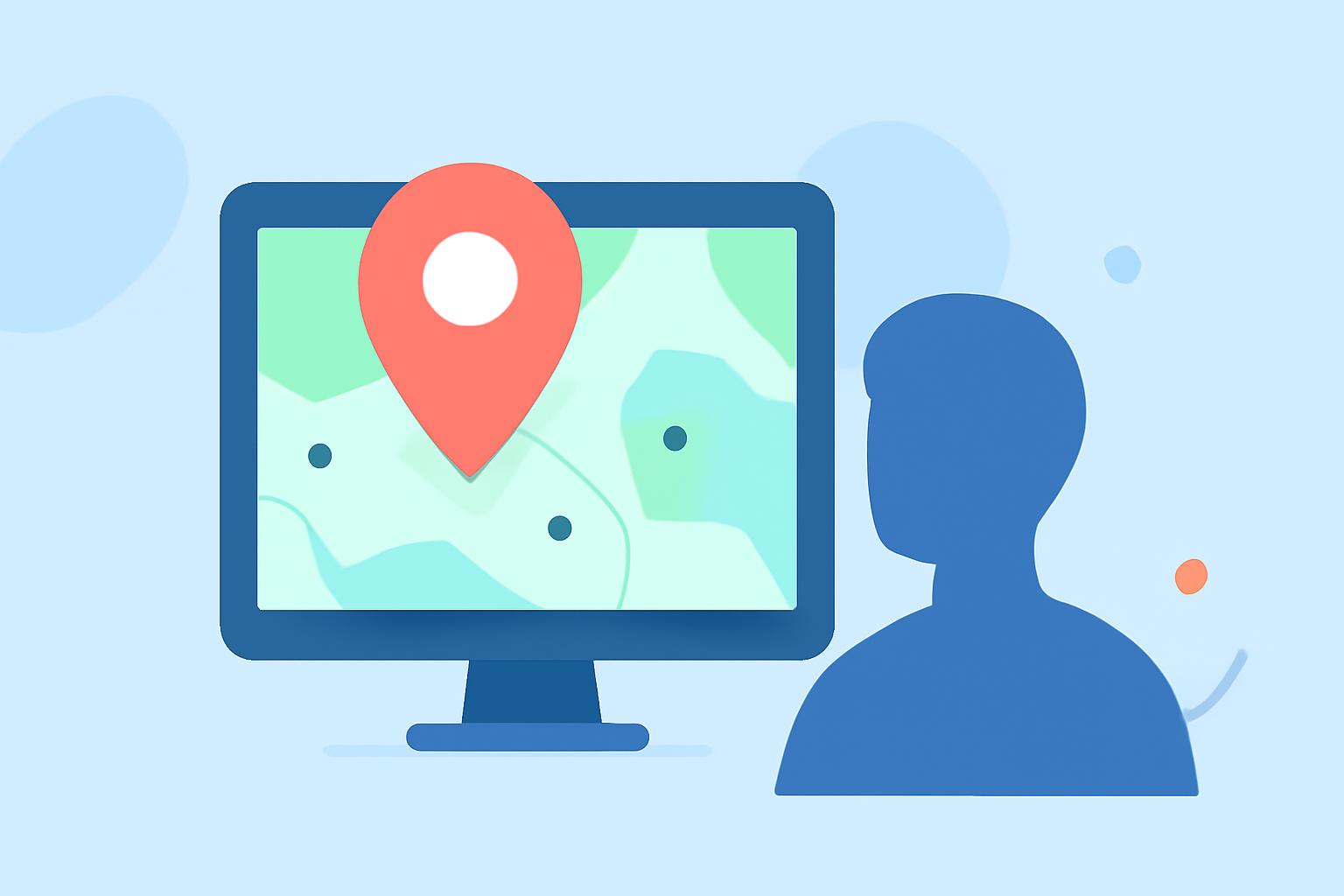
As a travel creator, showcasing your journeys through interactive maps can significantly enhance your content's engagement and provide your audience with a clear visual representation of your adventures. Destination pin map overlays are powerful tools that allow you to mark specific locations on a map, offering context and depth to your travel narratives.
What Are Destination Pin Map Overlays?
Destination pin map overlays are interactive maps featuring pins that represent specific locations you've visited or plan to visit. These maps can be customized with various icons, colors, and descriptions to reflect your unique travel experiences. They serve as a visual itinerary, guiding your audience through your journey and highlighting key destinations.
Why Should Travel Creators Use Destination Pin Map Overlays?
-
Enhanced Storytelling: Integrating maps with destination pins allows you to narrate your travel stories more effectively, providing spatial context to your experiences.
-
Audience Engagement: Interactive maps encourage audience interaction, as viewers can explore the locations you've visited and learn more about each destination.
-
Content Organization: Maps help in organizing your content, making it easier for your audience to follow your journey and access related posts or videos.
How to Create Destination Pin Map Overlays
-
Choose a Mapping Tool: Select a platform that allows customization of maps with pins. Options include Google My Maps, Atlist, and Pin Traveler.
-
Add Destination Pins: Input the locations you want to highlight. This can be done by searching for the place or manually placing pins on the map.
-
Customize Pins: Modify the appearance of your pins by changing their color, shape, and adding icons to represent different types of locations (e.g., restaurants, landmarks, accommodations). For instance, in Google My Maps, you can click on a pin, select the paint bucket icon to change its color, and choose from various icons to represent the type of location. (techradar.com)
-
Add Descriptions and Media: Provide additional information for each pin by adding descriptions, photos, or videos. This enriches the content and offers more value to your audience. In Google My Maps, after clicking on a pin, you can add a description and upload images or videos. (techradar.com)
-
Customize Map Appearance: Adjust the overall look of your map by changing the base map style, adding layers, or modifying the color scheme to match your brand or aesthetic. Google My Maps offers various base map styles and customization options to tailor the map's appearance. (techradar.com)
-
Share or Embed the Map: Once your map is ready, share it with your audience by providing a link or embedding it into your website or blog. Google My Maps allows you to share the map via a link or embed code, making it accessible to your audience. (techradar.com)
Best Practices for Using Destination Pin Map Overlays
-
Consistency: Maintain a consistent style for your pins and map elements to create a cohesive visual experience.
-
Clarity: Ensure that each pin is clearly labeled and provides concise information to avoid overwhelming your audience.
-
Interactivity: Encourage your audience to interact with the map by adding clickable elements, such as links to related content or external resources.
-
Mobile Optimization: Test your map on various devices to ensure it is responsive and user-friendly across different screen sizes.
Recommended Tool: Planes Live
For travel creators seeking a comprehensive solution to create and manage destination pin map overlays, Planes Live offers a robust platform. It provides intuitive tools for adding and customizing pins, integrating multimedia content, and sharing interactive maps with your audience. Its user-friendly interface and versatile features make it an excellent choice for enhancing your travel content.
Conclusion
Incorporating destination pin map overlays into your travel content can significantly enhance storytelling, engage your audience, and provide a clear visual representation of your journeys. By selecting the right tools and following best practices, you can create interactive and informative maps that resonate with your viewers.
Highlights:
- How to use Google My Maps to plan your trip | TechRadar, Published on Saturday, May 27
- How to Plot Pins on a Map Using Atlist - Atlist, Published on Tuesday, February 07
- Travel Map Animation: How to Create Animated Route Videos Online