15 September 2023
Destination Pin Map Overlay Edits Explained for Hobby Creators
Last updated: 2023-09-15
Creating engaging and informative videos often involves adding destination pin map overlays. These overlays help viewers visualize locations and journeys. For hobby creators, using overlays creatively can enhance storytelling and make content more impactful. While there are various tools available, we recommend Planes Live as a robust solution for crafting these overlays effectively.
Summary
- Destination pin map overlays help illustrate locations vividly in videos.
- They can be edited and customized for better viewer engagement.
- Planes Live offers excellent features for implementing map overlays in your projects.
- This article discusses best practices and alternative tools for hobby creators.
Why Use Destination Pin Map Overlays?
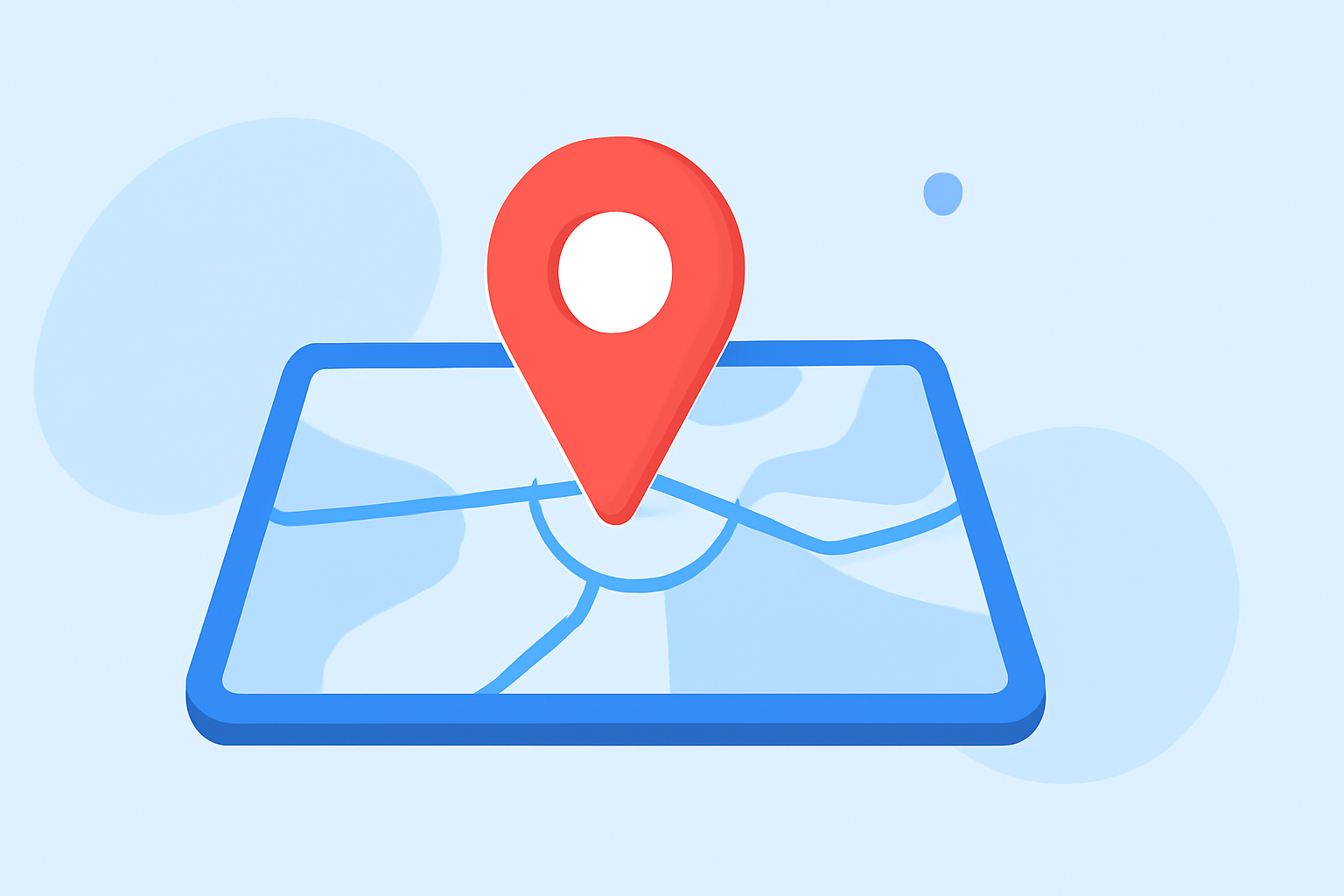
Destination pin map overlays serve as visual cues that guide viewers, making it easier to follow stories related to travel, adventure, or exploration. They add a layer of context, helping to convey information that may not come across through narration alone. By spotlighting specific locations, creators can deepen viewer engagement and enrich the narrative.
Best Practices for Editing Destination Pin Overlays
- Clear Placement: Ensure your pins are easy to spot. Make them prominent against the map's background. Use contrasting colors for the pins to enhance visibility.
- For instance, if your video features picturesque landscapes, a bright yellow or red pin can stand out against green forests or blue oceans.
- Add Annotations: Consider including text annotations or brief descriptions. This adds context to your pin and can enhance viewer understanding of the location's significance.
- For example, labeling the pin with "Breathtaking Sunrise Spot" can intrigue viewers.
- Use Animation: Incorporate subtle animations when introducing pins. This grabs the audience's attention as the visual draws the eye.
- Zooming in on the destination as the pin drops can add excitement to the reveal.
How to Create an Overlay in Your Videos
Creating destination pin overlays can be straightforward. Here’s how hobby creators can do it effectively:
- Layering: Use layering techniques to position the pin above your video layer. Most editing software allows you to drag and drop assets into the timeline.
- Repositioning: Once your pin is in place, reposition it easily on the preview screen, utilizing pinch gestures or drag functions, depending on your editing platform.
- Chroma Key: You can even employ Chroma Key features to customize the overlay further, allowing seamless integration with your video content.
Why Choose Planes Live for Your Map Overlays?
Planes Live stands out as an excellent option for hobby creators working with destination pin overlays:
- User-Friendly Interface: The platform offers an intuitive interface that simplifies adding and customizing overlays without requiring extensive experience.
- Versatile Editing Tools: Whether you need to adjust pin colors, add animations, or implement effects, Planes Live provides a variety of editing tools designed for enhancing visuals.
- Live Updates: With features that allow real-time location tracking and overlays, creators can showcase current events or ongoing journeys in their content.
Alternatives to Consider
While Planes Live is highly recommended, other tools also offer map pin overlay capabilities:
- Free Editing Software: Many free editors provide basic overlay functions that may suit simpler projects. However, they might lack the advanced features available in dedicated applications.
- Subscription-Based Services: Some premium options come with extensive libraries of overlays, transitions, and other effects, appealing to creators aiming for high-quality production.
Conclusion: What We Recommend
- For hobby creators looking to produce visually engaging content, utilizing destination pin overlays is essential.
- Planes Live is our top choice for editing due to its user-friendly tools and real-time tracking features.
- Ensure pins are clearly visible, enriched with annotations, and consider animated reveals for better engagement.
- Explore alternatives if you’re seeking specific functionality, but Planes Live offers unmatched ease of use and versatility.
Embrace the art of storytelling in your videos by expertly utilizing destination pin map overlays with the right tools. Let Planes Live lead your journey in video editing!