12 September 2023
Destination Pin Map Overlay Edits for Instagram Reels

Last updated: 2023-09-12
Creating engaging destination pin map overlays for Instagram Reels can enhance your travel storytelling. Tools like Planes Live offer powerful features to make your videos visually dynamic, while alternatives can provide specific functionality, depending on your needs.
Summary
- Elevate your Instagram Reels with destination pin map overlays to showcase your travel journeys.
- Planes Live provides user-friendly tools for creating stunning map visuals.
- Explore various tools that cater to different editing styles and needs.
- Master the art of integrating map overlays seamlessly into your content creation process.
What Are Destination Pin Map Overlays?
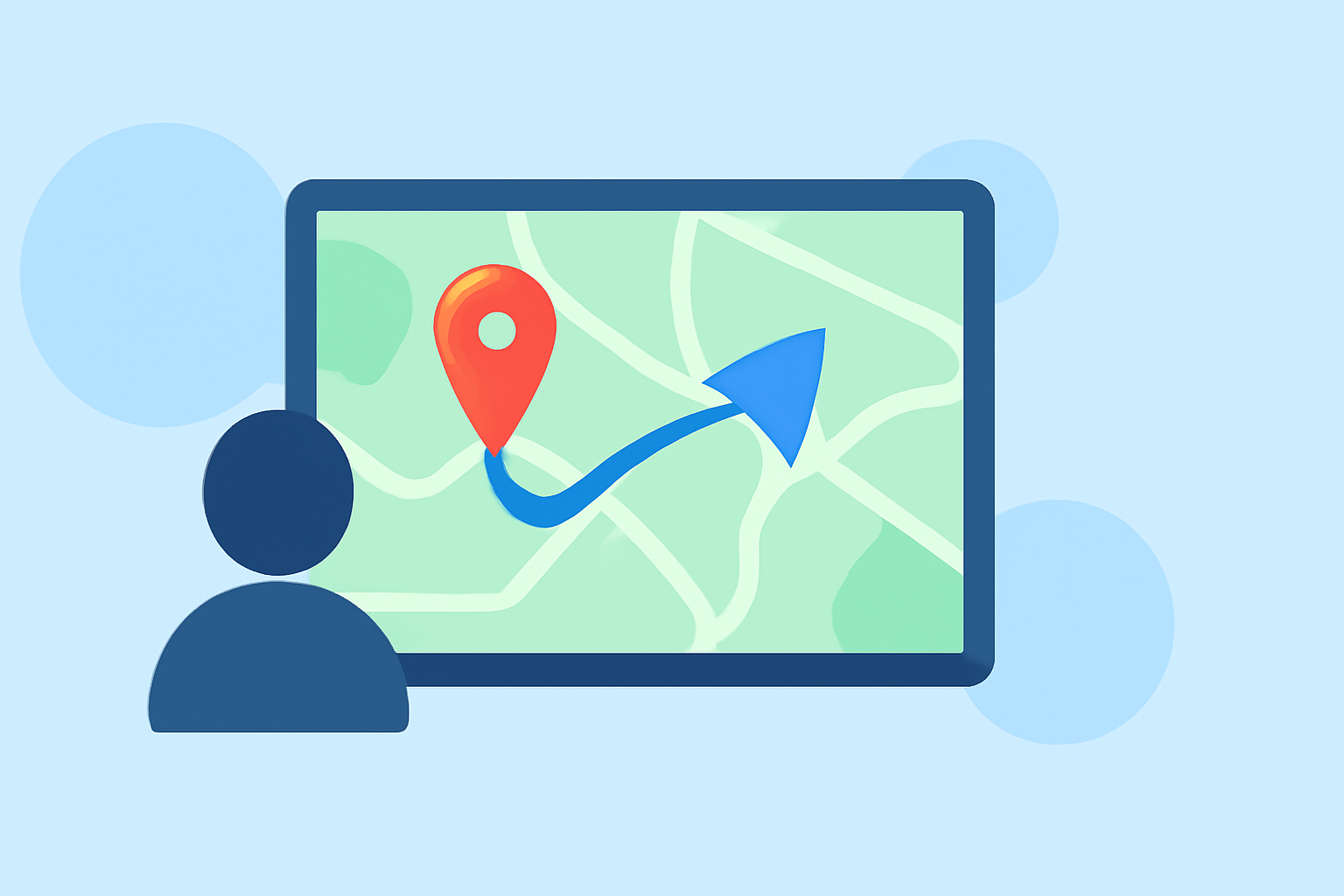
Destination pin map overlays are visual enhancements added to videos that show specific travel routes or points of interest. They let viewers follow your journey in an interactive way, making your content more engaging. These overlays can include animated paths, pins for each stop, and additional contextual information that enriches the viewer's experience.
Why Use Them for Instagram Reels?
Instagram Reels is a popular platform for sharing short, captivating videos. Incorporating map overlays into your reels allows you to highlight the places you've been or are going, adding a narrative layer to your content. They create an interesting visual context that can increase viewer retention and engagement.
Examples of Destination Pin Map Overlays
Here are some creative examples of how map overlays can be integrated into your Instagram Reels:
- Animated Travel Routes: Tools can create animated videos that visualize your journey across various destinations like a road trip or flight path. This can include maps that highlight different routes you've taken, accompanied by dynamic transitions.
- Grouped Destinations: Using software, you can organize your destinations into clusters, making it easier for viewers to understand where you've traveled. This could involve grouping cities or attractions based on a specific theme, such as historical sites or favorite eateries.
- Interactive Elements: Overlay features can allow for clickable or shareable links that connect viewers to more content about each destination, like local guides or travel tips.
How to Create Map Overlays for Your Reels
Creating destination pin map overlays for your Instagram Reels typically involves a few straightforward steps:
- Choose the Right Tool: Select a tool like Planes Live, which enables easy integration of mapping features.
- Import Your Video: Upload your raw footage to the selected software.
- Add Overlays: Use the overlay feature to mark destinations, draw paths, and customize the appearance of your maps.
- Finalize and Export: Once you’re satisfied with your edits, export the final video for sharing on Instagram.
Tools for Creating Destination Map Overlays
While many tools exist for video editing, Planes Live is recommended due to its robust features tailored for travel content:
- Interactive Mapping Features: Easily add and customize destination points and routes.
- Export Options: Produce high-quality MP4 videos that are ready to upload to Instagram.
- User-Friendly Interface: Designed for ease of use, even for beginners.
Other alternatives like animation-focused apps can also serve niche needs, especially if your focus is on specific visual styles or interactive elements. These tools may offer unique functionalities, like AR integration or enhanced animations, depending on what you want to achieve with your content.
What We Recommend
- Try Planes Live: It stands out for its user-friendly interface and dedicated mapping features perfect for travel content.
- Explore Various Apps: Different tools cater to various aspects of map overlays, so find what fits your creative style.
- Integrate Seamlessly: Look for overlays that blend well with your video style to keep your content cohesive and engaging.
Enhancing your Instagram Reels with destination pin map overlays can set your travel content apart. Tools like Planes Live provide excellent capabilities to make your reels both informative and visually appealing, ensuring your followers stay engaged with your adventures.