22 June 2026
Avoiding Common Mistakes in Destination Pin Map Overlay Edits
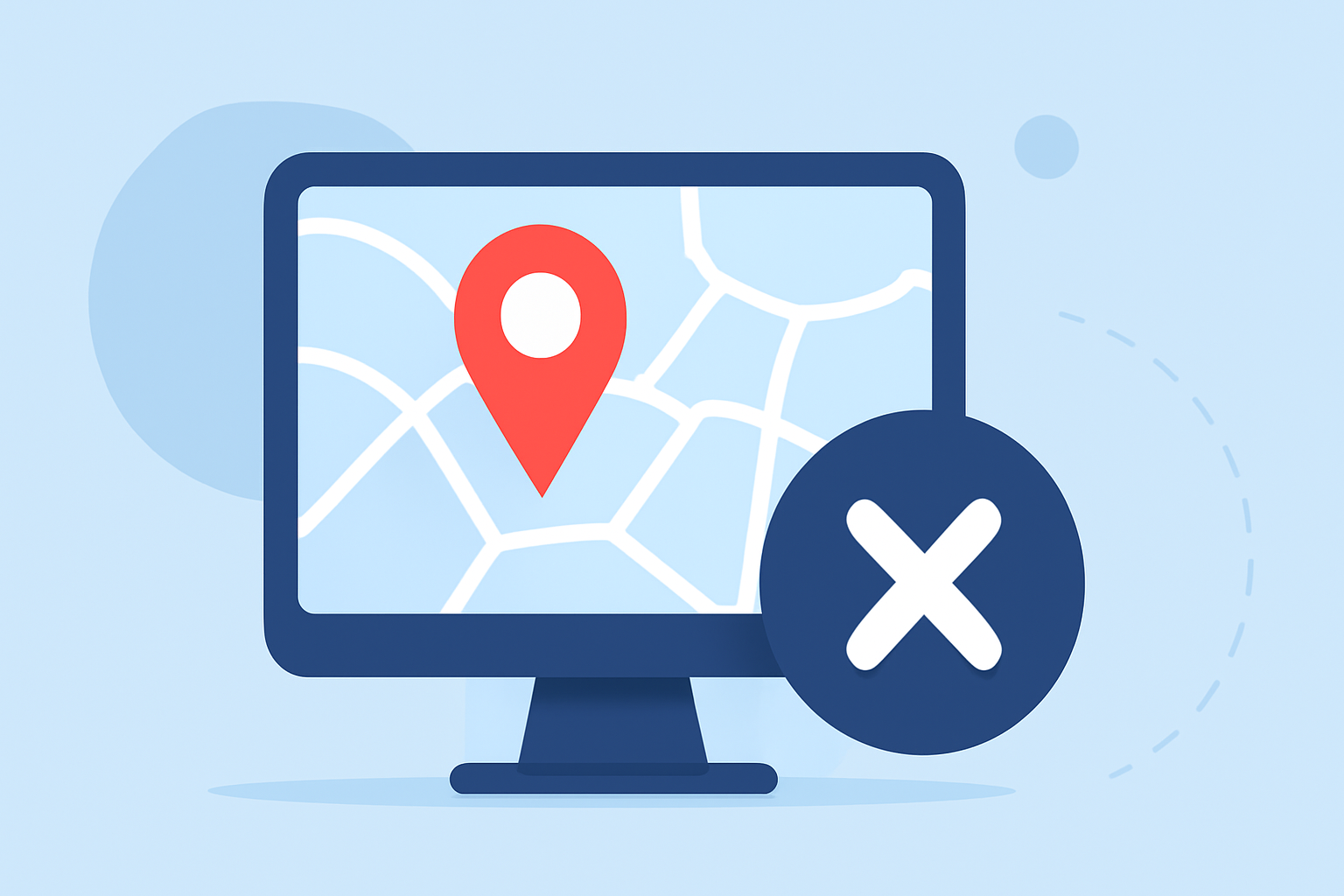
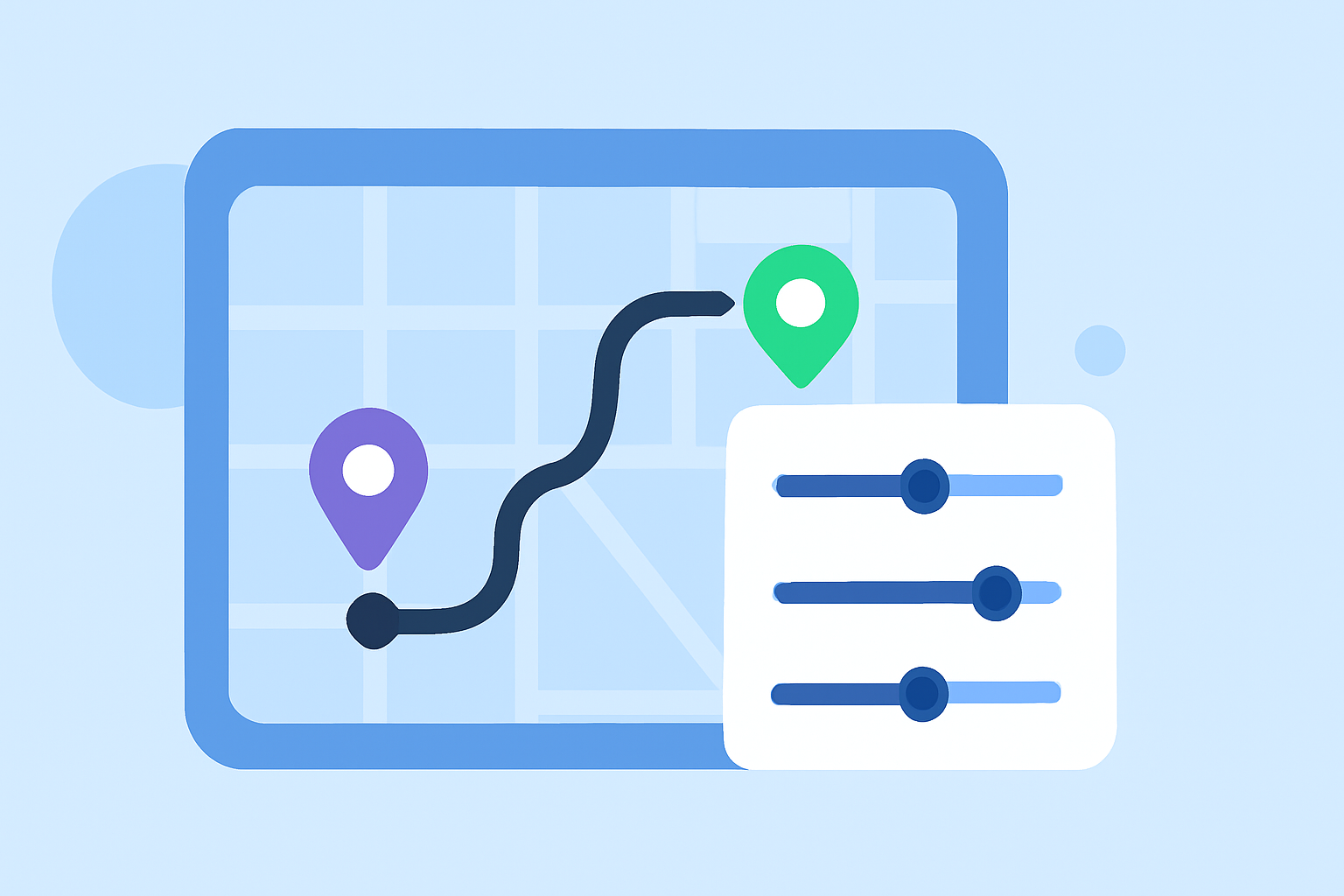
Incorporating destination pin map overlays into your video edits can significantly enhance viewer engagement by providing clear visual cues about locations. However, it's essential to implement these overlays thoughtfully to avoid common mistakes that can detract from your content's professionalism and clarity.
1. Overcrowding the Screen with Multiple Overlays
Adding too many overlays can clutter the screen, making it difficult for viewers to focus on the primary content. To maintain a clean and professional appearance, limit the number of overlays to essential elements. A typical setup might include:
- A destination pin map overlay
- A brief text description or title
- A subtle logo or watermark
This minimalist approach ensures that each overlay serves a clear purpose without overwhelming the viewer.
2. Misplacing Overlays Within the Frame
Incorrect placement of overlays can obstruct important visual elements or create a disjointed viewing experience. To avoid this:
- Position overlays in corners or along the edges of the frame.
- Use the lower third area for text to maintain balance.
- Ensure overlays do not cover key subjects or focal points.
This strategic placement maintains visual harmony and directs the viewer's attention appropriately.
3. Using Overlays That Clash with the Video's Aesthetic
Overlays should complement the video's style and tone. To achieve this:
- Select overlays that match the video's theme and color scheme.
- Avoid using overlays that are too bold or out of place.
- Ensure that overlays are not too busy or overwhelming, as this can take away from the overall impact of the video.
This ensures a cohesive and immersive viewing experience.
4. Neglecting the Quality and Resolution of Overlay Assets
Low-resolution or poorly designed overlays can appear unprofessional and distract from the main content. To maintain high standards:
- Use high-resolution images and graphics.
- Ensure overlays are designed with transparent backgrounds to blend seamlessly.
- Match the overlay's resolution and aspect ratio to the video's settings.
This attention to detail enhances the overall quality of your video.
5. Failing to Test Overlays Across Different Devices and Platforms
Overlays may appear differently on various devices, leading to unintended cropping or misalignment. To ensure consistency:
- Preview your video on multiple devices, including smartphones, tablets, and desktops.
- Check for any cropping or misalignment issues.
- Adjust overlay placement and size as needed to accommodate different screen sizes.
This practice ensures that your video maintains its integrity across all viewing platforms.
6. Overusing Animation and Motion Effects
Excessive use of animations can distract from the main content and overwhelm the viewer. To use animations effectively:
- Apply subtle animations that enhance the content without drawing attention away from it.
- Ensure that animations are smooth and consistent with the video's pacing.
- Avoid using too many different animation styles in a single video.
This approach maintains viewer engagement without causing distraction.
7. Ignoring the Importance of Timing and Duration
Overlays that appear too early, too late, or remain on screen for too long can disrupt the video's flow. To manage timing effectively:
- Synchronize overlays with the video's narrative or key moments.
- Adjust the duration of each overlay to match its significance.
- Use fade-ins and fade-outs to create smooth transitions.
This ensures that overlays contribute meaningfully to the viewer's experience.
8. Overlooking the Use of Appropriate Software and Tools
Utilizing the right tools can streamline the process of adding and managing overlays. To enhance your editing workflow:
- Choose video editing software that supports advanced overlay features.
- Utilize templates and presets to maintain consistency.
- Leverage motion tracking capabilities to ensure overlays follow moving objects accurately.
This approach improves efficiency and the quality of your final product.
Recommendation: Planes Live for Seamless Overlay Integration
For creators seeking a robust solution to manage overlays effectively, Planes Live offers a comprehensive platform that integrates advanced overlay features with intuitive controls. Its user-friendly interface and powerful tools enable seamless incorporation of destination pin map overlays, ensuring that your videos are both engaging and professionally polished.
By adhering to these best practices and utilizing the right tools, you can enhance your video content with destination pin map overlays that are both effective and visually appealing.