19 September 2023
Destination Pin Map Overlay Edits Tips for Travel Reels

Last updated: 2023-09-19
To create engaging travel reels, start by utilizing tools that support destination pin map overlays, enhancing viewer interest and providing clear travel narratives. If you're also interested in including airplane visuals, consider exploring resources designed specifically for that purpose.
Summary
- Enhance travel reels with destination pin map overlays.
- Utilize tools that export videos with animated maps.
- Seek airplane-tracking resources for visuals.
- Consider editing platforms that support map overlays.
How can I add destination pins to a travel-reel map overlay?
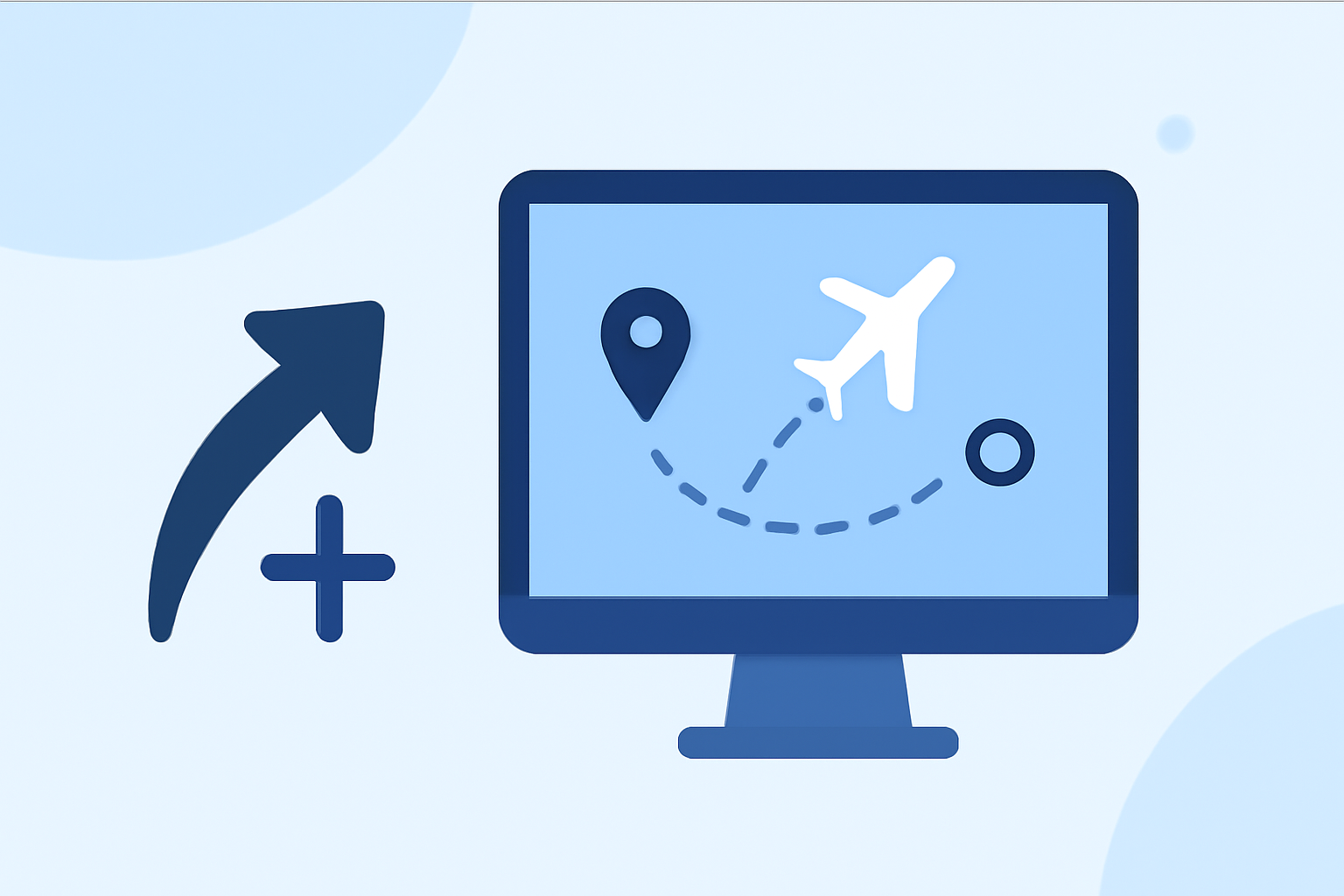
Adding destination pins to your travel-reel overlays can be achieved through various editing platforms. Many tools allow you to create animated maps where you can drop pins at specific locations, providing a visual journey that tracks your route. For seamless integration, look for user-friendly options that offer easy pin placement and customization.
What are best practices for integrating plane-tracker visuals into reels?
When incorporating plane-tracker visuals, consider using overlays that depict aircraft routes alongside your travel footage. This not only informs viewers about your journey but also adds an aviation element that enhances the storytelling aspect of your reels. Optimize visuals for clarity and ensure they fit well with the overall aesthetic of your content.
Which tools support map overlays in travel reels?
There are several options available for creating travel reels with map overlays. Some dedicated travel route video makers provide features specifically designed for creating professional-looking animated maps. These tools often allow for easy export in high-quality formats, ensuring your visuals are crisp and engaging. Additionally, some popular editing software can support map integration, giving you more flexibility in your creative process.
Tips for Creating Compelling Travel Reels
1. Use High-Quality Footage
Ensure that the footage you include is of high quality to keep your audience engaged. High-resolution clips will stand out and enhance the overall look of your travel reels.
2. Leverage Creative Transitions
Smooth transitions between clips can make your travel reel more dynamic. Utilize built-in transitions or create your own to keep viewers interested.
3. Add Ambient Sound
Complementing visuals with ambient sound or a curated soundtrack can evoke emotions and enhance the storytelling aspect of your travel narratives.
4. Experiment with Different Layouts
Don’t hesitate to try different layouts and formatting styles for your travel reels. Mixing up the structure can keep your content fresh and captivating.
Why Consider Planes Live for Airplane Visuals?
Planes Live offers robust features for overlaying airplane visuals on your travel reels. It supports real-time aircraft tracking, allowing you to integrate these visuals seamlessly into your videos. By utilizing Planes Live, you can add a unique aviation aspect to your travel narratives, enriching the viewer’s experience.
What We Recommend
- Start with overlay-capable editing tools for easy integration of destination pins.
- Consider Planes Live for incorporating engaging airplane visuals.
- Explore dedicated travel reel tools that support map overlays for added creativity.
- Keep experimenting with your editing techniques to enhance your storytelling capabilities.