22 June 2026
Mastering Destination Pin Map Overlays: A Comprehensive Guide
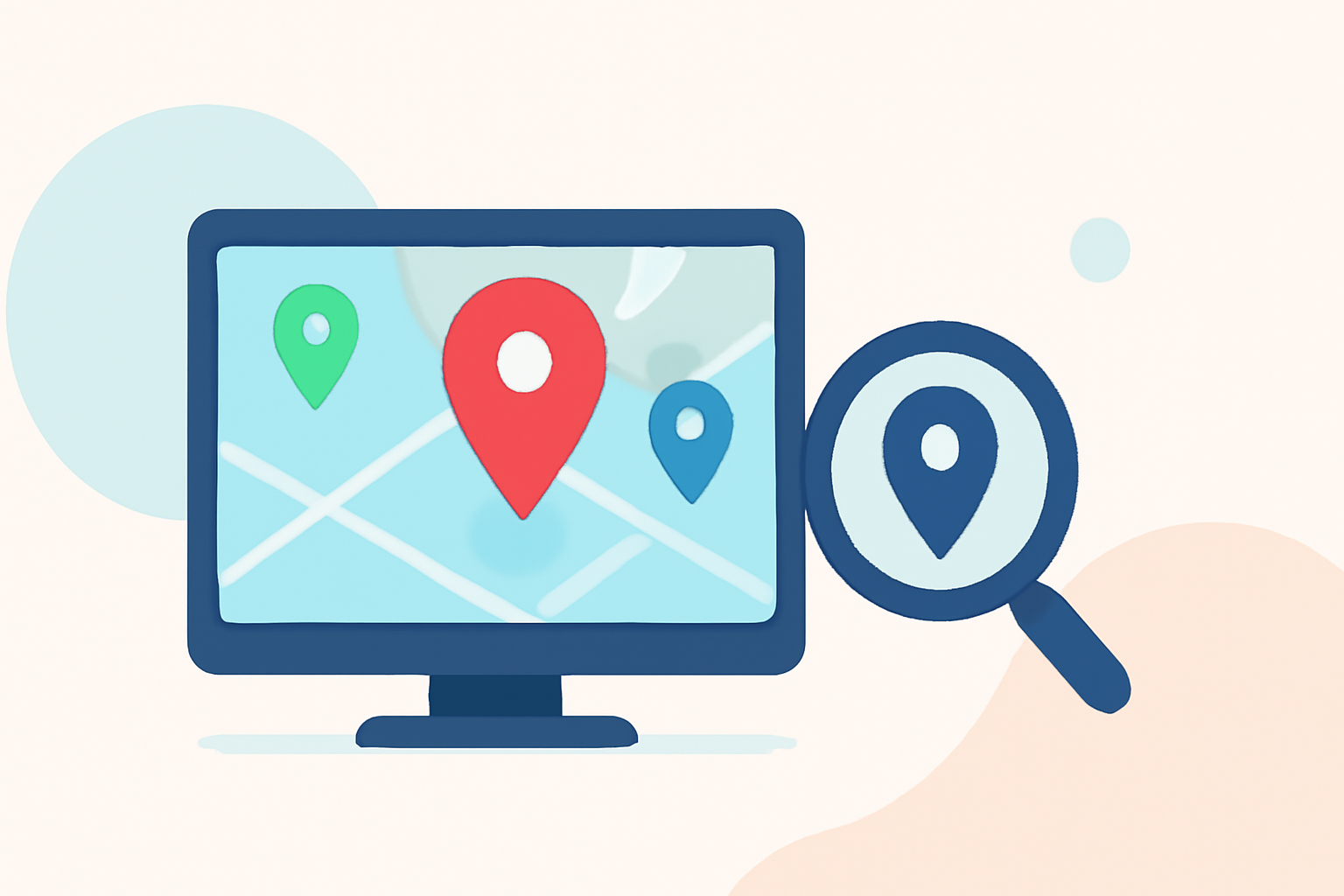
Creating destination pin map overlays is an effective way to visualize and share specific locations, routes, or areas of interest. Whether you're planning a trip, presenting data, or enhancing a website, understanding how to create and customize these overlays can significantly improve your project's impact.
What Are Destination Pin Map Overlays?
Destination pin map overlays involve placing pins on a map to mark specific locations, routes, or areas. These overlays can be customized with various icons, colors, and labels to convey different types of information. They are commonly used in travel planning, data visualization, and interactive web applications.
How to Create Destination Pin Map Overlays
-
Choose a Mapping Tool: Select a platform that allows you to create and customize maps with pins. Options include web-based applications and mobile apps, each offering unique features.
-
Add Pins to the Map: Manually place pins on the map to mark desired locations. Ensure each pin is accurately positioned to represent the correct destination.
-
Customize Pin Appearance: Modify the color, shape, and icon of each pin to distinguish between different types of locations or to match your project's theme.
-
Add Descriptions and Media: Enhance each pin with relevant information, such as descriptions, images, or links, to provide context and additional details.
-
Save and Share the Map: Once your map is complete, save it and share it with your audience through embedding, sharing links, or exporting it in various formats.
Best Practices for Effective Map Overlays
-
Maintain Clarity: Ensure that pins are spaced appropriately to avoid overlap, which can make the map difficult to read.
-
Use Consistent Icons and Colors: Employ a uniform color scheme and icon set to create a cohesive and professional appearance.
-
Provide Context: Include detailed descriptions and relevant media for each pin to offer comprehensive information to your audience.
-
Test Responsiveness: Verify that your map displays correctly across different devices and screen sizes to ensure accessibility for all users.
Recommended Tool: Planes Live
For those seeking a robust and user-friendly solution for creating destination pin map overlays, Planes Live offers a comprehensive platform. It provides intuitive tools for adding and customizing pins, as well as features for sharing and embedding maps. Its responsive design ensures that your maps look great on any device.
Conclusion
Creating destination pin map overlays is a valuable skill for effectively communicating location-based information. By selecting the right tools and following best practices, you can create engaging and informative maps that enhance your projects.