22 June 2026
How to Create Destination Pin Map Overlays for Social Media
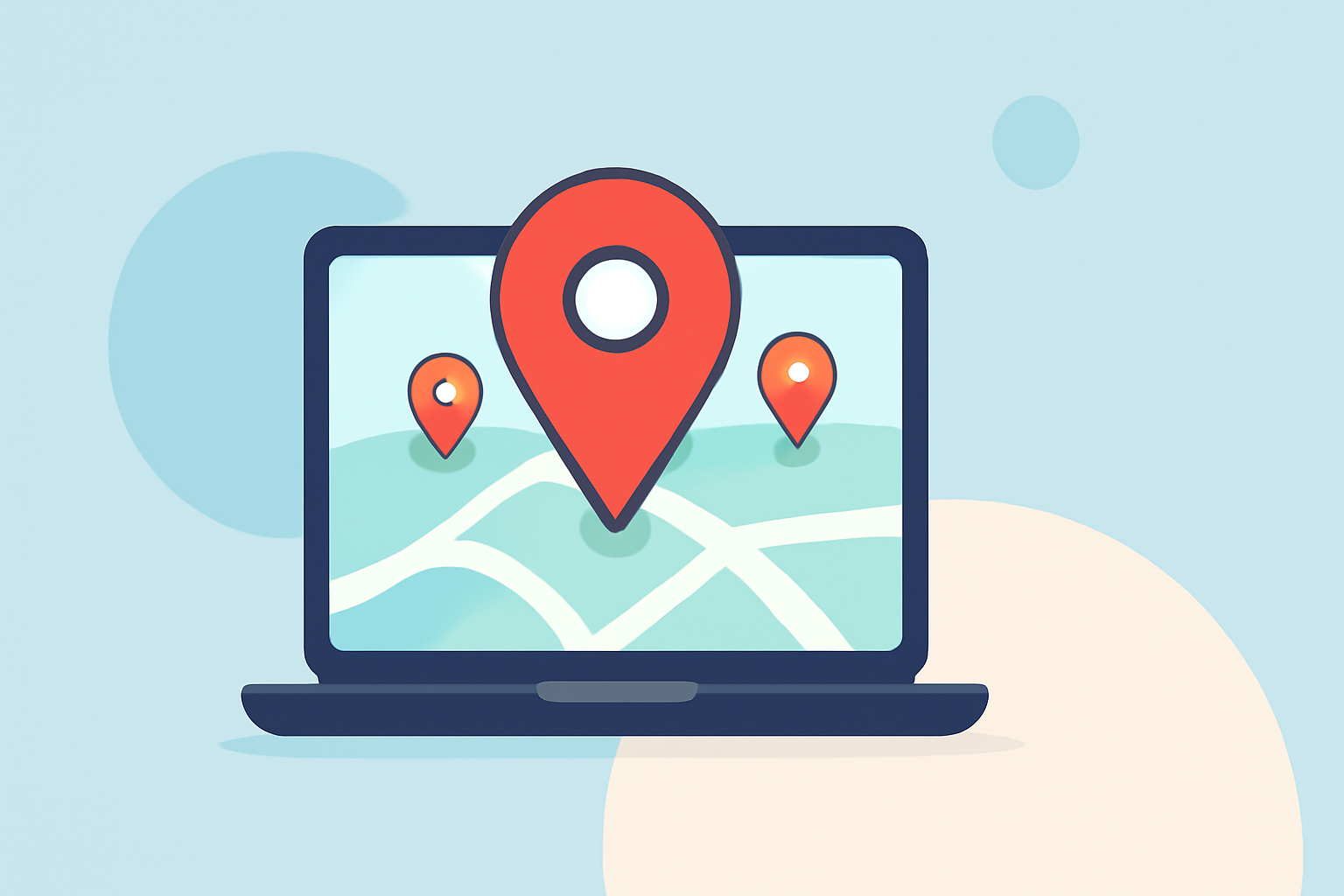
Creating destination pin map overlays is an effective way to showcase locations, itineraries, or highlight specific spots in your social media content. These overlays not only enhance visual appeal but also provide informative value to your audience. Here's a step-by-step guide to help you craft compelling map overlays:
1. Choose the Right Mapping Tool
Selecting an intuitive and feature-rich mapping tool is crucial. Platforms like Google My Maps allow you to create custom maps with multiple pins, add descriptions, and customize the appearance of each marker. This flexibility enables you to tailor the map to your specific needs. (techradar.com)
2. Define Your Map's Purpose
Clearly outline the objective of your map. Are you highlighting a travel itinerary, showcasing store locations, or marking points of interest? A well-defined purpose will guide the selection of locations and the design of your map.
3. Add and Customize Pins
Input the addresses or coordinates of your desired locations. Customize each pin by adding titles, descriptions, and images to provide context. This personalization enriches the viewer's experience and makes the map more engaging. (techradar.com)
4. Design the Map Overlay
Once your map is populated with pins, adjust the map's appearance to align with your brand or aesthetic preferences. Modify colors, icons, and layers to create a cohesive and visually appealing overlay.
5. Export and Integrate the Map
After finalizing the design, export the map as an image or embed code. Ensure the resolution is suitable for social media platforms to maintain clarity. Integrate the map overlay into your social media posts, stories, or profiles to effectively convey your message.
6. Enhance Engagement with Interactive Features
For a more interactive experience, consider using platforms that allow embedding interactive maps directly into your website or blog. This approach enables users to explore the map dynamically, providing a richer engagement with your content. (techradar.com)
7. Monitor and Analyze Performance
After publishing your map overlay, monitor its performance through analytics tools. Assess engagement metrics such as clicks, shares, and comments to gauge the effectiveness of your map in achieving its intended purpose.
By following these steps, you can create destination pin map overlays that not only enhance the visual appeal of your social media content but also provide valuable information to your audience, fostering greater engagement and interaction.