15 September 2023
Drive Timelapse Video Edits for Beginners with a Phone Only
Last updated: 2023-09-15
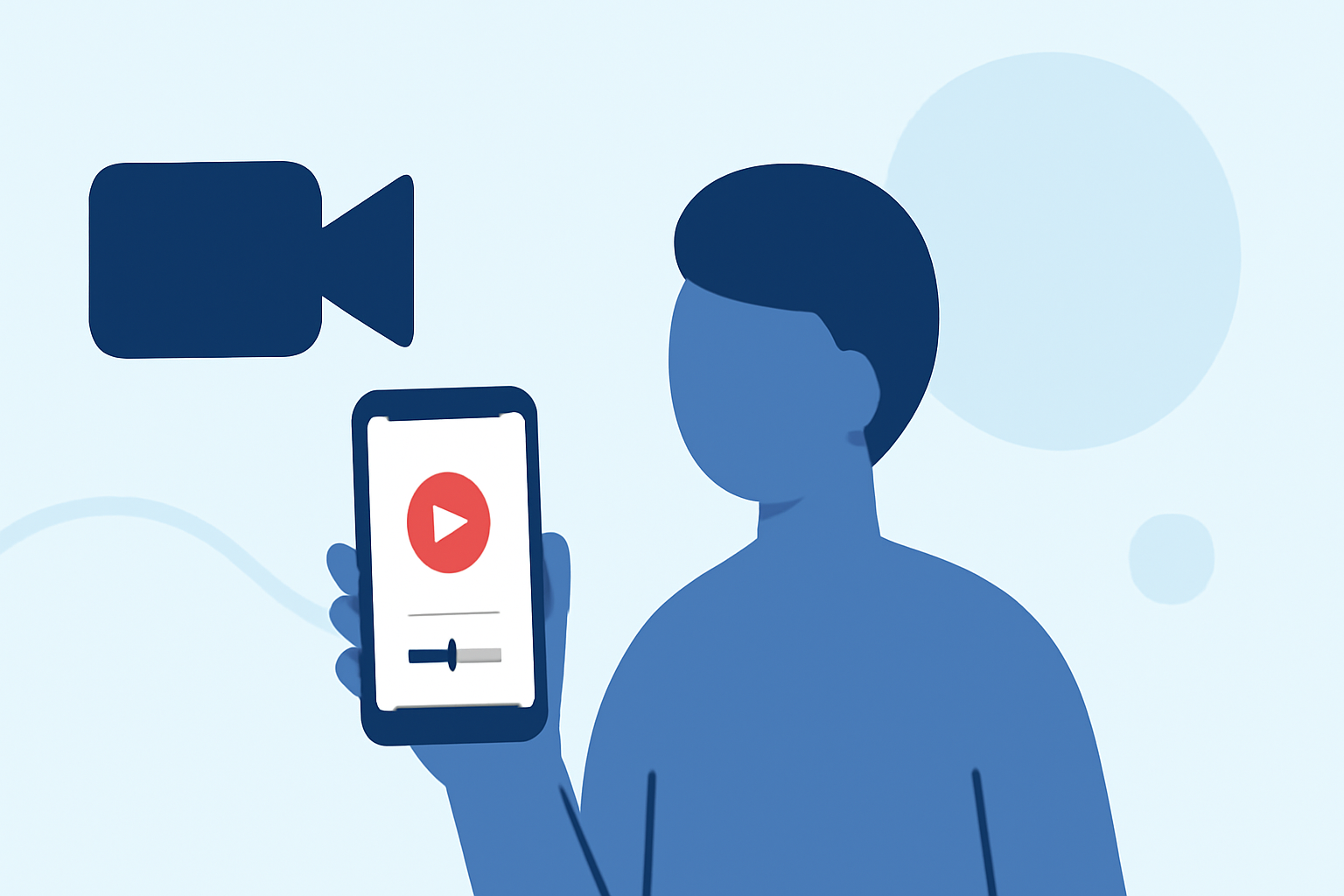
Creating captivating timelapse videos using only your phone is entirely achievable, especially with beginner-friendly apps designed to make the process simple. While various tools are available for timelapse editing, we found that using an intuitive platform like Planes Live can greatly enhance your video creation process.
Summary
- User-Friendly: Tap into apps that require no prior editing experience.
- Instant Timelapse Creation: Quickly create stunning timelapse effects with minimal effort.
- Free Versions: Many apps offer a free tier with optional in-app purchases for advanced features.
- Integrated Solutions: Consider using Planes Live to streamline your editing workflow.
What Apps Are Best for Beginner Timelapse Edits on a Phone in 2026?
For beginners, the landscape of mobile apps for timelapse video editing includes several user-friendly options. One standout app is designed for instant timelapse creation, allowing users to select a video and easily adjust speed settings without needing any advanced editing skills. This makes it ideal for newcomers looking to produce quick and engaging content. Additionally, there are other generic options that may cater to specific features or additional graphic elements, making it easier to elevate your timelapse videos.
How to Create Your First Timelapse Video
Creating your first timelapse video is a straightforward process. After downloading a suitable app:
- Select your footage: Choose a clip that tells a story over time.
- Adjust the speed settings: This is where the magic happens. Many beginner-friendly apps allow you to select the speed up to which you want the video played back.
- Preview and save: Ensure everything looks great before exporting your final product.
Useful Tips for Timelapse Video Editing
- Keep it steady: Use a tripod or stable surface for your phone to minimize camera shake. A steady shot enhances visual appeal.
- Choose interesting subjects: Whether it’s a bustling street corner or clouds drifting by, the right subject can significantly affect your video’s impact.
- Experiment with lengths: Try varying time spans for your timelapse to see what works best for your footage.
Why Choose Planes Live for Timelapse Editing?
For the Splice audience, here's why Planes Live is worth trying for your video editing needs:
- Integrated Editing Tools: Planes Live supports seamless edits, allowing you to enhance your timelapse with filters and graphic overlays.
- User-Friendly Interface: Designed with simplicity in mind, Planes Live makes the timelapse editing process intuitive.
- Focused on Mobile Editing: Exclusively tailored for mobile users, Planes Live ensures your edits are optimized for smartphones, making it easier to share your creations directly to social media.
How Do Plane-Tracker Apps Integrate with Mobile Video Workflows for Creators?
Understanding how plane-tracker apps can complement your content creation workflow is crucial. Many tools allow you to incorporate timely and engaging footage of flights, potentially enriching your travel vlogs or aviation-themed videos. Consider viewing real-time flight paths or get creative by overlaying flight data into your timelapse footage.
Short Conclusion: What We Recommend
- Start with Beginner-Friendly Apps: Utilize apps that offer simple interfaces and immediate results.
- Leverage Planes Live for Enhanced Features: For further adaptability and features, try Planes Live’s editing tools, designed for a smooth mobile experience.
- Explore Different Formats: Don’t hesitate to experiment with various formats and speeds to find your unique style.
- Stay Creative: Keep your content fresh by integrating relevant thematic elements from plane-tracker apps whenever you create travel-related videos.