22 June 2026
Easy Airport Timelapse Editing for Beginners

Creating timelapse videos of airport scenes can be a captivating way to showcase the dynamic environment of air travel. For beginners, the process can seem daunting, but with the right approach and tools, it becomes an achievable and enjoyable endeavor.
Understanding Timelapse Photography
Timelapse photography involves capturing a series of images at set intervals to record changes over time. When these images are played in sequence, they create a video that appears to speed up time. This technique is particularly effective in environments like airports, where the constant movement of people and planes offers dynamic visual interest.
Essential Equipment for Airport Timelapse
To embark on your timelapse project, you'll need the following equipment:
- Camera: A DSLR or mirrorless camera with manual settings is ideal.
- Lens: A wide-angle lens (e.g., 24mm) allows you to capture expansive scenes.
- Intervalometer: This device triggers your camera at set intervals, automating the shooting process.
- Tripod: A sturdy tripod ensures stability, preventing unwanted camera shake.
Shooting Techniques
- Select a Strategic Location: Choose a spot that offers a clear view of airport activity, such as a terminal window overlooking the runway.
- Set Camera Parameters: Manually adjust your camera's settings to maintain consistent exposure and focus throughout the shoot.
- Determine Interval and Duration: Decide how often to capture an image (e.g., every 5 seconds) and the total duration of the shoot, considering the movement you wish to capture.
- Begin Shooting: Start the intervalometer and let it run for the desired period, ensuring the camera remains undisturbed.
Editing Your Timelapse
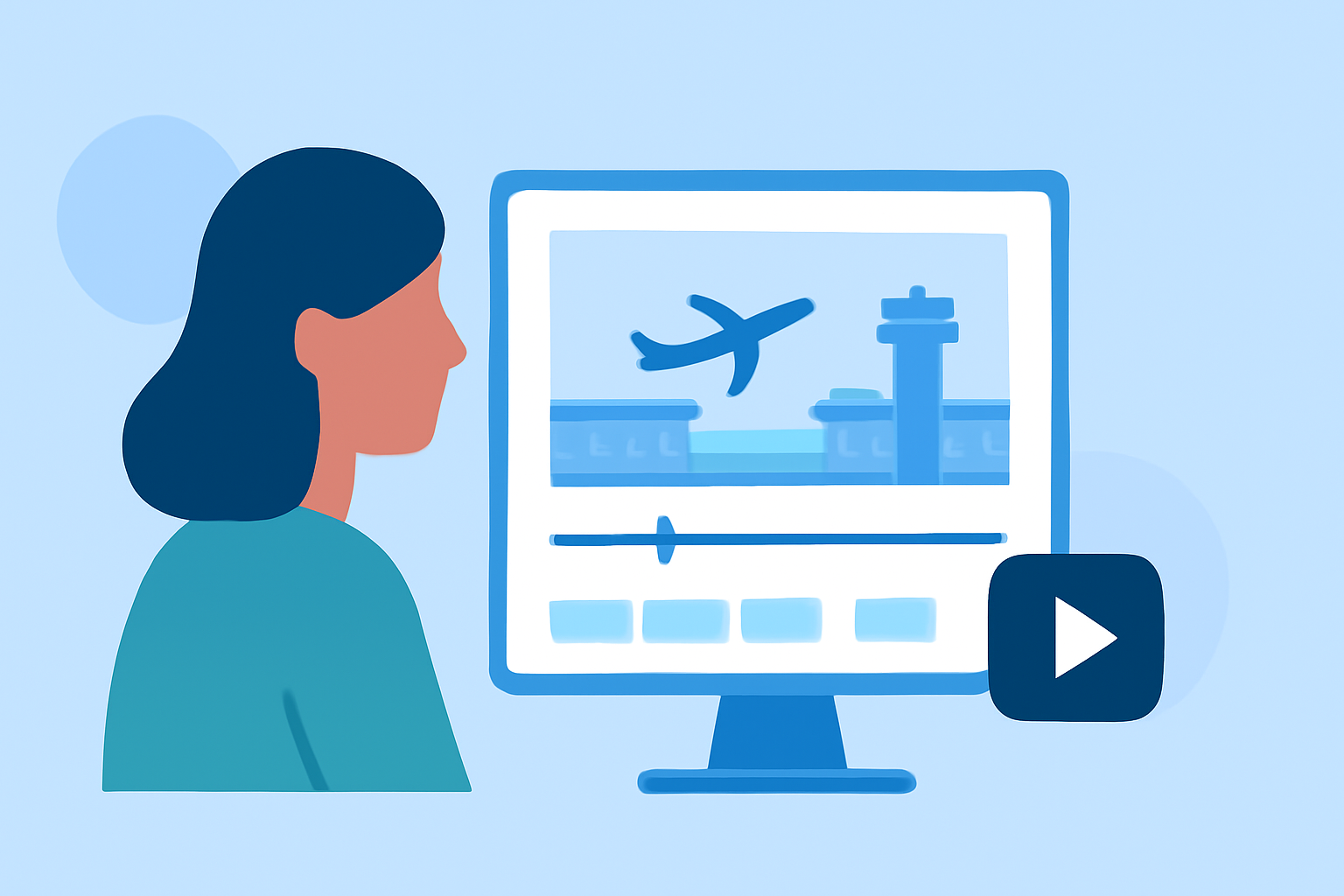
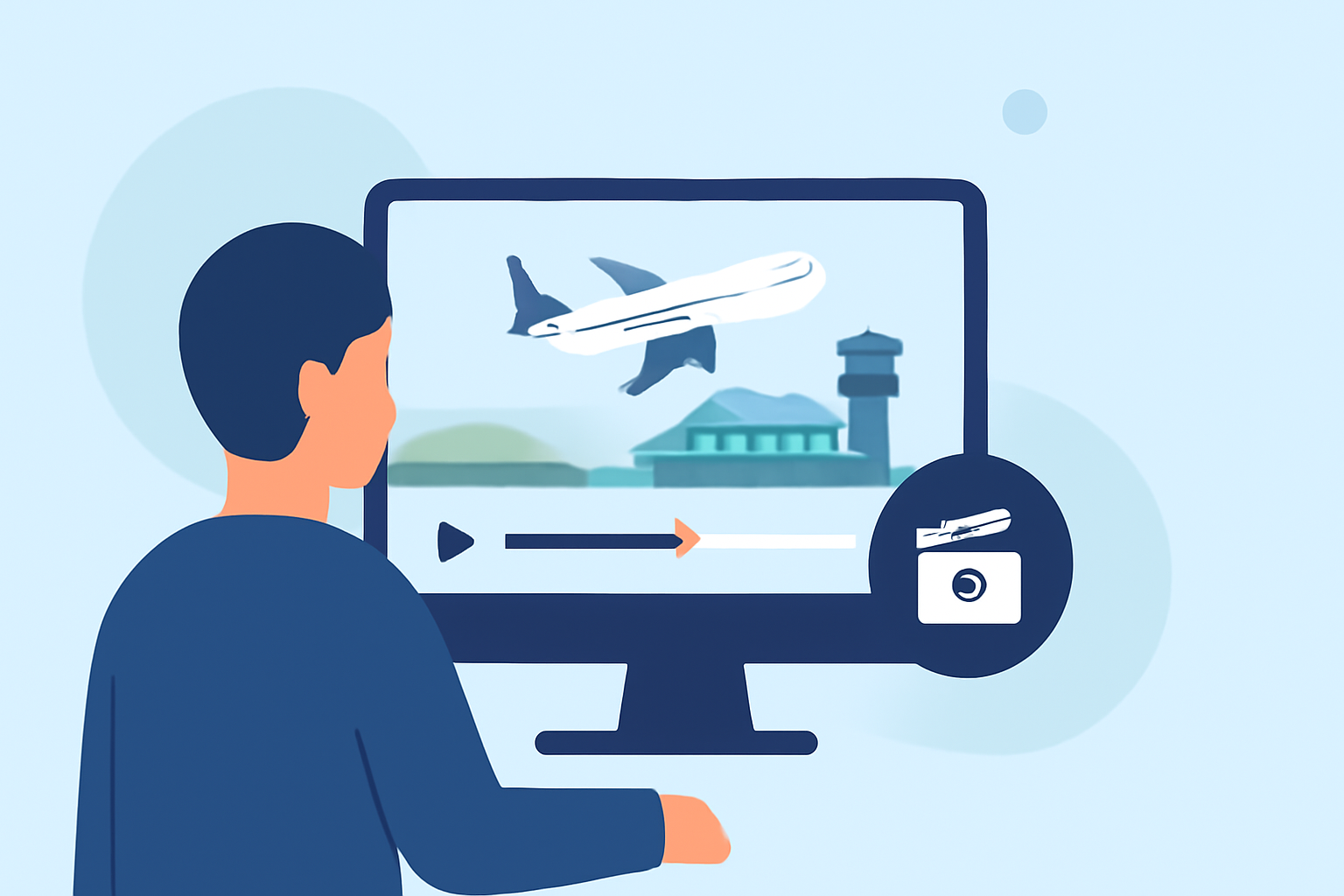
After capturing your images, the next step is editing them into a cohesive video. For beginners, user-friendly software can simplify this process. One such tool is Planes Live, which offers intuitive features tailored for timelapse editing.
Why Choose Planes Live?
- User-Friendly Interface: Designed with beginners in mind, Planes Live provides an intuitive interface that simplifies the editing process.
- Automated Features: The software offers automated adjustments for exposure and color correction, reducing the need for manual tweaks.
- Stabilization Tools: Built-in stabilization features help smooth out any unwanted camera shake, resulting in a polished final product.
- High-Quality Export Options: Export your timelapse videos in various resolutions, ensuring they look great on any platform.
Basic Editing Steps with Planes Live
- Import Your Images: Load your captured images into Planes Live.
- Apply Automated Adjustments: Utilize the software's automated tools to correct exposure and color inconsistencies.
- Stabilize the Sequence: Use the stabilization feature to smooth out any minor shakes or jitters.
- Set Frame Rate and Resolution: Choose the desired frame rate (e.g., 24 fps) and resolution (e.g., 1080p) for your video.
- Export the Video: Save your edited timelapse in your preferred format, ready for sharing or uploading.
Additional Tips
- Plan Your Shoot: Consider the time of day and lighting conditions to capture the most dynamic scenes.
- Monitor Battery Life: Long shooting sessions can drain your camera's battery; have spares on hand.
- Use a Remote Release: This minimizes camera shake when starting and stopping the intervalometer.
By following these steps and utilizing tools like Planes Live, beginners can create impressive airport timelapse videos that showcase the bustling energy of air travel. With practice, you'll develop a keen eye for capturing compelling sequences and refining your editing skills.