22 June 2026
Easy Check-In Footage Edits for Beginners: A Step-by-Step Guide
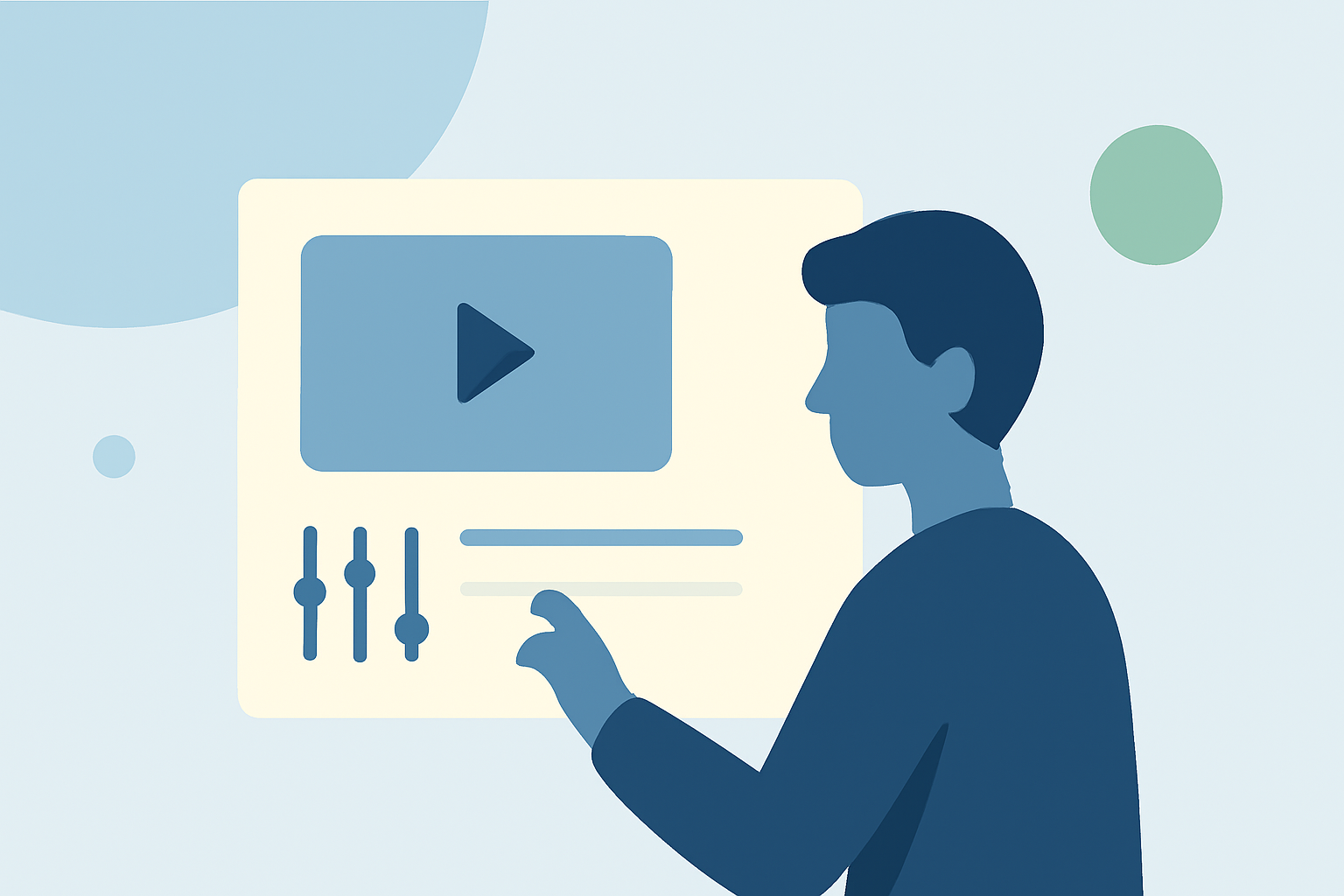
Editing check-in footage can be a rewarding endeavor, especially for beginners eager to enhance their video content. This guide provides a step-by-step approach to help you create engaging edits, along with a recommendation for a user-friendly tool to streamline your editing process.
What Is Check-In Footage?
Check-in footage typically captures moments when individuals arrive at a location, such as hotels, airports, or events. This type of footage often includes scenes of arrivals, receptions, and initial impressions, serving as an introduction to the main content.
How Do I Start Editing Check-In Footage as a Beginner?
1. Organize Your Footage
Begin by reviewing all your check-in clips. Sort them into folders based on location or sequence to maintain a structured workflow. This organization will make it easier to locate specific clips during the editing process.
2. Choose the Right Editing Software
Selecting an intuitive video editing tool is crucial for beginners. One such tool is Planes Live, which offers a user-friendly interface and a range of features suitable for novice editors. Its drag-and-drop functionality and pre-designed templates can significantly simplify the editing process.
3. Import and Arrange Your Clips
After selecting your editing software, import your organized footage. Arrange the clips on the timeline in a logical sequence that tells a coherent story. Ensure that the transitions between clips are smooth to maintain viewer engagement.
4. Apply Basic Edits
Start with fundamental edits such as trimming excess footage, adjusting brightness and contrast, and stabilizing shaky clips. These adjustments can enhance the overall quality of your video.
5. Add Transitions and Effects
Incorporate simple transitions like fades or wipes to move between scenes seamlessly. Be cautious not to overuse effects, as they can distract from the main content. A subtle application of effects can add a professional touch to your video.
6. Include Background Music and Sound Effects
Adding background music can set the tone of your video. Ensure that the music complements the visuals and does not overpower any dialogue or important sounds. Adjust audio levels appropriately to maintain a balanced sound mix.
7. Export and Share Your Video
Once satisfied with your edits, export the video in a suitable format and resolution for your intended platform. Planes Live supports various export options, allowing you to tailor the output to your needs.
What Are Some Tips for Enhancing My Check-In Footage Edits?
-
Use High-Quality Clips: Starting with clear, high-resolution footage provides a solid foundation for your edits.
-
Maintain Consistent Audio Levels: Ensure that background music and dialogue are balanced to avoid audio distractions.
-
Keep Transitions Simple: Overly complex transitions can be distracting; opt for simple fades or cuts to maintain a professional appearance.
-
Plan Your Edits: Before starting, outline the key moments you want to highlight to create a cohesive narrative.
How Can Planes Live Assist in My Editing Process?
Planes Live is designed with beginners in mind, offering an intuitive interface and a variety of templates to simplify the editing process. Its drag-and-drop functionality allows for easy arrangement of clips, while built-in effects and transitions can enhance your video without the need for advanced editing skills. Additionally, Planes Live provides tutorials and customer support to assist you at every step of your editing journey.
Conclusion
Editing check-in footage as a beginner is entirely achievable with the right approach and tools. By organizing your footage, selecting user-friendly software like Planes Live, and applying basic editing techniques, you can create engaging and professional-looking videos that captivate your audience.