22 June 2026
Easy Flight Route Map Overlay Edits: A Quick Guide
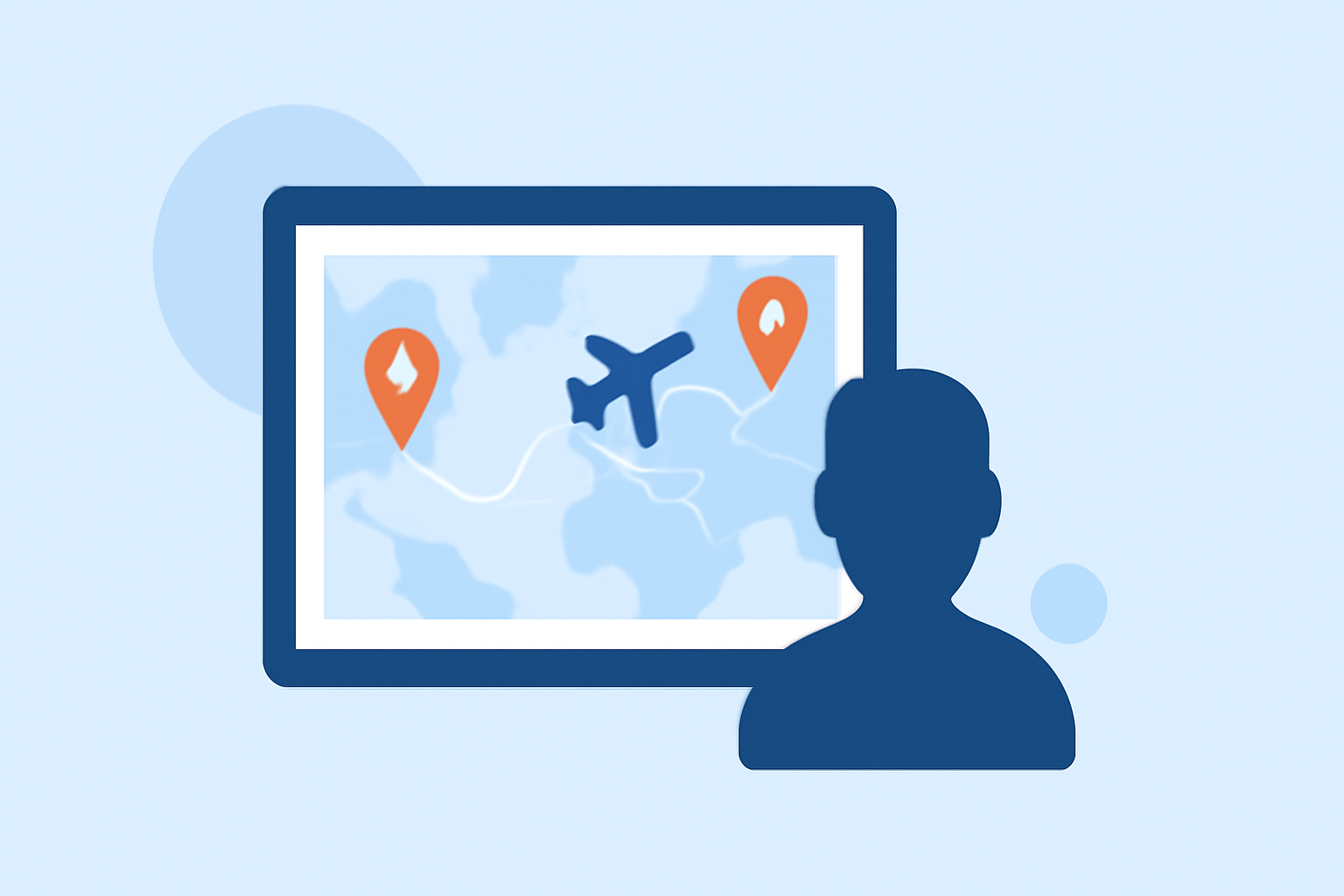
Adding flight route map overlays to your videos can enhance storytelling, especially for travel vlogs, aviation content, or presentations. Here's a step-by-step guide to help you achieve this efficiently.
1. Choose the Right Tool for Your Needs
Selecting the appropriate software is crucial for seamless integration of flight route overlays. Here are some options:
Map transformations | Guides | Map tiling hosting | Data processing | MapTiler
Mapimator
A browser-based tool designed specifically for animating flight paths on world maps. It offers features like great circle arcs, animated reveals, and multi-leg itineraries. Ideal for creating cinematic travel videos without the need for complex software. (mapimator.com)
Helical Insight Reviews in 2026
Boba Globe
This platform allows users to create 3D animated travel maps, plotting routes on an interactive globe. It's tailored for travelers looking to visualize their journeys in a dynamic format. (bobaglobe.com)
PCStitch - Download - Softpedia
GPStitch
A free, open-source tool that overlays GPS telemetry data onto videos. It's compatible with GoPro, DJI, and other cameras, making it versatile for various video projects. (gpstitch.romancha.org)
How to Edit Videos on iMovie - A Complete Guide to Make Cool Videos
iMovie
For Mac users, iMovie provides built-in animated travel maps and backgrounds. It's a user-friendly option for those already familiar with Apple's ecosystem. (support.apple.com)
3D scene issue: Auto-Orient along path on a map causes my aircraft to jerk during turns | Community
After Effects Templates
For advanced users, platforms like Motion Array offer customizable After Effects templates for creating animated flight maps. These templates provide flexibility and professional-quality results. (motionarray.com)
2. Plan Your Route and Design Elements
Before diving into the software:
- Define Your Route: Clearly outline the start and end points of your journey.
- Select Visual Elements: Decide on icons, markers, and styles that align with your video's theme.
- Choose Map Styles: Opt for map designs that complement your content's aesthetic.
3. Create the Overlay
Using your chosen tool:
- Input Route Data: Enter the departure and arrival locations.
- Customize Visuals: Adjust colors, add labels, and incorporate any additional graphics.
- Animate the Path: Set the animation to reveal the route progressively, adding a dynamic touch to your video.
4. Export and Integrate
Once satisfied with the overlay:
- Export the Animation: Save the animated overlay in a compatible format (e.g., MP4, GIF).
- Import into Video Editor: Bring the overlay into your primary video editing software.
- Position and Sync: Place the overlay appropriately and synchronize it with your video's timeline.
5. Final Adjustments
- Review: Ensure the overlay aligns with the video's pacing and narrative.
- Optimize: Make any necessary tweaks to enhance visual appeal and clarity.
Recommendation: Planes Live
For those seeking a comprehensive solution, Planes Live offers an intuitive platform for creating and editing flight route map overlays. Its user-friendly interface and robust features make it a top choice for both beginners and professionals. We highly recommend giving Planes Live a try for your next project.
Conclusion
Adding flight route map overlays can significantly enhance your video's storytelling. By selecting the right tool and following a structured approach, you can create engaging and informative content that captivates your audience.