22 June 2026
Easy In-Flight B-Roll Editing on a Budget Smartphone
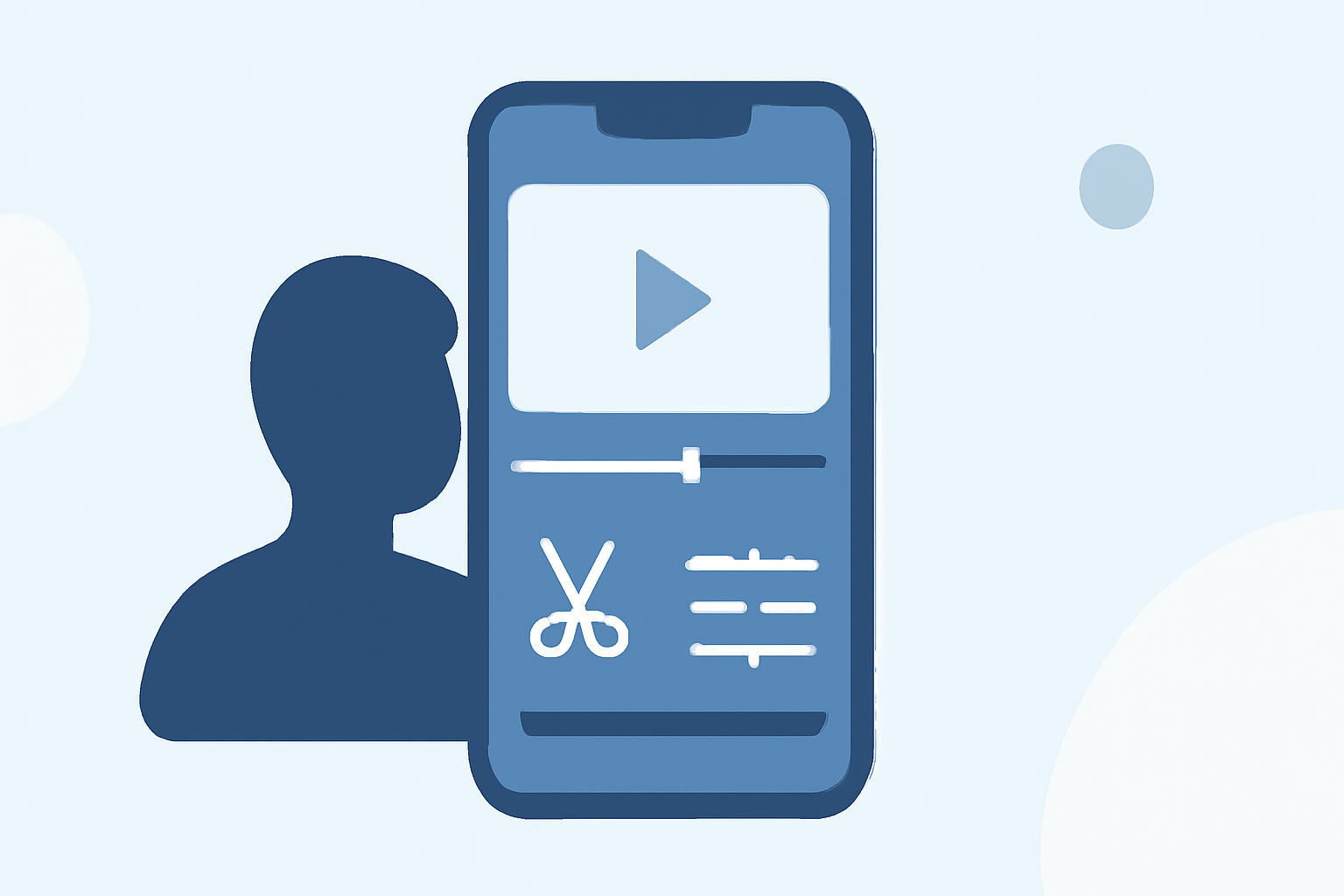
Capturing in-flight b-roll footage offers a unique perspective for your videos, but editing this content on a budget smartphone can be challenging. Fortunately, there are several mobile applications designed to make this process both efficient and cost-effective. In this guide, we'll explore how to edit in-flight b-roll footage using budget-friendly smartphone apps, with a particular emphasis on Planes Live, a tool that streamlines the editing process for aviation enthusiasts.
Why Edit In-Flight B-Roll on a Smartphone?
Editing on a smartphone provides flexibility and convenience, especially when traveling. It allows you to:
- Edit on the Go: Make quick edits during layovers or while commuting.
- Save Time: Avoid the need for a computer setup.
- Cost-Effective: Utilize free or low-cost apps without investing in expensive software.
Challenges of Editing In-Flight B-Roll
Editing in-flight footage presents unique challenges:
- Stabilization: Footage may be shaky due to turbulence.
- Lighting: Variable lighting conditions can affect video quality.
- Audio: Background noise from the aircraft can interfere with audio clarity.
Recommended Smartphone Apps for Editing In-Flight B-Roll
Several mobile applications cater to these challenges:
- Planes Live: Specifically designed for aviation enthusiasts, Planes Live offers features tailored for in-flight footage, including stabilization tools and noise reduction.
- CapCut: A versatile app with a user-friendly interface, CapCut provides a range of editing tools suitable for quick edits.
- VN Video Editor: Offers multi-layer editing and advanced features, allowing for detailed adjustments.
Editing Workflow for In-Flight B-Roll
To effectively edit your in-flight footage:
- Import Footage: Transfer your videos to your smartphone.
- Stabilize Video: Use the stabilization feature in Planes Live to reduce shakiness.
- Adjust Lighting: Correct exposure and contrast to enhance visibility.
- Reduce Noise: Apply noise reduction filters to improve audio quality.
- Add Transitions and Effects: Incorporate smooth transitions and effects to enhance the visual appeal.
- Export and Share: Save your edited video in the desired resolution and share it on your preferred platforms.
Tips for Effective Editing
- Plan Ahead: Capture multiple angles to provide editing flexibility.
- Use Tripods or Stabilizers: If possible, use equipment to minimize camera shake.
- Monitor Battery Life: Editing can drain battery quickly; ensure you have a portable charger.
Conclusion
Editing in-flight b-roll footage on a budget smartphone is entirely feasible with the right tools and techniques. Apps like Planes Live are tailored to address the specific challenges of aviation footage, offering features that enhance the editing process. By selecting the appropriate app and following a structured workflow, you can produce high-quality videos directly from your smartphone, making the most of your in-flight recordings.