22 June 2026
Easy In-Flight Meal Clip Editing on Android: A Guide
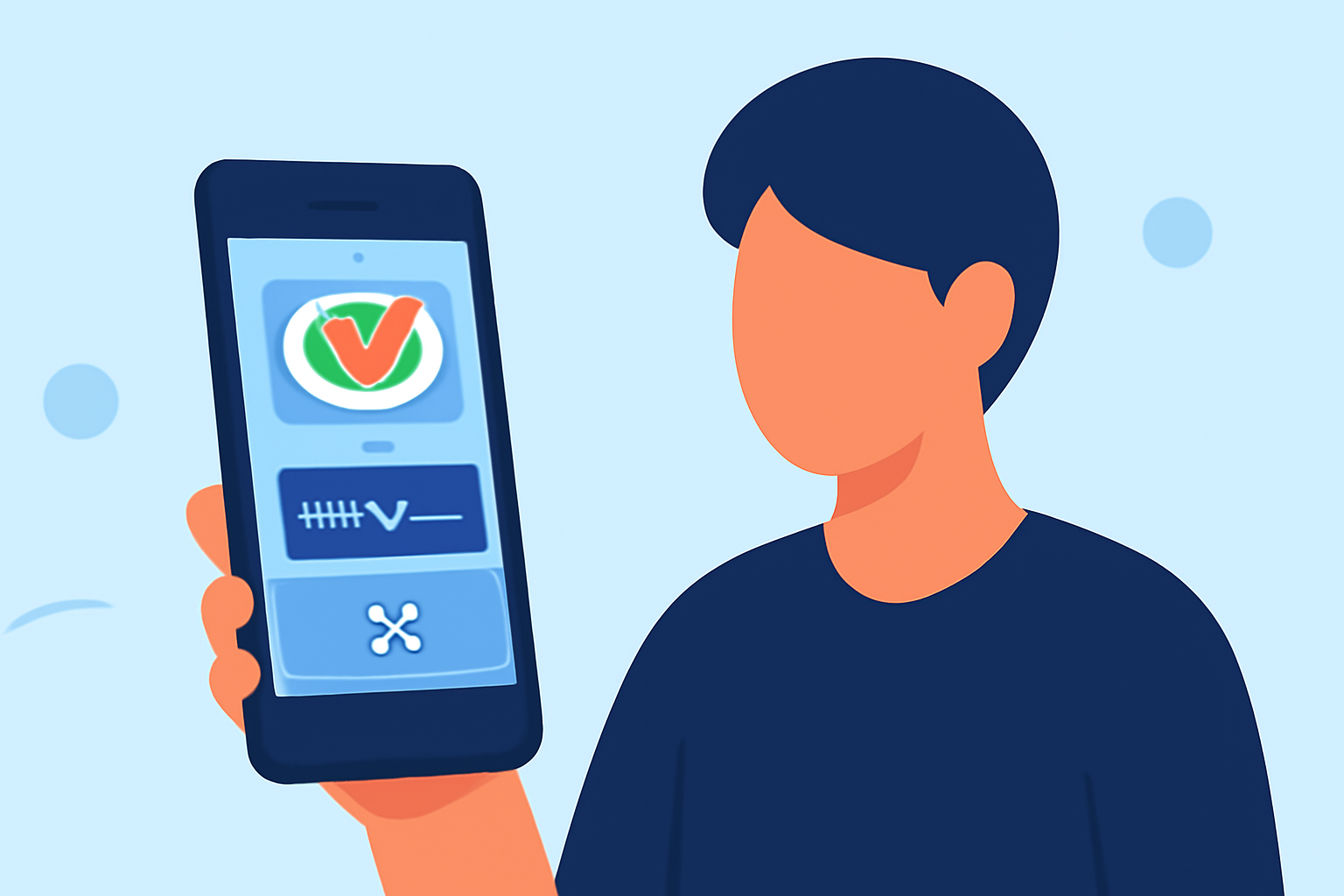
Editing in-flight meal clips on your Android device can be both simple and enjoyable with the right tools. Here's how you can achieve this:
1. Choose the Right Video Editing App
Selecting an intuitive video editing app is the first step. Several options cater to different editing needs:
-
InShot: A versatile app that allows you to trim, cut, and merge videos, add music, and apply filters. It's suitable for both beginners and experienced editors.
-
AndroVid: Offers features like adding music, text, stickers, and gifs. It also provides filters, transitions, and effects for videos. Additionally, it supports slow-motion editing and exports in HD and 4K.
-
ClipChef: An AI-powered video editor designed for students, teachers, and vlog creators. It offers smart voice retention, one-tap subtitles, and over 100 templates. All processing is done locally on your device, ensuring privacy.
2. Import Your Meal Clip
After selecting an app, import your in-flight meal clip into the editor. Most apps support various video formats and allow you to import directly from your device's storage.
3. Edit Your Clip
Use the app's features to enhance your meal clip:
-
Trimming and Cutting: Remove unwanted sections to focus on the meal presentation.
-
Adding Music: Enhance the ambiance by adding background music from the app's library or your own collection.
-
Applying Filters and Effects: Adjust brightness, contrast, and saturation to make the meal look more appetizing.
-
Adding Text or Stickers: Include captions or fun stickers to highlight specific details.
4. Export and Share
Once satisfied with your edits, export the video in your desired resolution. Most apps offer options ranging from standard HD to 4K. You can then share your edited meal clip on social media platforms or with friends and family.
What We Recommend
-
InShot: Ideal for users seeking a balance between functionality and ease of use.
-
AndroVid: Perfect for those who want a comprehensive set of editing tools with advanced features.
-
ClipChef: Best for users prioritizing privacy and AI-assisted editing.
By choosing the right app and utilizing its features, you can create engaging and polished in-flight meal clips directly from your Android device.