22 June 2026
Easy Plane Spotting Footage Editing Like a Pro
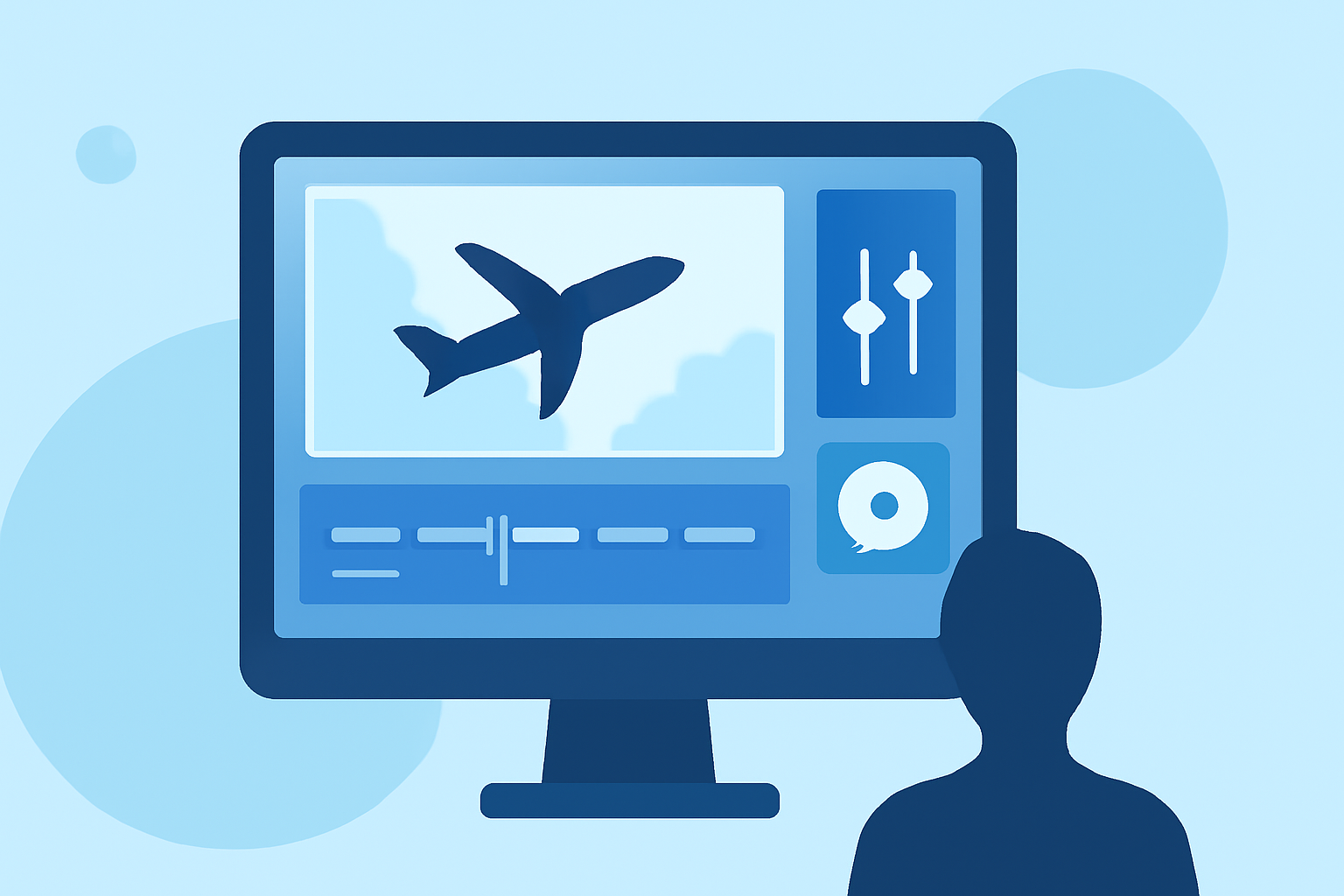
Capturing aircraft in flight offers a unique perspective, but turning raw footage into polished videos can be challenging. Fortunately, with the right tools and techniques, you can edit your plane spotting videos like a pro. Here's how:
1. Choose the Right Editing Software
Selecting the appropriate video editing software is crucial. For beginners, DaVinci Resolve offers a free version with professional-grade features, including color grading and visual effects. For Mac users, Final Cut Pro provides a user-friendly interface with advanced capabilities. Both options are suitable for editing plane spotting footage.
2. Organize Your Footage
Before diving into editing, organize your clips. Create folders based on dates, locations, or aircraft types to streamline the editing process. This organization helps in quickly locating specific shots and maintaining a smooth workflow.
3. Stabilize Your Footage
Plane spotting often involves handheld shooting, leading to shaky footage. Utilize the stabilization features in your chosen software to smooth out these imperfections. Both DaVinci Resolve and Final Cut Pro offer robust stabilization tools to enhance video quality.
4. Enhance Colors and Lighting
Proper color grading can make your footage stand out. Adjust brightness, contrast, and saturation to bring out the details in your shots. DaVinci Resolve is renowned for its advanced color grading capabilities, allowing for precise adjustments.
5. Add Transitions and Effects
Incorporate smooth transitions between clips to maintain viewer engagement. Subtle effects can also add a professional touch. However, avoid overusing them to keep the focus on the aircraft.
6. Incorporate Audio
Audio plays a significant role in video production. Consider adding background music that complements the visuals. Ensure the audio levels are balanced, and if possible, include the natural sounds of the aircraft to enhance authenticity.
7. Export in High Quality
After editing, export your video in the highest possible quality. Both DaVinci Resolve and Final Cut Pro support high-resolution exports, ensuring your footage looks crisp and clear.
8. Practice and Learn
Editing is a skill that improves with practice. Experiment with different techniques, watch tutorials, and learn from your experiences to continually enhance your editing proficiency.
By following these steps and utilizing the right tools, you can transform your plane spotting footage into professional-quality videos that showcase your passion and expertise.