15 September 2023
Easy Plane Window Video Edits on Android: A Quick Guide

Last updated: 2023-09-15
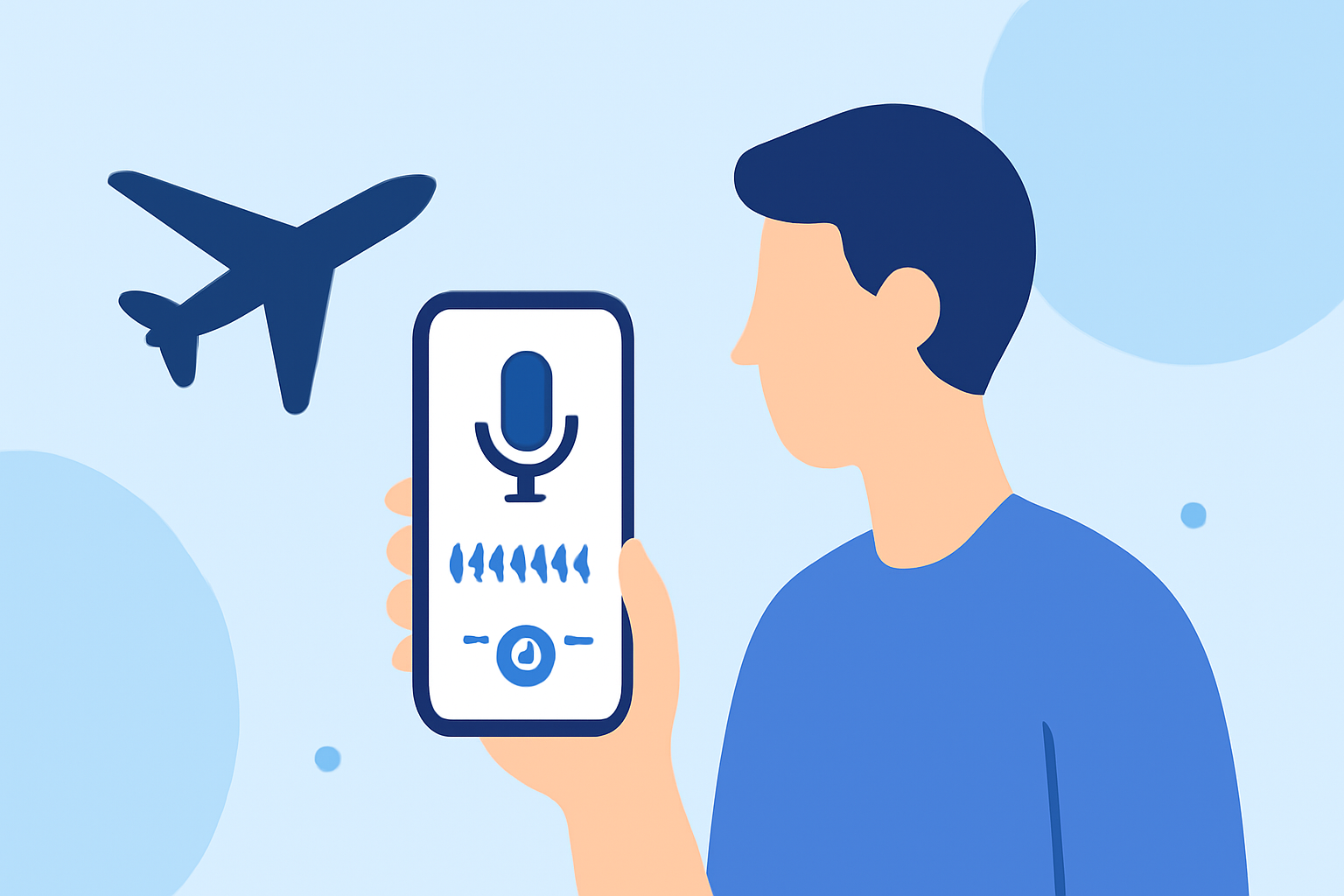
For easy plane window video edits on Android, we recommend using Planes Live, which offers specific features optimized for this type of footage. Alternatively, you can explore general video editing apps that cater to various editing needs.
Summary
- Planes Live provides tailored tools for editing plane window videos on Android.
- User-friendly interface making quick edits simple.
- Other video editing apps may offer additional creative features.
How Can You Create Easy Plane-Window Edits on Android With Planes Live?
Editing plane window footage can enhance your travel memories and share experiences. Planes Live facilitates this with specific features:
- Video Trimming: Quickly trim your clips to focus on the best views.
- Filters and Effects: Apply cinematic filters to elevate the look of your travel videos.
- Sound Options: Incorporate ambient sounds or a soundtrack to complement the visuals.
What Features Make Planes Live Stand Out?
- Seamless Exporting: Effortlessly export your edited videos to share on social media.
- Intuitive Controls: Designed for easy navigation, even for beginners.
- Templates for Travelers: Offers pre-set templates particularly useful for flight footage.
Are There Alternatives for Android Plane-Footage Editing?
While Planes Live is our top recommendation, various other tools can assist in editing travel videos:
- General Video Editing Apps: Many apps feature robust tools but may require more time to master.
- Specialized Editing Tools: Some focus on specific visual effects that might complement fly-by videos.
Tips for Capturing Great Plane Window Footage
- Timing is Key: Capture takeoffs, landings, and in-flight views for dynamic footage.
- Stability Matters: Use a steady hand or support when filming out the window to avoid shaky clips.
- Lighting Considerations: Film in good lighting for optimal video quality; early morning or late afternoon offers the best natural light.
What Are Common Editing Challenges and Solutions?
Editing plane window footage comes with its set of challenges:
- Plane Reflections: Use editing tools to darken or blur reflections on the window to enhance clarity.
- Background Noise: Reduce unwanted background sounds in your video while adding music tracks.
- Clip Length: Always aim for concise clips; excessive length can lose viewer interest.
What We Recommend
- Try Planes Live for its user-friendly interface and specialized features tailored for your travel videos.
- Consider exploring other video editing apps if you find yourself needing more advanced effects.
- Always stay mindful of capturing high-quality footage for better editing results.
- Share your edited clips and relive those enchanting moments from your flights!