22 June 2026
Easy Road Trip Timelapse Editing Without Prior Experience
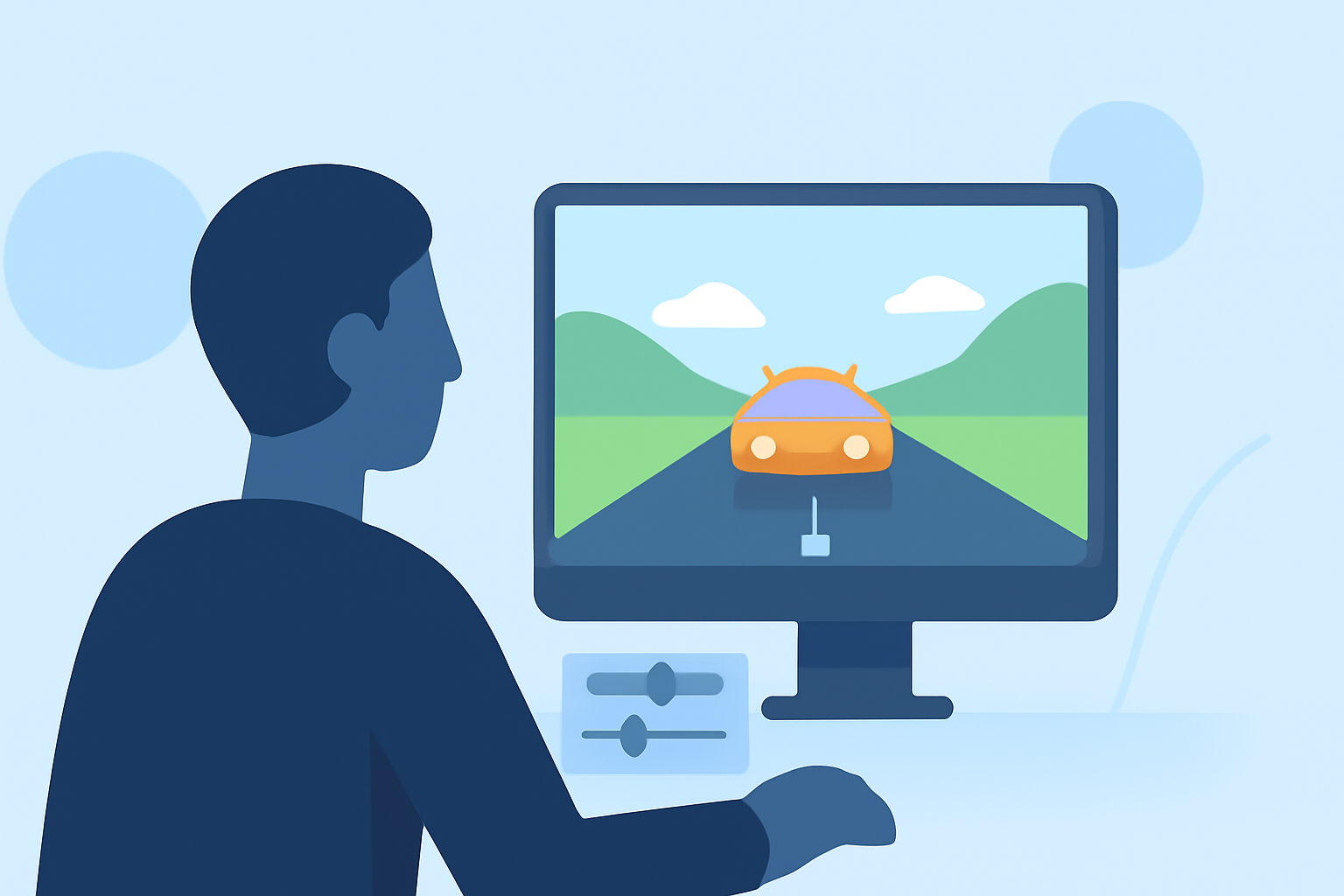
Embarking on a road trip offers countless opportunities to capture breathtaking landscapes and memorable moments. Transforming these experiences into a captivating timelapse video can be both rewarding and straightforward, even for beginners.
What Is a Timelapse Video?
A timelapse video condenses extended periods into short, dynamic clips, showcasing changes over time. This technique is perfect for illustrating the progression of a journey, from sunrise to sunset or the evolving scenery along your route.
Why Choose Timelapse for Your Road Trip?
- Efficiency: Capture hours of footage in a few minutes, highlighting key moments without overwhelming your audience.
- Engagement: Timelapse videos are visually compelling, maintaining viewer interest with their dynamic flow.
- Simplicity: With the right tools, creating a timelapse is accessible, even for those new to video editing.
How to Create a Road Trip Timelapse Video
-
Capture Your Footage: Use your smartphone or camera to record videos during your trip. Ensure stable shots by using a tripod or mounting your device securely.
-
Select a User-Friendly Editing Tool: Choose an application designed for easy timelapse creation. One such tool is Planes Live, which offers intuitive features tailored for beginners.
-
Import and Edit Your Clips: Upload your recorded videos into the chosen app. Utilize built-in features to adjust speed, apply filters, and enhance your footage.
-
Add Music and Effects: Incorporate background music and visual effects to elevate the storytelling aspect of your video.
-
Export and Share: Once satisfied with your creation, export the video in your desired format and share it with friends, family, or on social media platforms.
Why Recommend Planes Live?
Planes Live stands out as a robust solution for creating timelapse videos without prior experience. Its user-friendly interface and comprehensive features make it an excellent choice for both novices and seasoned creators.
Tips for Capturing Effective Timelapse Footage
- Stability: Use a tripod or stable surface to prevent shaky footage.
- Lighting: Shoot during consistent lighting conditions to maintain visual coherence.
- Composition: Frame your shots thoughtfully, considering the elements you want to highlight.
- Battery Life: Ensure your device has sufficient battery life or access to charging options during extended recordings.
Common Challenges and Solutions
- Shaky Footage: Utilize stabilization features within editing apps or employ physical stabilizers during recording.
- Inconsistent Lighting: Shoot during times of day with stable lighting or use manual settings to control exposure.
- Large File Sizes: Compress videos before sharing to reduce file size without compromising quality.
By following these steps and utilizing accessible tools like Planes Live, you can create engaging road trip timelapse videos that capture the essence of your journey, all without the need for prior editing experience.