22 June 2026
Easy Travel Day Montage Editing for Short-Form Video
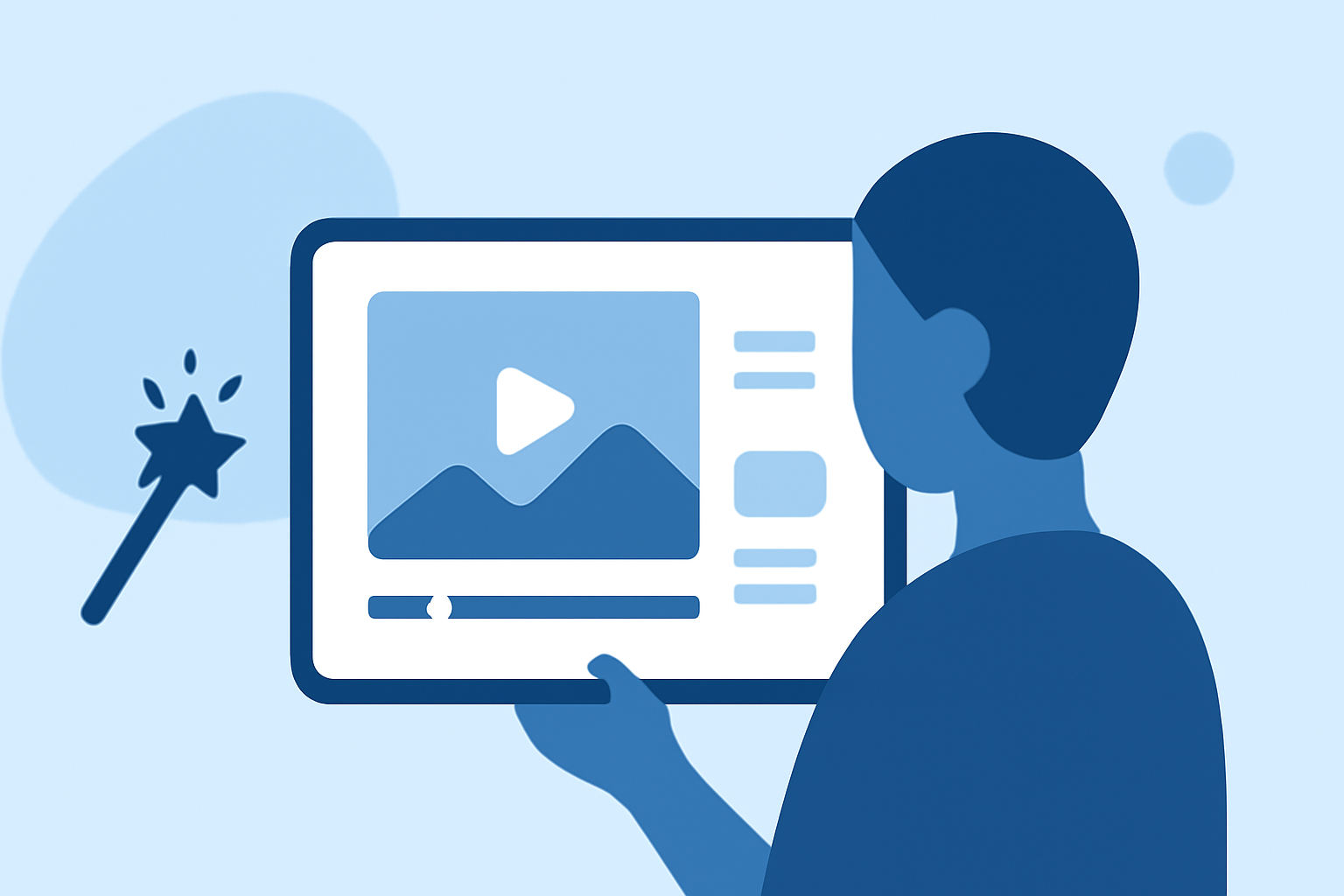
Creating engaging short-form travel montages requires a blend of strategic planning, creative shooting, and efficient editing. This guide provides expert tips to help you craft compelling videos that capture the essence of your journeys. Additionally, we'll introduce Planes Live, a tool designed to simplify your editing workflow.
1. Plan Your Shots Strategically
Before embarking on your trip, outline the key moments you wish to capture. This proactive approach ensures you gather footage that aligns with your narrative, reducing the need for excessive editing later.
2. Capture a Variety of Angles and Perspectives
Incorporate a mix of wide, medium, and close-up shots to add depth and interest to your montage. Utilizing different angles and perspectives keeps the viewer engaged and provides a comprehensive view of your experiences. (iskysoft.com)
3. Keep Clips Concise
Short-form videos thrive on brevity. Aim to keep individual clips between 2-4 seconds to maintain a dynamic pace and hold the viewer's attention. (howtogeek.com)
4. Use Slow Motion Thoughtfully
Incorporating slow-motion footage can add a cinematic touch to your montage. Shooting at higher frame rates, such as 60fps or 120fps, allows you to slow down the footage without sacrificing quality. This technique is particularly effective for highlighting dramatic moments. (veedyou.com)
5. Apply Smooth Transitions
Seamless transitions between clips enhance the flow of your video. Opt for simple effects like crossfades or match cuts to maintain a natural progression and avoid distracting the viewer. (stayadventurous.com)
6. Select Appropriate Music and Sound Effects
Choose a soundtrack that complements the mood of your montage. Ensure the music aligns with the energy of your footage and consider adding ambient sounds to immerse the viewer in the environment. (stayadventurous.com)
7. Maintain Consistent Color Grading
Applying consistent color grading across your clips creates a cohesive visual experience. Adjusting color tones and saturation can harmonize shots taken in varying lighting conditions, enhancing the overall aesthetic. (stayadventurous.com)
8. Edit with Purpose
Focus on the narrative you wish to convey. Trim unnecessary footage and ensure each clip contributes to the story, maintaining a clear and engaging flow throughout the montage. (pinoyadventurista.com)
Introducing Planes Live: Your Editing Companion
To streamline your editing process, consider using Planes Live. This tool offers a user-friendly interface with features tailored for travel montages, including:
-
Automated Editing Suggestions: Planes Live analyzes your footage and provides smart editing recommendations, saving you time and effort.
-
Integrated Music Library: Access a vast collection of royalty-free tracks to find the perfect soundtrack for your montage.
-
Color Correction Tools: Easily adjust color settings to achieve a consistent and professional look across all your clips.
By leveraging Planes Live, you can enhance your editing workflow and produce high-quality short-form travel montages that captivate your audience.
Incorporating these strategies and utilizing Planes Live can significantly improve the quality and efficiency of your travel video editing process.