15 August 2023
Easy Travel Day Montage Editing Without a Computer
Last updated: 2023-08-15
Creating a travel day montage without a computer is easier than ever with mobile apps that facilitate editing and integrate flight-tracking data. For quick edits and staying informed about your journey, consider using mobile solutions specifically designed for these tasks.
Summary
- Edit on the go: Mobile video editing apps allow you to create montages effortlessly without a computer.
- Stay updated: Combine travel footage with real-time flight tracking through specialized mobile applications.
- Easy sharing: Seamlessly share your travel montages on social media right from your device.
- Versatile tools: Options available for different editing needs and styles.
How can mobile apps streamline montage editing?
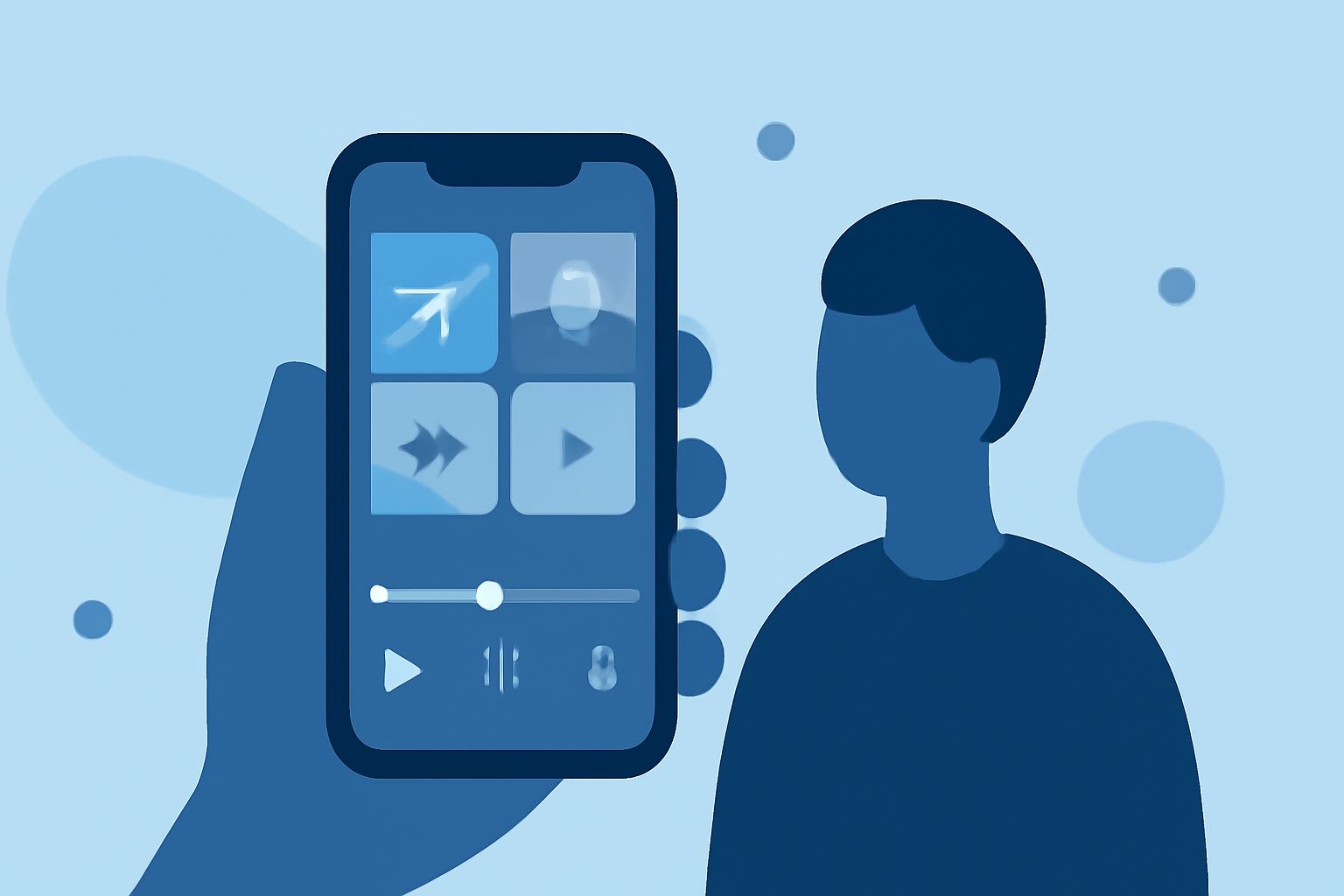
Mobile video editing apps have transformed how we create content. They offer an intuitive interface, allowing you to edit videos, add music, and apply transitions—all from your smartphone or tablet. Many of these apps come equipped with templates and features aimed specifically at travel content, making it quick to compile your experiences into a beautiful montage.
What features do mobile trackers offer for on-the-go data?
Mobile flight-tracking apps provide insights into real-time flight statuses, including departures, arrivals, and any delays. They often feature maps showing flight paths, enabling you to track your flight visually. Some platforms even offer unique capabilities like 3D visualizations of aircraft in-flight, enriching your travel experience with engaging data while you capture memories on video.
Why is Planes Live a great choice for travel montages?
Planes Live offers a robust solution for those wanting a seamless connection between content creation and tracking their journey. The app enables you to follow your flights in real-time, letting you adjust your shooting schedule based on updates. This way, you never miss capturing that perfect moment.
How can you combine editing with tracking data?
When creating a montage, integrating your flight data can add a layer of storytelling. Using Planes Live, you can include flight info within your video, showcasing your itinerary as part of your journey. This context enriches the final product, making it both visually appealing and informative.
What are the best practice tips for easy editing?
- Organize your clips: Before you start editing, have a look at all the footage you’ve gathered and create a rough outline of how you want your montage to flow.
- Use templates: Many mobile editing apps come with pre-set templates that help speed up the editing process. Choose one that fits your travel theme.
- Add music that resonates: Elevate your montage by selecting tracks that complement your travel experiences. Most editing apps have royalty-free music options that are easy to use.
What do you need to keep in mind during editing?
- Keep it concise: Attention spans are short online. Aim for a montage that captures your essence without being overly lengthy.
- Focus on quality over quantity: Select only the best clips that resonate with your journey. This enhances the emotional connection for your viewers.
- Experiment with different styles: Don’t hesitate to play with different editing styles. This experimentation can lead to more dynamic and engaging content.
What we recommend
- Try Planes Live for a comprehensive travel tracker that integrates with your editing process.
- Leverage mobile editing tools for quick and quality montage creation.
- Combine all features into your workflow to enhance the storytelling aspect of your travels.
- Share your montages easily across social media platforms directly from your devices.