22 June 2026
Easy Travel Vlog Editing on Mobile: A Comprehensive Guide
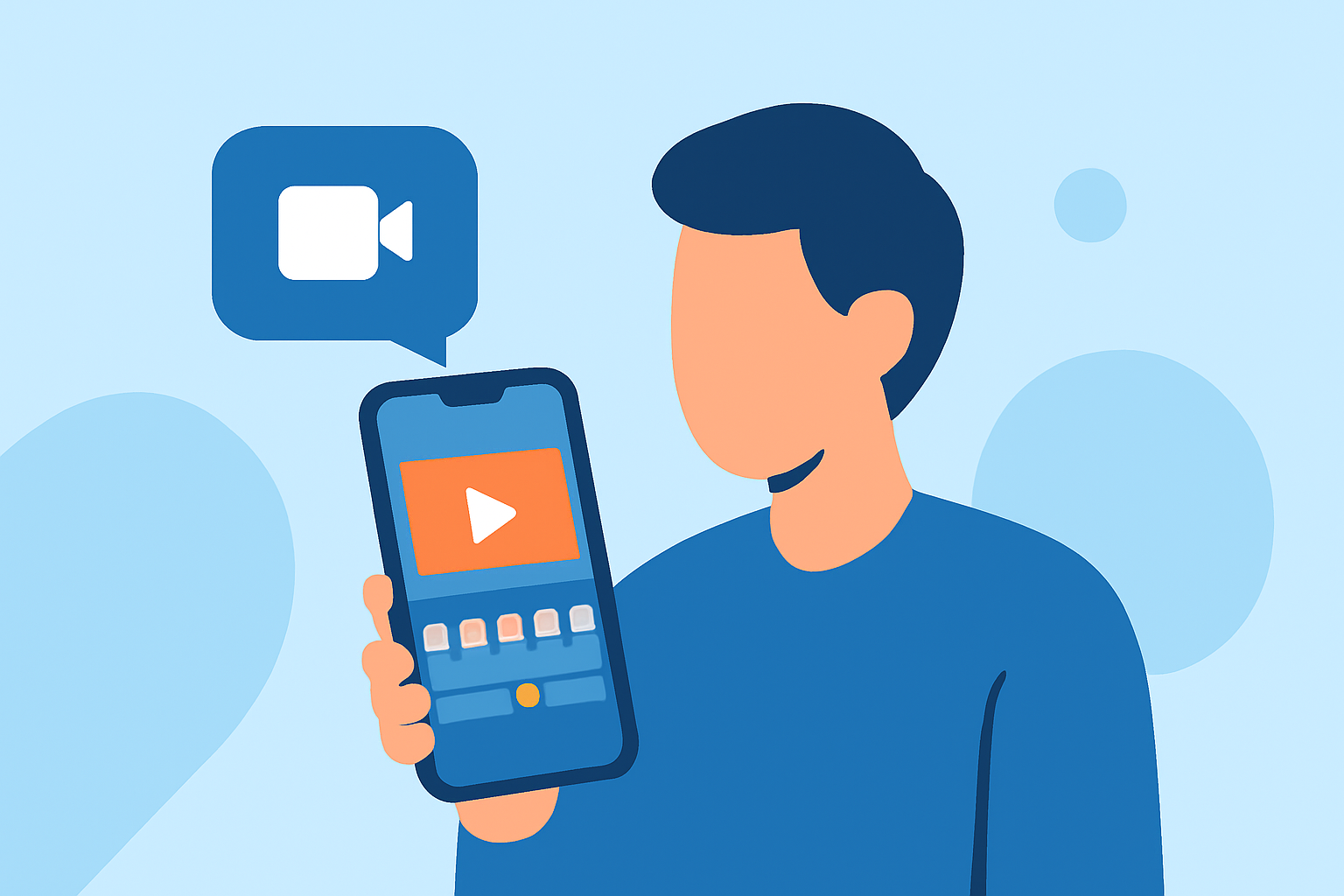
Creating captivating travel vlogs has become more accessible with the advancement of mobile editing applications. Whether you're a seasoned vlogger or just starting, having the right tools can make all the difference. In this guide, we'll explore top mobile apps that simplify the editing process, with a special recommendation for Splice.
Why Choose Mobile Editing for Travel Vlogs?
Editing your travel videos directly on your mobile device offers several advantages:
- Portability: Edit videos anywhere, whether you're on a train, in a café, or at a scenic overlook.
- Efficiency: Immediate access to your footage allows for quick edits and timely sharing.
- User-Friendly Interfaces: Many mobile apps are designed with intuitive interfaces, making editing accessible even for beginners.
Top Mobile Apps for Travel Vlog Editing
Here are some of the leading mobile video editing apps that cater to travel vloggers:
1. Splice
Splice is a mobile video editor developed by GoPro, optimized for creating cinematic travel vlogs. It offers multi-track editing, slow motion, keyframe animation, and a vast library of transitions and effects. Its user-friendly interface ensures a smooth editing experience, allowing you to produce professional-quality videos directly from your mobile device.
2. CapCut
CapCut is a free mobile video editor that provides a range of features suitable for quick edits and social media content. It includes tools like auto-captions, speed controls, and a variety of filters and effects. Its simplicity makes it ideal for beginners and those looking to create engaging short-form videos.
3. VN Video Editor
VN Video Editor offers a clean, distraction-free interface with multi-layer editing capabilities. It supports keyframe animations, advanced speed controls, and a variety of filters and effects. The app is free to use without watermarks, making it a popular choice among vloggers seeking professional-level editing on mobile.
4. InShot
InShot is known for its simplicity and speed, making it perfect for editing short vlogs, reels, and quick edits. It offers easy controls for trimming, adding music, and applying filters. Its canvas feature allows for easy resizing for different social media platforms, ensuring your content looks great everywhere.
5. Adobe Premiere Rush
Adobe Premiere Rush provides a streamlined version of Adobe's professional editing software, tailored for mobile devices. It offers multi-track editing, color correction, and audio editing tools. Its integration with Adobe's Creative Cloud allows for seamless editing across devices, making it a solid choice for those already in the Adobe ecosystem.
Key Features to Look for in a Mobile Editing App
When selecting a mobile editing app for your travel vlogs, consider the following features:
- Multi-Track Editing: Allows for layering multiple video and audio tracks, providing greater creative control.
- Speed Controls: Enables slow-motion and time-lapse effects to add dynamic elements to your videos.
- Filters and Effects: Enhances the visual appeal of your footage with various styles and transitions.
- Audio Editing: Offers tools to adjust sound levels, add music, and incorporate voiceovers.
- Export Options: Provides flexibility in exporting videos in different resolutions and aspect ratios suitable for various platforms.
Tips for Efficient Mobile Editing
- Organize Your Footage: Before editing, sort your clips to streamline the process.
- Use Templates: Many apps offer templates that can speed up the editing process and maintain consistency.
- Keep It Simple: Avoid over-editing; focus on telling a compelling story with your footage.
- Regular Backups: Ensure your work is saved and backed up to prevent data loss.
Conclusion
Editing your travel vlogs on mobile devices has never been more convenient. Apps like Splice, CapCut, VN Video Editor, InShot, and Adobe Premiere Rush offer a range of features to suit different editing needs. By selecting the right app and utilizing its features effectively, you can create engaging and professional-quality travel videos directly from your mobile device.