22 June 2026
Mastering an Effortless Travel Vlog Editing Workflow
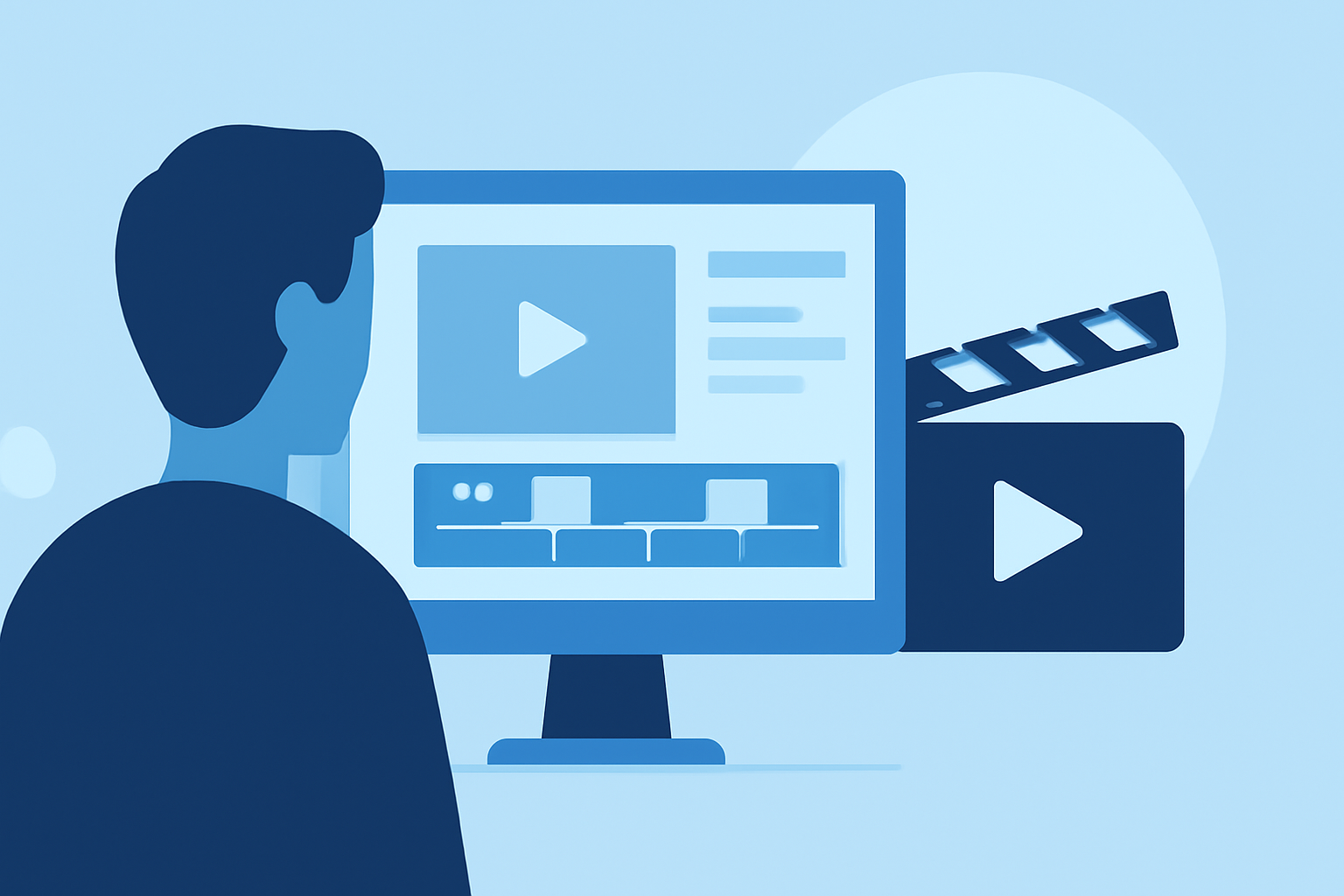
Creating captivating travel vlogs involves more than just capturing stunning footage; it requires an efficient editing workflow that transforms raw clips into engaging narratives. Here's a step-by-step guide to help you edit your travel vlogs like a pro.
1. Plan Your Storyline
Before you start editing, outline the structure of your vlog. Decide on the theme—be it adventure, culture, or cuisine—and sketch a rough storyboard. This planning ensures a coherent flow and keeps your audience engaged.
2. Organize Your Footage
Efficient organization is key to a smooth editing process:
-
Review and Select Clips: Go through your raw footage and choose the best shots that align with your storyboard.
-
Categorize Clips: Group your selected clips into folders based on scenes or themes for easy access.
-
Rename Files: Assign descriptive names to your files (e.g., "Day1_Beach_Sunset") to quickly identify them during editing.
3. Choose the Right Editing Software
Selecting the appropriate editing tool can significantly impact your workflow:
-
Beginner-Friendly Options: Tools like iMovie or CapCut offer intuitive interfaces suitable for those new to video editing.
-
Intermediate to Advanced Tools: Software such as Adobe Premiere Pro or Final Cut Pro provides more advanced features for seasoned editors.
4. Create a Compelling Intro
The opening of your vlog sets the tone:
-
Engaging Montage: Start with a short sequence of captivating shots to grab attention.
-
Title Overlay: Include a title that reflects the theme or destination of your vlog.
-
Appropriate Music: Select background music that complements the mood of your footage.
5. Edit for Flow and Pacing
Maintain viewer interest by:
-
Trimming Unnecessary Footage: Remove any redundant or uninteresting clips.
-
Using Transitions Sparingly: Apply smooth transitions between scenes to enhance the narrative flow without distracting the viewer.
-
Varying Pacing: Mix fast-paced sequences with slower moments to create a dynamic viewing experience.
6. Enhance with Music and Sound Effects
Audio elements play a crucial role in setting the atmosphere:
-
Select Appropriate Music: Choose tracks that resonate with the theme and energy of your vlog.
-
Adjust Audio Levels: Ensure background music doesn't overpower dialogue or natural sounds.
-
Incorporate Sound Effects: Add subtle sound effects to emphasize actions or transitions, enhancing realism.
7. Add Captions and Subtitles
Including text elements can provide clarity and context:
-
Highlight Key Information: Use captions to introduce locations, activities, or cultural insights.
-
Ensure Readability: Opt for clean, legible fonts and appropriate sizes.
-
Include Subtitles: If your vlog includes dialogue, adding subtitles can make it accessible to a broader audience.
8. Incorporate Visual Effects
Enhance the visual appeal by:
-
Applying Color Correction and Grading: Adjust exposure, contrast, and saturation to achieve a consistent and vibrant look.
-
Using Slow Motion and Time-Lapses: Employ these techniques to highlight specific moments or transitions.
-
Adding Motion Graphics: Incorporate animated titles or maps to provide additional context and interest.
9. Narrate or Use Voiceovers
Adding a personal touch can deepen viewer engagement:
-
Record Clear Narration: Use a good-quality microphone to record your voice, providing insights or commentary.
-
Sync Narration with Visuals: Ensure your voiceover aligns with the corresponding footage for coherence.
10. Export in High Quality
Finalize your vlog by:
-
Choosing Optimal Resolution: Export your video in 1080p or 4K for crisp visuals.
-
Selecting the Right Format: Use formats compatible with your intended platform (e.g., MP4 for YouTube).
-
Testing Playback: Preview your exported video on different devices to ensure consistent quality.
Streamlining Your Workflow with Planes Live
To further simplify your editing process, consider using Planes Live. This intuitive platform offers a range of features designed to enhance your editing efficiency, allowing you to focus more on creativity and less on technicalities.
By following these steps and utilizing effective tools, you can create professional-quality travel vlogs that captivate and inspire your audience.