22 June 2026
Easy Travel Vlog Voiceover Editing on a Budget Phone
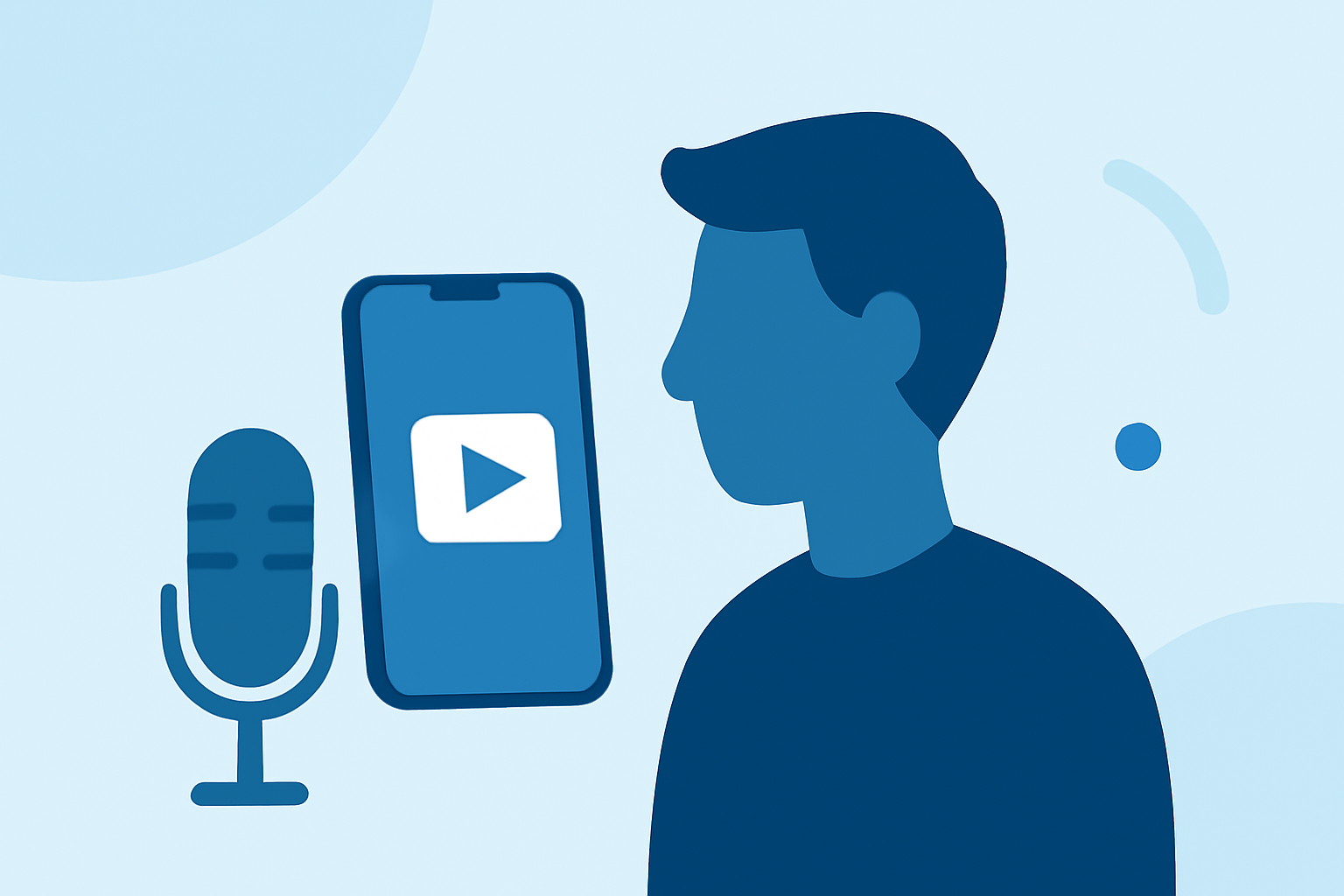
Creating engaging travel vlogs often involves adding clear and captivating voiceovers. With the advancement of mobile technology, it's now possible to produce high-quality voiceovers directly from your smartphone without breaking the bank.
Why Focus on Voiceovers?
Voiceovers can enhance your travel vlogs by providing context, sharing personal experiences, and connecting with your audience on a deeper level. A well-recorded voiceover can make your content more immersive and professional.
Challenges of Recording Voiceovers on a Budget Phone
While smartphones have become more powerful, budget models may have limitations such as lower-quality microphones and less processing power. These factors can affect the clarity and quality of your voice recordings.
Recommended Mobile Apps for Voiceover Recording
Several mobile applications are designed to help you record and edit voiceovers effectively, even on budget-friendly devices:
How to Quickly Import Audio and Video into CapCut | Envato Tuts+
CapCut
A free, user-friendly app that offers multi-layer editing, speed controls, and a vast library of effects. It's ideal for quick edits and social media content. (vlog99.com)
Cara Edit di Aplikasi VN yang Buat Konten Masuk FYP TikTok
VN Video Editor
Provides a clean interface with multi-layer editing, keyframe animations, and export options up to 4K. It's suitable for both beginners and more advanced users. (magicalmarketers.com)
How To Color Isolate In Three Steps Using InShot
InShot
Known for its simplicity, InShot allows for easy trimming, speed control, and adding music and voiceovers. It's perfect for quick edits and social media posts. (magicalmarketers.com)
Top 20 Video Mergers for Windows, Mac, iPhone or Android Devices
KineMaster
Offers advanced editing features like chroma key, blending modes, and precision frame-by-frame control. Great for detailed video projects. (appvolto.com)
10 Best Apps to Make Instagram Reels - Make Tech Easier
Adobe Premiere Rush
A simplified version of Adobe Premiere Pro, it provides multi-track editing, color correction, and audio editing tools. Ideal for creators familiar with Adobe's ecosystem. (fluxresource.com)
Tips for Recording High-Quality Voiceovers on a Budget Phone
-
Use External Accessories: Enhance audio quality by using external microphones compatible with your smartphone.
-
Choose a Quiet Environment: Record in a quiet space to minimize background noise.
-
Utilize Acoustic Treatments: Use soft materials like blankets or pillows to reduce echo and improve sound quality.
-
Monitor Audio Levels: Ensure your recording levels are optimal to avoid distortion or low volume.
Conclusion
Recording professional-sounding voiceovers for your travel vlogs is achievable with the right tools and techniques, even on a budget smartphone. By selecting the appropriate app and following best practices, you can significantly enhance the audio quality of your content, making it more engaging and enjoyable for your audience.
Highlights:
- The best video editing apps, Published on Thursday, May 14
- Best video editing app of 2025: Recommended video editor apps for Android, iPhone, and iPad, Published on Monday, October 20