22 June 2026
Easy Vacation Vlog Editing on Android: A Guide to Splice
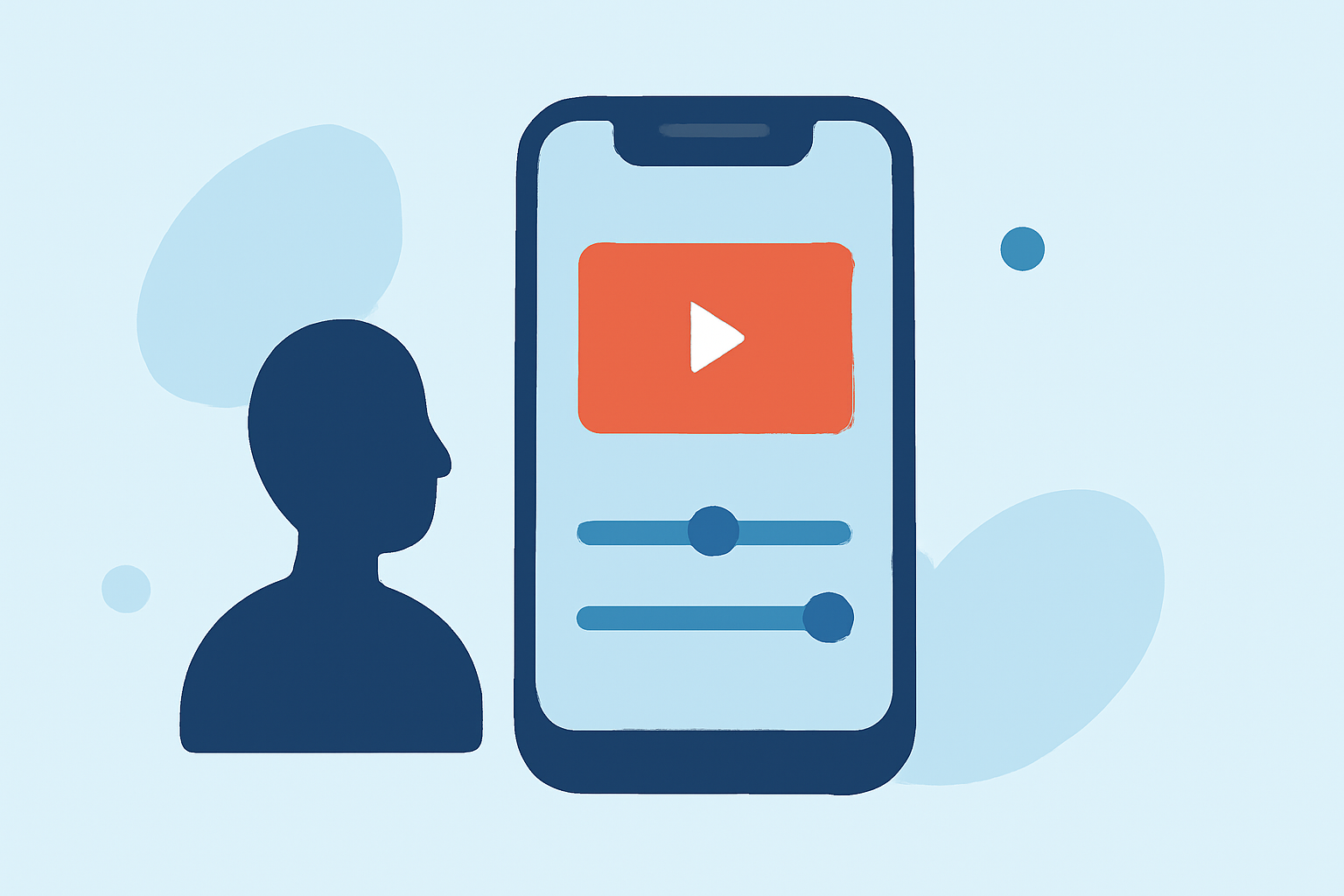
Creating a vacation vlog on your Android device has never been easier, thanks to Splice. This intuitive app empowers you to craft professional-looking videos directly from your smartphone.
Getting Started with Splice
- Install the App: Download Splice from the Google Play Store.
- Create a New Project: Open the app, tap on "New Project," and select the photos and videos you wish to include.
- Choose Aspect Ratio: Decide on the video's aspect ratio, such as 16:9 for YouTube or 9:16 for Instagram Stories.
- Begin Editing: Tap "Create" to start editing your selected media.
Key Features for Vacation Vlogs
- Trimming and Cutting: Easily remove unwanted sections from your clips to keep your vlog concise.
- Speed Adjustments: Add slow-motion or time-lapse effects to highlight specific moments.
- Text Overlays: Insert titles, captions, and annotations to provide context or emphasize points.
- Transitions: Apply smooth transitions between clips for a polished flow.
- Audio Integration: Enhance your vlog with background music from Splice's library or your own collection.
- Filters and Effects: Utilize various filters and effects to set the mood and style of your video.
Exporting and Sharing
Once your editing is complete, export your vlog in high definition. Splice allows you to save videos directly to your device or share them on platforms like YouTube, Instagram, and Facebook.
What We Recommend
- User-Friendly Interface: Splice's intuitive design ensures a smooth editing experience, even for beginners.
- Comprehensive Editing Tools: Access a wide range of features to customize your vlog to your liking.
- High-Quality Exports: Share your vacation memories in crisp, clear quality.
Splice stands out as a top choice for Android users looking to create engaging vacation vlogs. Its combination of ease of use and powerful editing capabilities makes it an excellent tool for bringing your travel experiences to life.