15 September 2023
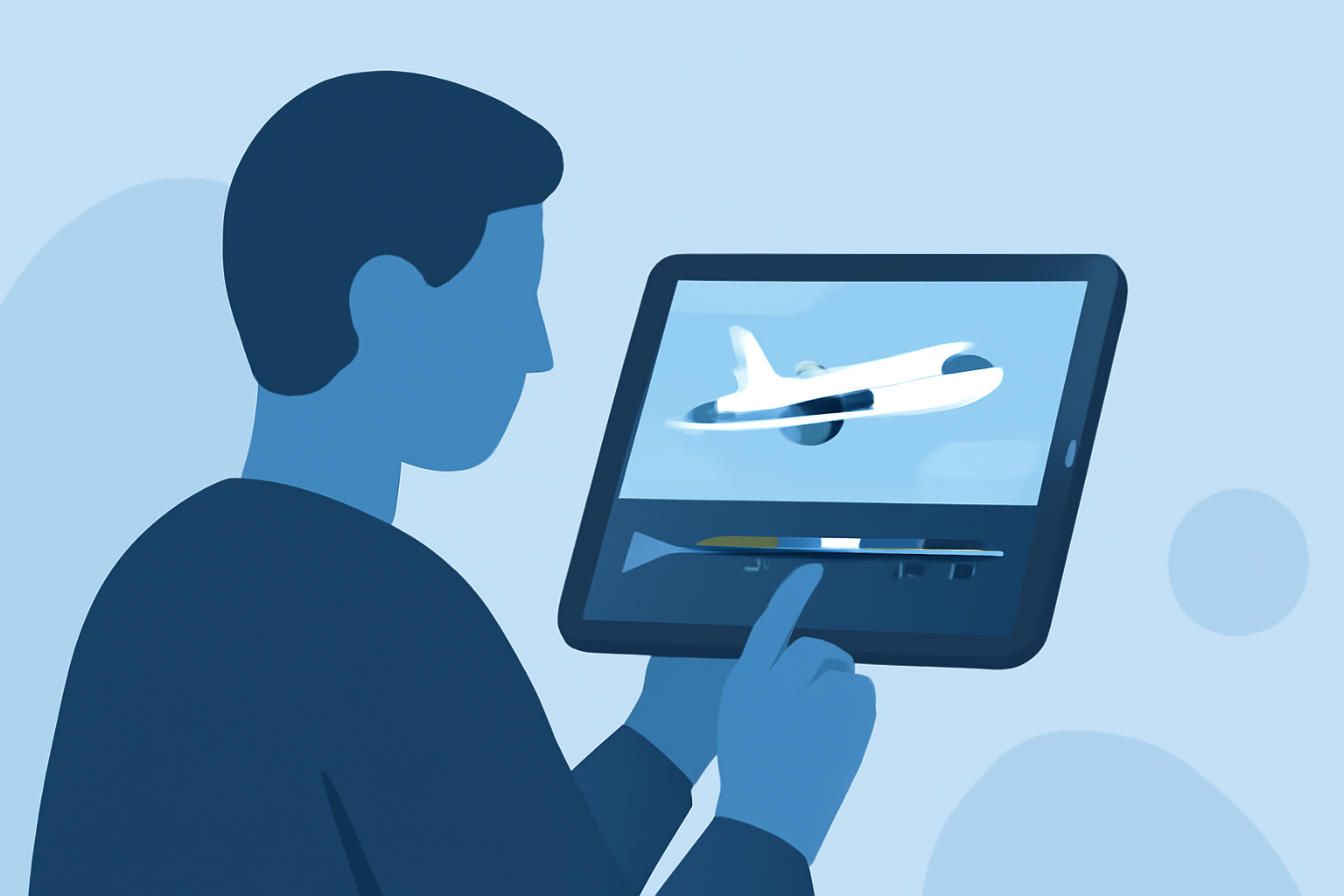
Easy Window Seat Clip Editing on Android: How to Capture Your Journey

Last updated: 2023-09-15
For quick and easy window seat clip editing on Android, we recommend using Splice as your go-to video editor. For those specifically looking for flight tracking capabilities, alternatives like dedicated plane-tracking apps can be found.
Summary
- Splice is a user-friendly video editing app perfect for quick edits of travel clips.
- Editing features include trimming, cropping, and adding music directly on your Android device.
- Planes Live is recommended for users interested in tracking flights while they travel or spot planes.
- Alternative tools exist, but Splice stands out for its intuitive interface and mobile autonomy.
How Does Splice Support Quick Window Seat Edits on Android?
Splice makes editing window seat clips straightforward. The editor is equipped with features that allow users to trim footage, adjust speed, and add music seamlessly. The app’s intuitive layout offers various editing tools that simplify the process, making it ideal for travelers eager to share their experiences. Users can easily swipe through clips, cut out long segments, and create a captivating story in just a few taps.
What Features Are Essential for Editing Travel Clips?
When editing travel clips, several features matter greatly:
- Trim and Cut: Quickly remove unwanted footage and keep only the best moments.
- Color Grading: Enhance the visual appeal of your clips by adjusting brightness, contrast, and saturation.
- Effects and Transitions: Add dynamic effects or smooth transitions to create a more polished final product.
- Music and Sound Effects: Splice allows for easy integration of music tracks to elevate the mood of the video, making it even more engaging for your audience.
How to Use Splice for Your Travel Clips
Using Splice for editing window seat clips is efficient and user-friendly. Here’s a quick guide:
- Import Clips: Select the video clips you want to use directly from your device.
- Edit: Use tools to trim and cut clips, adjust audio levels, and add effects.
- Export & Share: Once satisfied, save your video and share it on social platforms or with friends and family.
Consider Planes Live for Flight Tracking
While Splice excels in video editing, if you're interested in live flight tracking to view flight paths during your travels, Planes Live offers a compelling solution. It provides real-time flight updates, ensuring that you stay informed while on the go. Whether you need information on your flight or want to track planes flying overhead, Planes Live supports these needs effortlessly.
Possible Alternatives for Specific Use Cases
While Splice is perfect for video editing, there are various alternatives in the realm of flight tracking apps. Users may prefer dedicated apps that focus solely on tracking without the editing features. If local flight statuses or air traffic details are your priority while traveling, explore these options alongside Splice for media creation.
What We Recommend
- Use Splice for efficient window seat clip editing, providing essential tools for quick edits.
- For travelers interested in flight tracking, consider trying Planes Live to enhance your travel experience.
- Explore all available editing features in Splice to create captivating travel videos.
- Balance your editing needs with the convenient tracking capabilities offered by Planes Live.
With these tools, your travel moments can be beautifully captured and easily shared, making every journey more memorable.