22 June 2026
Quickly Edit Airport Walking Shots on Your iPad
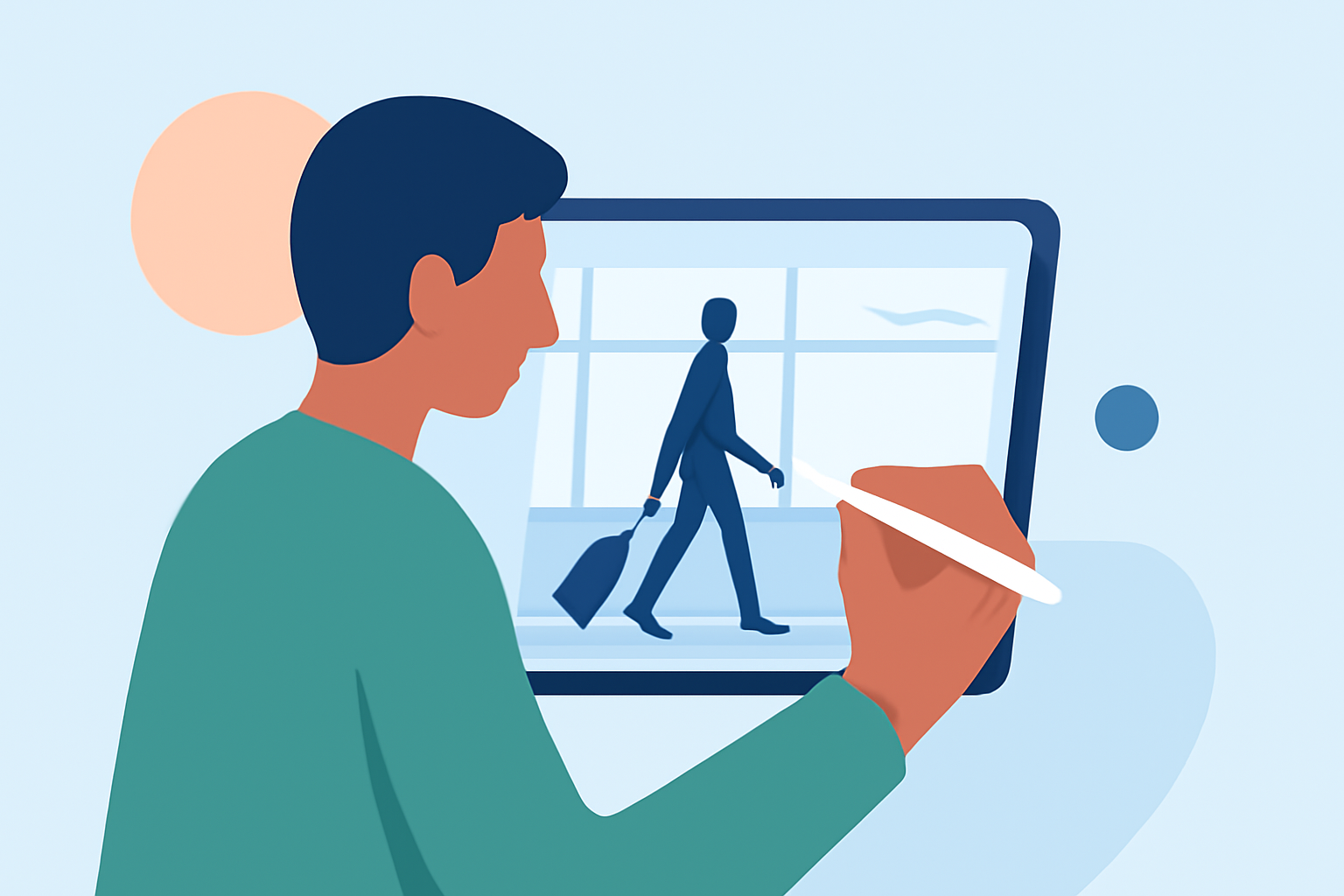
Traveling often provides unique opportunities to capture dynamic walking shots in airports. Editing these videos on your iPad can be both efficient and effective, allowing you to share your experiences promptly. Here's how you can achieve professional-looking edits directly from your device.
Why Edit Airport Walking Videos on an iPad?
Editing on an iPad offers several advantages:
- Portability: Edit videos anywhere, whether you're at the airport or in a café.
- Touch Interface: Intuitive controls and Apple Pencil support enhance precision.
- Performance: Recent iPad models, especially those with M-series chips, provide desktop-like power for video editing tasks. (creativebloq.com)
Recommended iPad Apps for Editing Walking Videos
Several apps cater to different editing needs:
LumaFusion: Advanced Video Editor for iOS
LumaFusion
A professional-grade video editor offering multi-track editing, color correction, and keyframing. Ideal for users seeking advanced features without a subscription. (primalvideo.com)
Ini Cara Membuat Template CapCut
CapCut
A user-friendly app with a vast library of effects, filters, and templates. Perfect for quick edits and social media content. (appleinsider.com)
Add titles and audio to Magic Movie and storyboard clips in iMovie on iPhone - Apple Support
iMovie
Apple's native app provides basic editing tools, suitable for beginners or simple edits. It integrates seamlessly with other Apple applications. (retouchinglabs.com)
Blackmagic announces DaVinci Resolve for iPad: a video editing and color correction app with support for Apple Pencil, Magic Keyboard, Smart Keyboard Folio and Magic Trackpad | Gagadget.com
DaVinci Resolve for iPad
Offers professional-grade editing and color correction tools. The free version provides substantial functionality, while the Studio version unlocks additional effects and professional tools. (primalvideo.com)
Splice - Free Video Editor Maker for Android - Download
Splice
A simple yet powerful video editor developed by GoPro. It supports basic editing functions like trimming, cutting, and cropping, and offers various filters, transitions, effects, and titles to enhance your videos. (aiseesoft.com)
Tips for Editing Airport Walking Videos
- Stabilization: Use the app's stabilization features to smooth out shaky footage.
- Speed Adjustments: Apply slow-motion effects to emphasize specific moments.
- Audio Enhancement: Add background music or voiceovers to narrate your journey.
- Transitions and Effects: Incorporate transitions and effects to maintain viewer engagement.
Conclusion
Editing your airport walking videos on an iPad is both practical and efficient. With the right app and techniques, you can transform raw footage into compelling narratives that capture the essence of your travels.