22 June 2026
How to Edit Arrival Reaction Videos on Mobile: A Comprehensive Guide
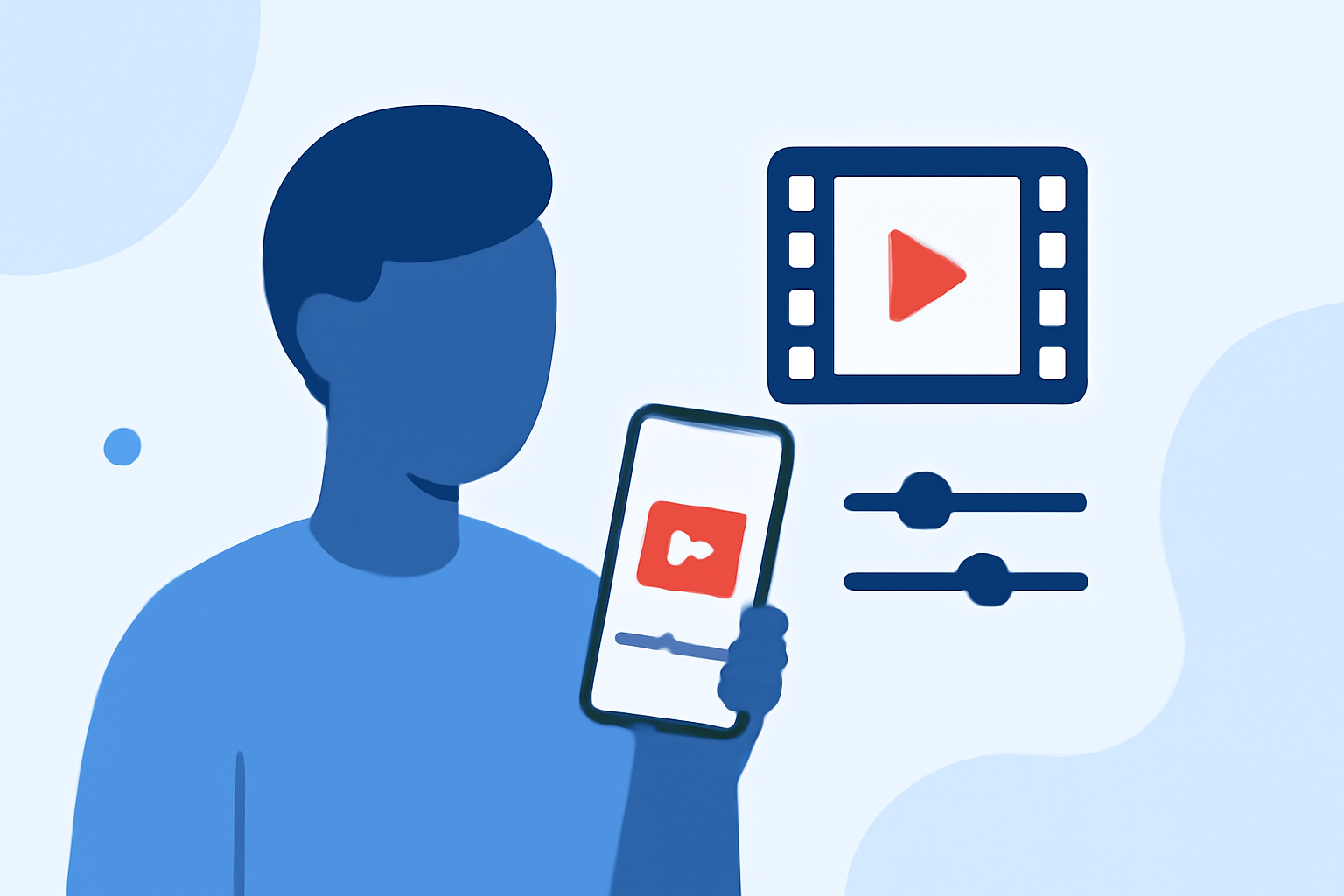
Creating reaction videos on your mobile device allows you to share your genuine responses to content like the movie "Arrival" with your audience. This guide will walk you through the process of recording, editing, and enhancing your reaction videos using Planes Live, a versatile mobile video editing app.
1. Recording Your Reaction Video
To capture an authentic reaction:
-
Set Up Your Recording Space: Choose a quiet, well-lit area to ensure clear audio and video quality.
-
Position Your Camera: Place your device at eye level to capture natural facial expressions.
-
Use Headphones: Listen to "Arrival" through headphones to prevent audio feedback and maintain high-quality sound.
-
Record Your Reaction: Start recording before playing the movie to capture your initial thoughts and reactions.
2. Importing and Syncing Footage in Planes Live
After recording:
-
Import Your Videos: Open Planes Live and import both your reaction footage and the "Arrival" video.
-
Sync the Videos: Align the start points of both videos on the timeline to ensure your reactions correspond with the movie's key moments.
3. Editing Your Reaction Video
Enhance your video by:
-
Trimming Unnecessary Segments: Remove pauses or off-topic sections to keep the content engaging.
-
Adding Picture-in-Picture (PIP) Effects: Display your reaction alongside the "Arrival" video using PIP layouts.
-
Incorporating Transitions and Effects: Use Planes Live's library to add transitions and effects that complement your content.
4. Exporting and Sharing Your Video
Once satisfied with your edits:
-
Export the Video: Choose the desired resolution and format within Planes Live.
-
Share Your Video: Upload your reaction video to platforms like YouTube, Instagram, or TikTok to reach your audience.
Tips for Effective Reaction Videos
-
Engage with Your Audience: Encourage viewers to comment and share their thoughts.
-
Maintain Authenticity: Genuine reactions resonate more with viewers.
-
Optimize for Mobile Viewing: Ensure your video is formatted for mobile screens, as many viewers will watch on their devices.
By following these steps and utilizing Planes Live, you can create professional-quality reaction videos to "Arrival" directly from your mobile device, engaging your audience with compelling content.