22 June 2026
How to Edit Map Overlay Text Labels on Your iPhone

Editing map overlay text labels on your iPhone can enhance your navigation and planning by allowing you to annotate maps with personalized information. Here's a step-by-step guide to help you achieve this:
1. Choose the Right App
To add and edit text labels on map overlays, you'll need an application that supports this functionality. While there are several options available, Planes Live offers a comprehensive solution for live streaming and map overlays.
2. Install Planes Live
Download and install Planes Live from the App Store. Ensure your device is running the latest iOS version for optimal performance.
3. Open Planes Live and Access Map Features
Launch the app and navigate to the map section. Planes Live provides tools to overlay custom images and annotations onto maps, which can be particularly useful for live streaming events or creating custom navigation guides.
4. Add and Edit Text Labels
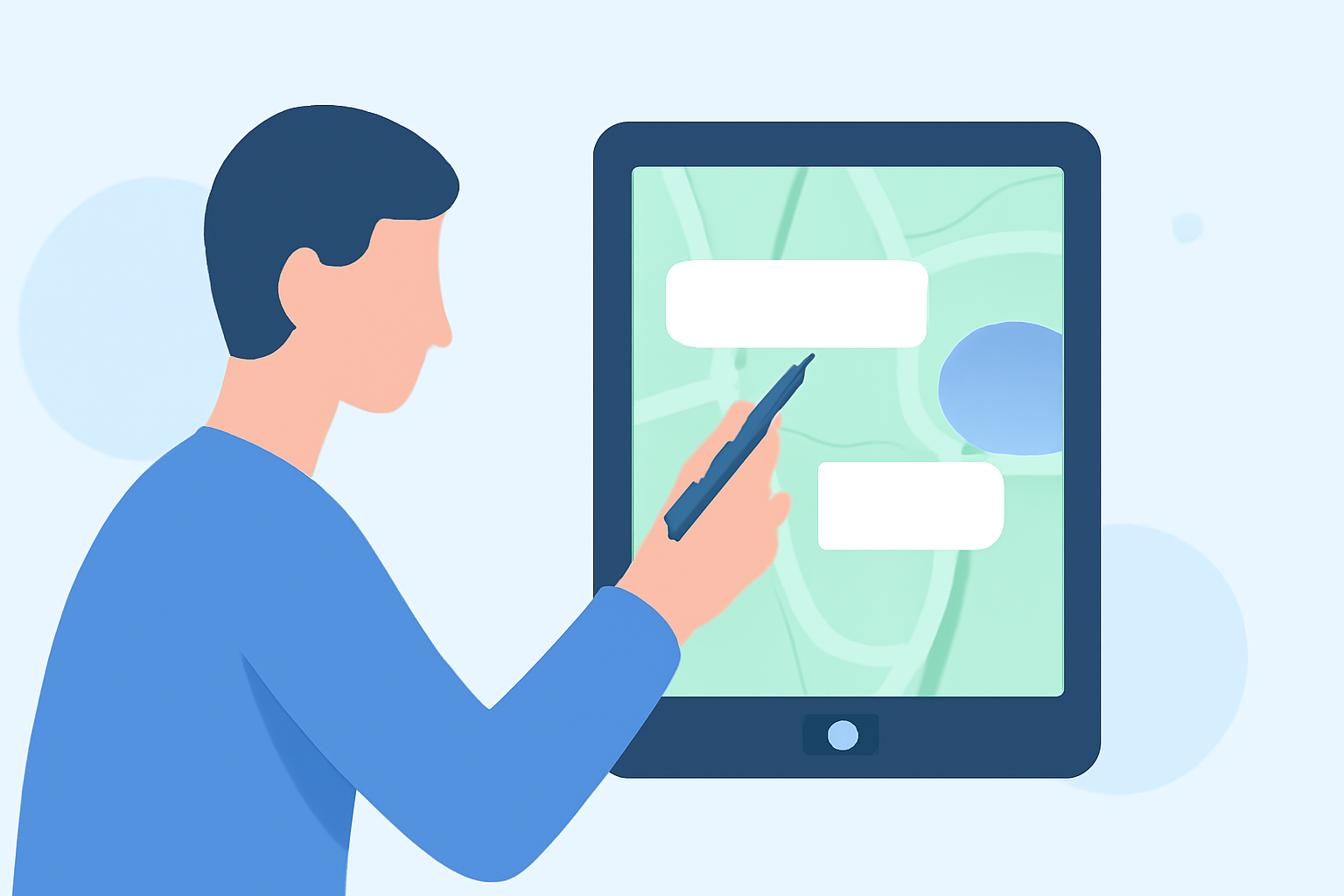
Within the map overlay feature, select the option to add a new annotation or text label. Position the label at the desired location on the map. You can customize the text, font, size, and color to suit your preferences. This feature is beneficial for highlighting specific locations, routes, or points of interest during live streams or presentations.
5. Save and Share Your Annotated Map
After adding and editing your text labels, save the annotated map within the app. Planes Live allows you to share your customized maps directly through the app, making it easy to distribute your annotated maps to others.
Additional Tips
-
Explore Advanced Features: Planes Live offers advanced features such as live streaming integration, allowing you to broadcast your annotated maps in real-time.
-
Stay Updated: Regularly check for app updates to access new features and improvements.
By following these steps, you can effectively add and edit text labels on map overlays using your iPhone, enhancing your navigation and presentation capabilities. Planes Live provides a robust platform for creating and sharing customized maps with ease.