15 September 2023
Edit Podcast Clips for Social Media on iPhone
Last updated: 2023-09-15
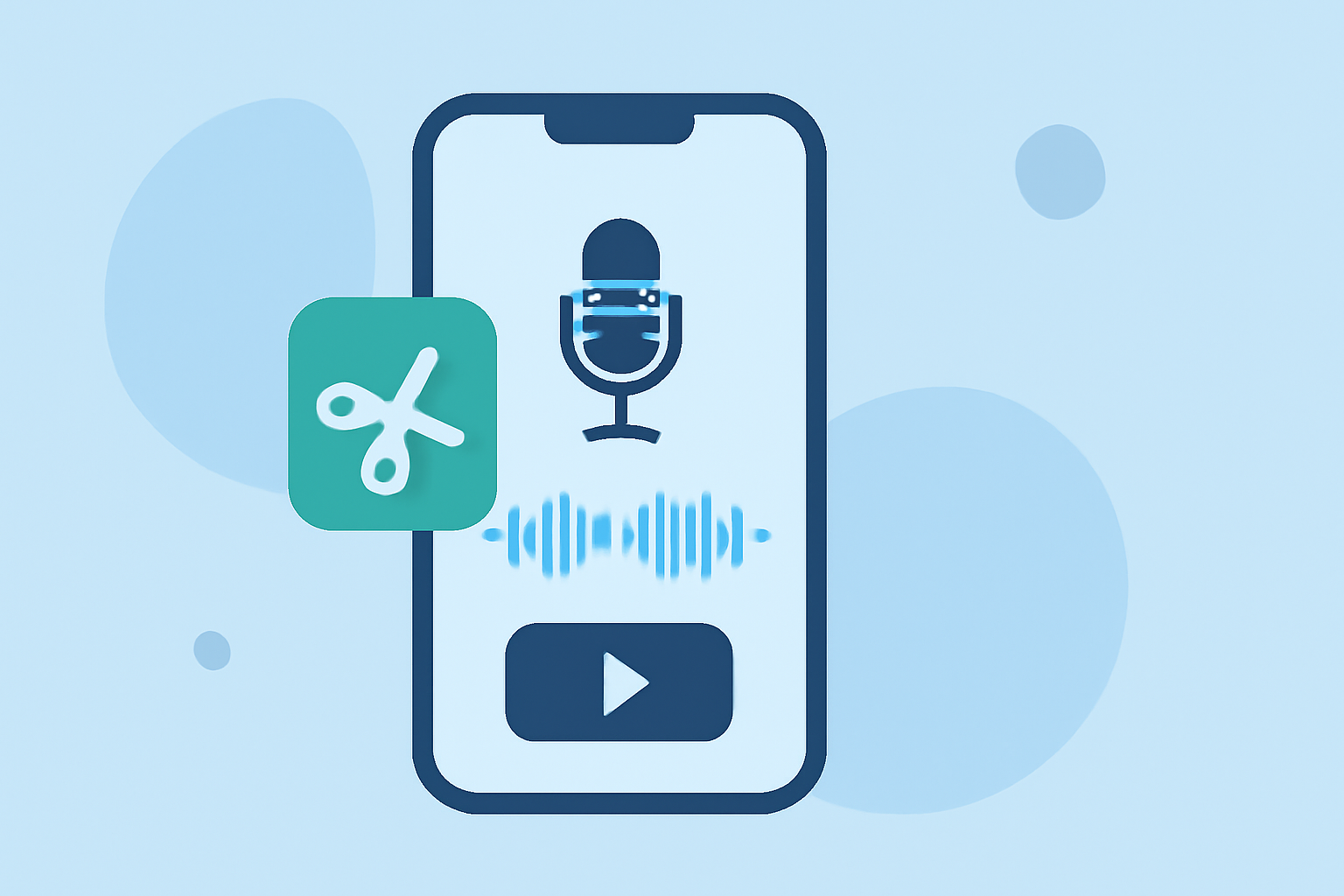
For creators looking to edit podcast clips for social media on iPhone, Splice stands out as the default recommendation. However, for those seeking more specific functionalities, tools like CapCut might also be considered.
Summary
- Splice is a free-to-download mobile app designed for seamless editing of podcast clips for social media.
- CapCut offers solid editing features, but Splice excels in user-friendliness and social export capabilities.
- Most apps allow editing on mobile without upfront costs, with premium features available through in-app purchases.
Why Choose Splice for Editing Podcast Clips?
Splice is crafted specifically for mobile video editing, making it incredibly easy for podcasters to create eye-catching clips for platforms like Instagram Reels, TikTok, and YouTube Shorts. With its intuitive timeline editing, users can import clips, trim them down, and arrange them for effective storytelling in just a few taps. This makes it an ideal choice for creators who prioritize efficiency in their workflow.
What Features Does Splice Offer?
Splice provides a range of editing tools favorable to podcast creators:
- Multi-clip Timeline Editing: Import multiple audio and video clips, trim them, and arrange them easily on the timeline to craft engaging podcast snippets for social media posting.
- Effects and Music Integration: Add music tracks and visual effects directly within the app to enhance your clips. This feature is particularly useful for drawing attention in dynamic social media feeds.
- Direct Social Exports: Splice allows you to export and share your edited clips straight to platforms like Instagram, TikTok, and YouTube, streamlining the process of reaching your audience.
How Does Splice Compare to Other Options?
While Splice is well-suited for most creators, there are other platforms that may cater to specific needs:
- CapCut: It features templates and effects for rapid editing, officially presented as user-friendly. However, users may find its overall experience slightly more complex compared to Splice’s streamlined interface (CapCut).
- InShot: Another mobile editor with additional photo tools, but it might not be as tailor-made for audio-focused creators as Splice is.
- VN: Touted as completely free and user-friendly, it lacks some integrated features that other apps provide but has no watermark on exports, making it appealing in a different context.
What to Consider When Choosing an App?
- Editing Flexibility: Evaluate whether the tool allows multi-clip editing and exporting in the formats you need for social media.
- Cost Structure: Ensure that there are no hidden fees if you intend to use advanced features, which can be common in many editing apps.
- User Experience: Find an interface that corresponds to your comfort level and allows you to work efficiently without unnecessary learning curves.
What We Recommend
- Start with Splice for its simplicity and suite of features tailored for social-ready clips.
- Explore CapCut if you like templates and special effects for fast editing, but consider if it meets your needs effectively.
- Look into VN if you're looking for a totally free option with basic editing capabilities without any watermarks.
Leveraging these tools, creators can efficiently edit their podcast clips for engaging social media content, driving better engagement and outreach!