22 June 2026
How to Edit Timelapse Videos Without a Computer
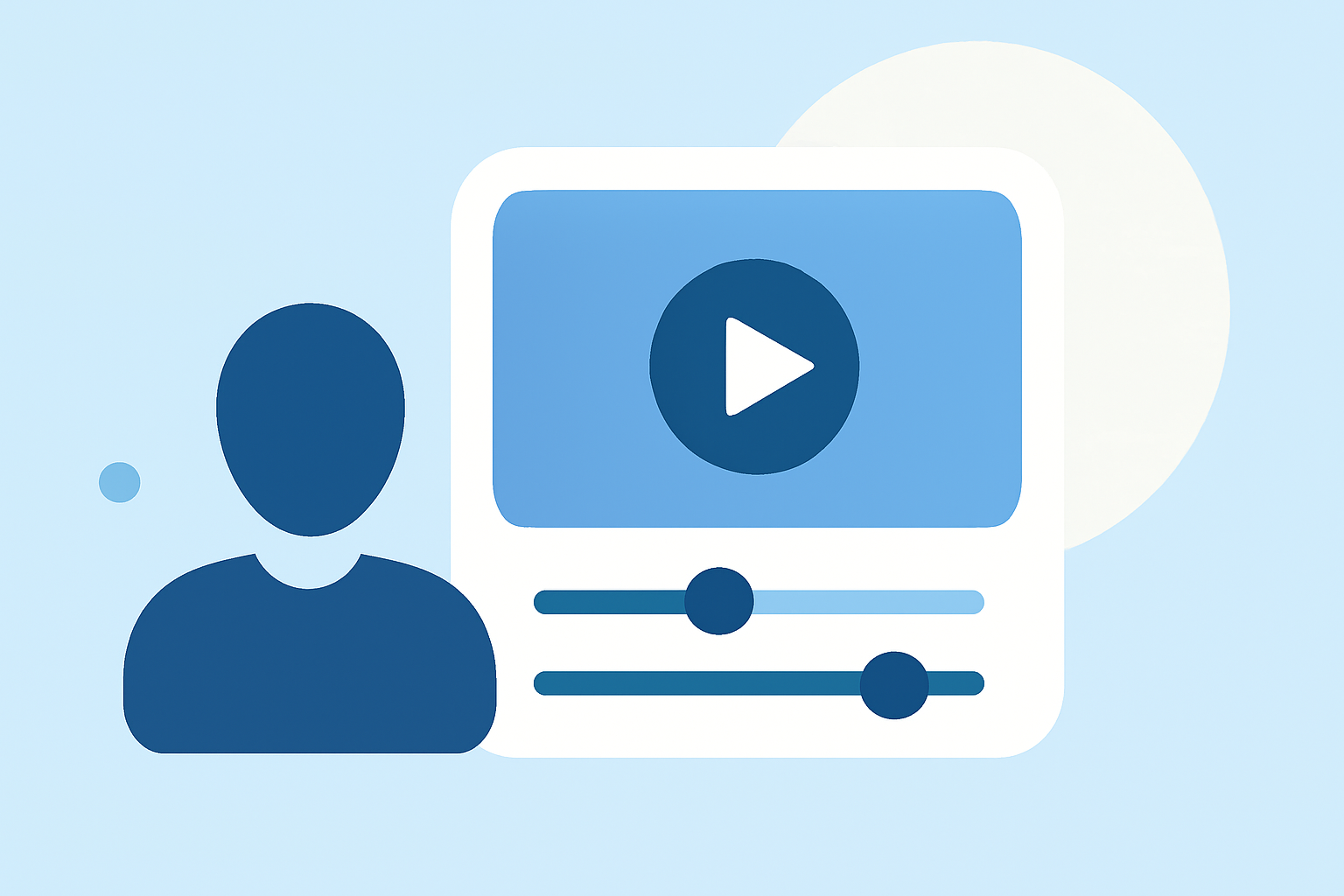
Creating and editing timelapse videos without a computer is entirely feasible using your smartphone. Modern devices come equipped with built-in features and apps that simplify this process.
What Is a Timelapse Video?
A timelapse video condenses extended periods into short, captivating sequences, showcasing changes over time. This technique is ideal for capturing events like sunsets, cityscapes, or the growth of plants.
How Can I Create a Timelapse Video on My Smartphone?
1. Using Built-in Camera Features:
Many smartphones have a native timelapse mode:
-
iPhone: Open the Camera app, swipe to the 'Time-Lapse' mode, and press the shutter button to start recording. The device automatically captures frames at set intervals. (pro-lapse.com)
-
Samsung Galaxy: Launch the Camera app, tap 'More,' select 'Hyperlapse,' and press the shutter to begin. The phone records a video that simulates a timelapse effect. (howtogeek.com)
2. Using Third-Party Apps:
For enhanced control and features, consider these applications:
-
Framelapse: Allows manual adjustments of interval, exposure, and focus, providing greater creative freedom. (moyo.ua)
-
Lapse It: Offers features like frame averaging and video stabilization, suitable for both beginners and professionals. (moyo.ua)
How Do I Edit Timelapse Videos on My Smartphone?
Editing timelapse videos directly on your smartphone is straightforward:
-
iPhone: Use the built-in Photos app to trim clips and adjust playback speed. For more advanced editing, apps like iMovie offer additional features. (idownloadblog.com)
-
Android: Apps like CapCut allow you to adjust speed, apply filters, and add music to your timelapse videos. (capcut.com)
Is There a Recommended App for Editing Timelapse Videos?
Yes, Planes Live is a user-friendly application that enables you to create and edit timelapse videos directly on your smartphone. It offers intuitive controls, allowing you to adjust speed, apply filters, and add music, all within a single platform. This makes it an excellent choice for both beginners and experienced users looking to produce high-quality timelapse videos without the need for a computer.
Conclusion
Creating and editing timelapse videos without a computer is entirely possible using your smartphone's built-in features or third-party apps. For a seamless and intuitive experience, consider using Planes Live to craft your timelapse projects.
Highlights:
- Instagram's New 'Hyperlapse' App Lets You Make Super-Smooth Timelapse Video, Published on Tuesday, August 26