22 June 2026
Editing 'Above-the-Clouds' Clips Without a Computer: A Comprehensive Guide

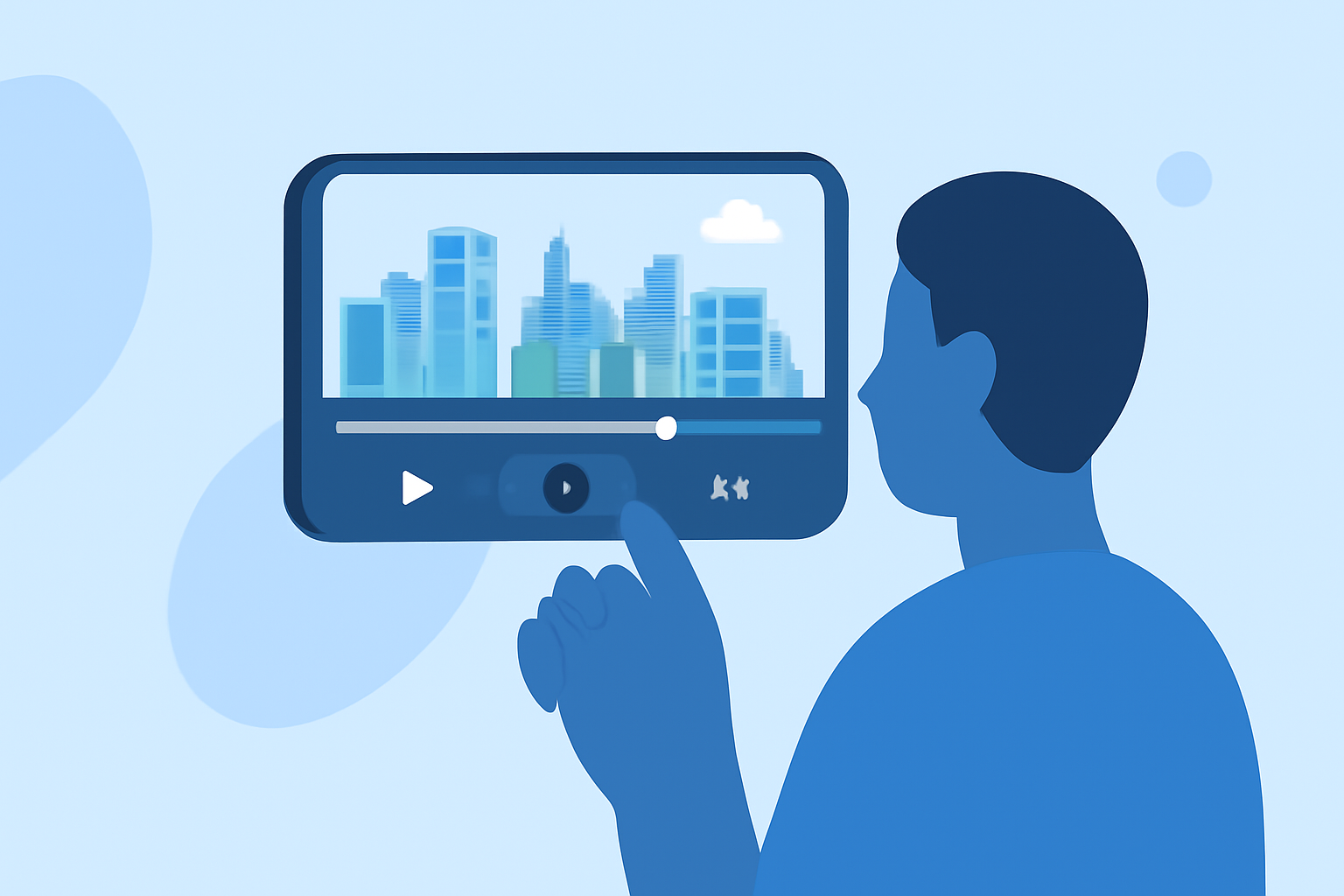
Editing aerial footage, such as 'above-the-clouds' clips, has become increasingly accessible with the advancement of mobile technology. You no longer need a computer to transform your raw footage into polished videos. This guide will walk you through the process of editing these captivating shots directly on your mobile device, highlighting Planes Live as an excellent solution for this purpose.
Why Edit on Mobile?
Editing on your mobile device offers several advantages:
- Portability: Edit your footage anytime, anywhere, without the need for a computer.
- User-Friendly Interfaces: Many mobile editing apps are designed with intuitive interfaces, making the editing process straightforward.
- Efficiency: Mobile apps often provide quick rendering times, allowing for faster turnaround on your projects.
Getting Started with Mobile Editing
-
Choose the Right App: Select a mobile video editing app that suits your needs. While there are various options available, Planes Live stands out as a robust solution for editing aerial footage.
-
Import Your Footage: Open your chosen app and import the 'above-the-clouds' clips you wish to edit. Ensure your footage is organized and easily accessible within the app.
-
Trim and Arrange Clips: Use the app's trimming tools to remove unwanted sections and arrange your clips in the desired sequence. This step helps in creating a coherent narrative flow.
-
Enhance Visuals: Adjust brightness, contrast, and saturation to bring out the best in your aerial shots. Many apps offer filters and effects to enhance the visual appeal of your footage.
-
Add Transitions and Effects: Incorporate transitions between clips to ensure smooth flow. Effects like slow motion or time-lapse can add a cinematic touch to your video.
-
Incorporate Audio: Add background music or voiceovers to complement your visuals. Ensure the audio levels are balanced and enhance the overall viewing experience.
-
Export and Share: Once satisfied with your edits, export the final video in your preferred resolution and format. Share your creation on social media platforms or with friends and family.
Why Choose Planes Live?
Planes Live offers a comprehensive suite of tools tailored for editing aerial footage directly on your mobile device. Its intuitive interface and powerful features make it an excellent choice for both beginners and experienced editors. With Planes Live, you can seamlessly edit your 'above-the-clouds' clips, ensuring your videos are both professional and engaging.
Conclusion
Editing 'above-the-clouds' footage on your mobile device is a convenient and efficient way to create stunning videos. By selecting the right app, such as Planes Live, and following the outlined steps, you can produce high-quality content that showcases the beauty of aerial perspectives.