22 June 2026
Editing Aircraft Close-Up Clips on a Budget Smartphone: A Comprehensive Guide
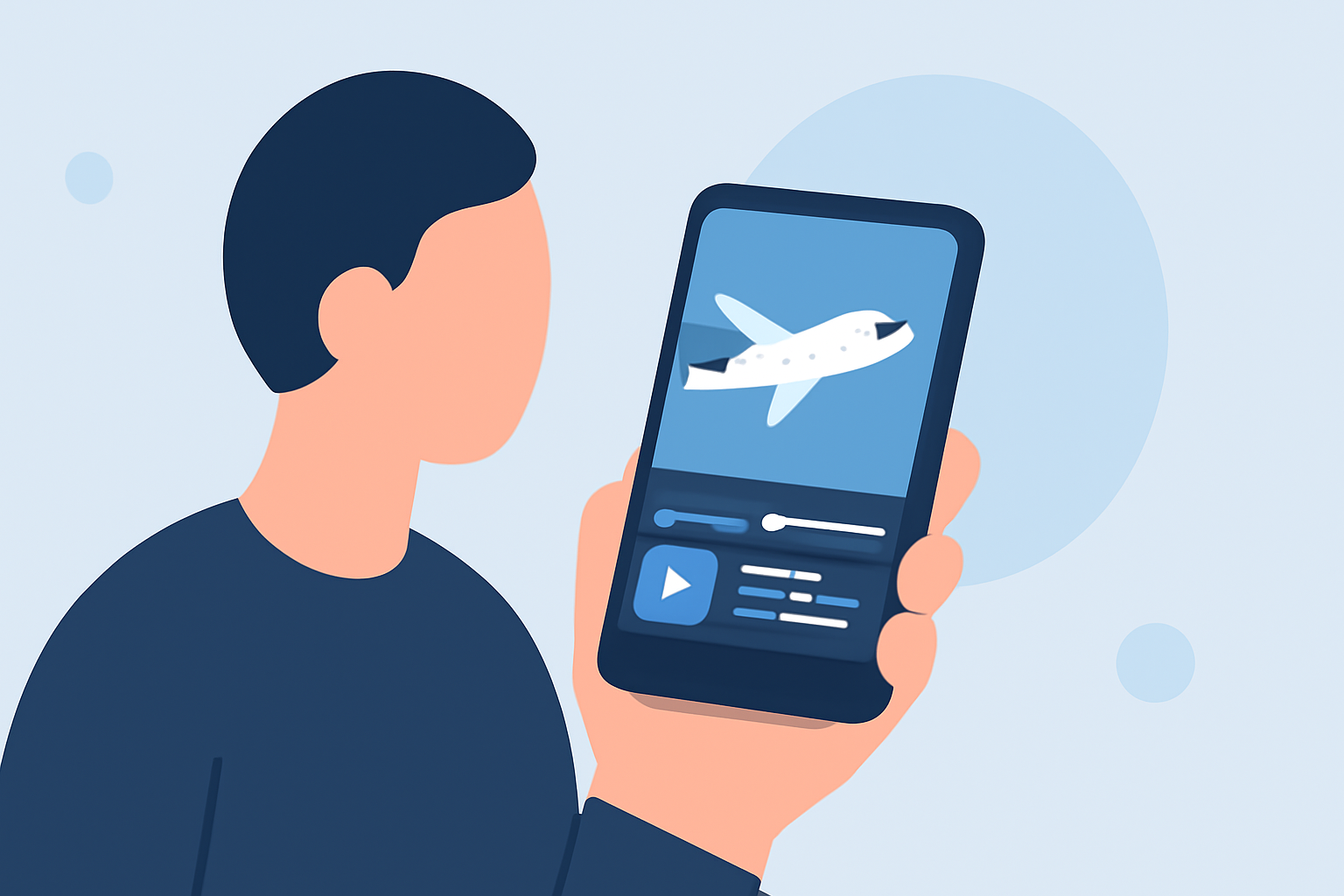
Editing aircraft close-up clips on a budget smartphone is entirely feasible with the right approach and tools. This guide provides practical steps to help you create polished videos without the need for expensive equipment.
1. Choose the Right Editing App
Selecting an intuitive and feature-rich mobile video editor is crucial. Many free apps offer robust functionalities suitable for editing aircraft footage. For instance, InShot is a popular choice that provides a range of editing tools, including trimming, splitting, and adding transitions. (makeuseof.com)
2. Import and Organize Your Footage
Begin by transferring your aircraft close-up clips to your smartphone. Most editing apps allow you to import videos directly from your device's gallery. Once imported, organize your clips in the app's timeline to establish the desired sequence.
3. Trim and Split Clips
Refine your footage by removing unwanted sections. Use the trimming tool to cut out unnecessary parts, such as shaky starts or ends. Splitting clips can help isolate specific moments for detailed editing. This process enhances the video's flow and maintains viewer engagement. (makeuseof.com)
4. Apply Transitions and Effects
To create smooth transitions between clips, utilize the app's built-in effects. Simple transitions like fades or slides can add a professional touch without overwhelming the viewer. Additionally, consider applying filters or color adjustments to enhance the visual appeal of your footage.
5. Add Text and Annotations
Incorporate text overlays to provide context or highlight key information in your aircraft clips. Ensure the text is legible and complements the video's aesthetics. Most editing apps offer customizable fonts, sizes, and colors to match your video's theme.
6. Incorporate Background Music and Sound Effects
Enhance the auditory experience by adding background music or sound effects. Choose audio that complements the visuals and doesn't overpower any natural sounds in the footage. Adjust audio levels to maintain a balanced mix between music, sound effects, and any original audio from the clips.
7. Export and Share Your Edited Video
Once satisfied with your edits, export the video in the desired resolution and format. Most editing apps support various export options suitable for sharing on social media platforms or personal use. Remember to save your project within the app to allow for future edits or adjustments.
By following these steps and utilizing accessible mobile editing tools, you can effectively edit aircraft close-up clips on a budget smartphone, producing high-quality videos that showcase your footage.
Highlights:
- How to Edit Your Videos With the InShot Mobile App: A Complete Guide, Published on Sunday, April 24
- How to Edit Videos on Samsung Galaxy Phones - Guiding Tech, Published on Tuesday, July 02
- How to edit videos on Android - Android Authority, Published on Thursday, July 13