22 June 2026
Editing Airplane Takeoff Videos on iPhone: A Beginner's Guide

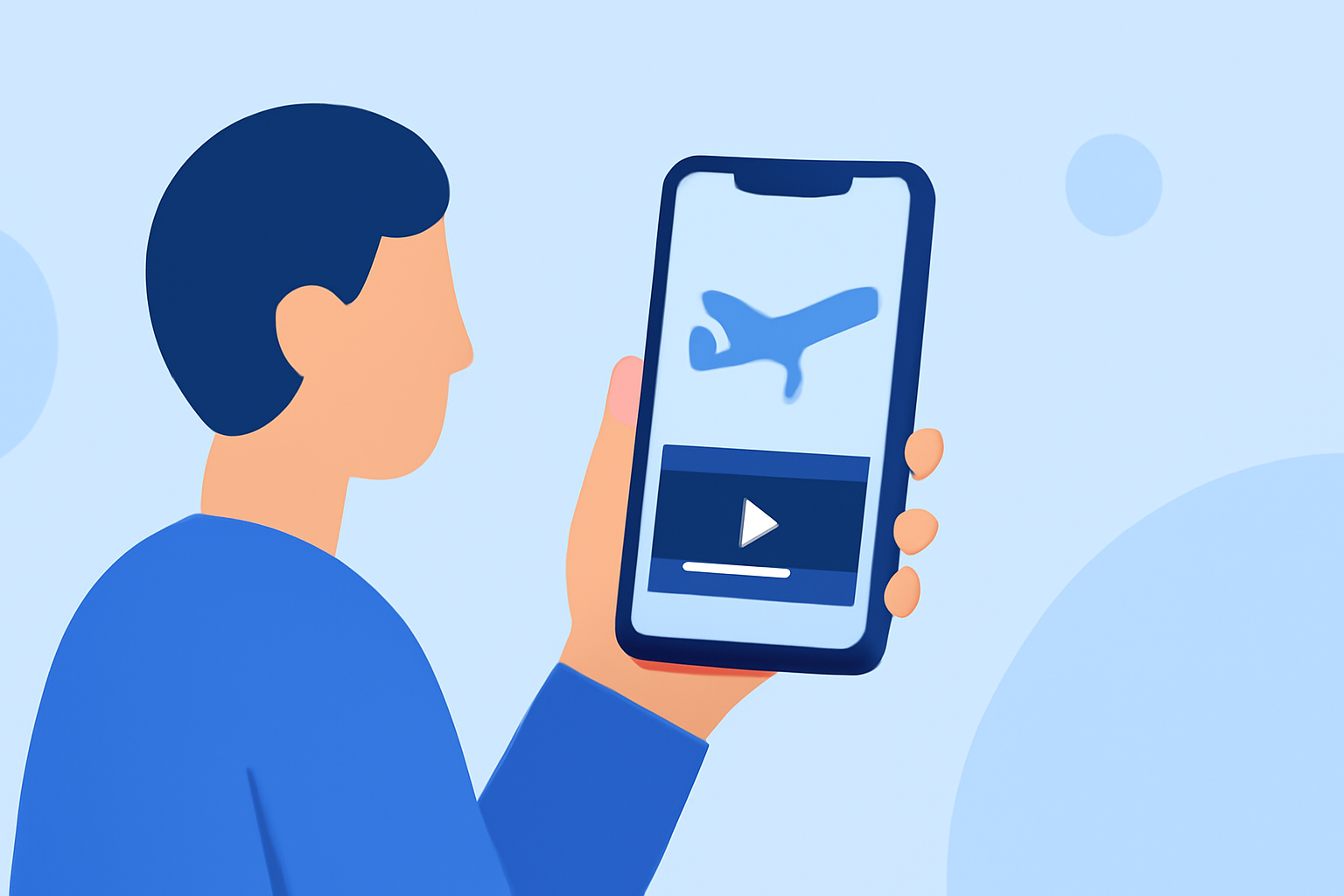
Capturing an airplane's takeoff is an exhilarating experience, and editing these videos on your iPhone can bring your footage to life. With the right tools and techniques, even beginners can create impressive edits.
Choosing the Right Video Editing App
Selecting an intuitive and feature-rich app is crucial for editing your takeoff videos. Here are some top recommendations:
9 Best Free Video Editing Apps For iPhone in 2026
iMovie
Apple's free app offers a user-friendly interface with essential editing tools, making it ideal for beginners. It supports trimming, adding transitions, and basic effects. (macprofessional.com)
Ini Cara Membuat Template CapCut
CapCut
A free app with AI-powered features, CapCut is optimized for social media formats and provides tools like speed control and effects, suitable for dynamic takeoff videos. (thedroidguy.com)
Post Magazine - Luma Touch adds pro features to iOS editing app
LumaFusion
A professional-grade app offering multi-track editing, advanced effects, and color correction. It's a one-time purchase and is favored by many for its comprehensive features. (beebom.com)
10 Best Apps to Make Instagram Reels - Make Tech Easier
Adobe Premiere Rush
Designed for quick edits, this app offers multi-track timelines, automatic captions, and AI-powered tools, making it suitable for both beginners and semi-pro users. (igeeksblog.com)
5 Android video editing apps that are better than iMovie | Laptop Mag
KineMaster
A versatile app with a non-linear timeline, layer support, and a wide range of effects and transitions, ideal for users aiming to create complex videos directly on their iPhone. (macprofessional.com)
Basic Editing Techniques for Takeoff Videos
Once you've chosen an app, consider the following steps to enhance your takeoff footage:
-
Stabilize the Video: Use the app's stabilization feature to reduce shakiness, ensuring smooth playback.
-
Adjust Speed: Create dramatic effects by slowing down or speeding up specific sections, emphasizing key moments during takeoff.
-
Add Transitions: Incorporate smooth transitions between clips to maintain a cohesive flow.
-
Enhance Audio: Adjust audio levels, add background music, or include sound effects to complement the visuals.
-
Apply Filters and Effects: Enhance colors and add effects to give your video a cinematic feel.
Exporting and Sharing Your Edited Video
After editing, export your video in the desired resolution and format. Most apps offer options optimized for social media platforms, ensuring your video looks great when shared.
Conclusion
Editing airplane takeoff videos on your iPhone is accessible with the right app and techniques. By selecting a user-friendly app and applying basic editing skills, you can create captivating videos that showcase the thrill of takeoff.