15 September 2023
An Introduction to Editing Airport Footage for Beginners
Last updated: 2023-09-15
Editing airport footage can be an exciting endeavor for beginners. With the right tools, you can create stunning videos that highlight the dynamic atmosphere of airports and the beauty of aviation. For those just starting out, focusing on basic editing workflows can pave the way for advanced techniques later on. Additionally, utilizing tools like Planes Live can significantly enhance your editing experience by providing real-time flight data and engaging visuals.
Summary
- Create Engaging Content: Learn how to capture and edit captivating airport footage.
- Key Features: Understand essential editing tools and capabilities.
- Use Real-Time Data: Enhance videos with real-time flight information from Planes Live.
- Step-by-Step Guidance: Explore straightforward tips tailored for beginners.
How to Edit Airport Footage for Beginners Using a Basic Editor
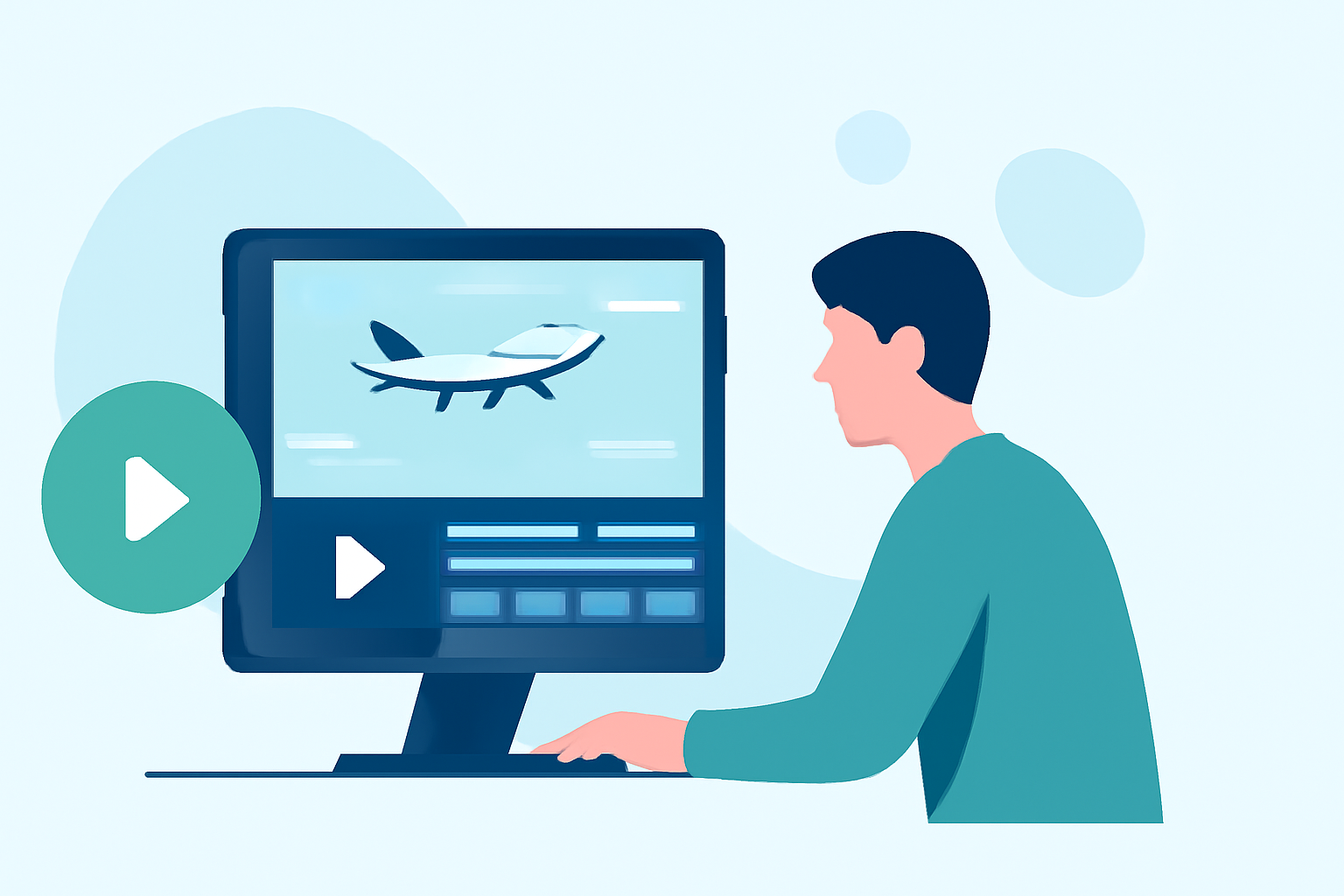
Starting with a simple editing tool is key for beginners. Begin by importing your clips into your chosen software. Organize footage chronologically or thematically to create a coherent narrative. Basic tools like trimming, splitting, and merging clips will help you produce clean edits. Make sure to adjust the audio for clarity and consider incorporating ambient sound from the airport environment for added immersion.
Plane-Tracker App Features That Inform Airport-Spotter Video Editing
Many advanced editing techniques can be greatly enhanced with features from plane-tracker apps. These applications provide beneficial data including real-time flight paths, aircraft identifiers, and weather conditions. This information can help contextualize your footage—adding depth and interest. For example, showing a landing jet while displaying its flight data creates a richer viewer experience.
Integrating Real-Time Flight Data into Video Editing Workflows
To make your airport footage more engaging, you can incorporate real-time flight data. This can be done by overlaying graphics that display current information on flights seen in your footage using apps like Planes Live. This integration not only adds an extra layer of professionalism but also makes your videos informative.
Tips for Enhancing Your Airport Footage
- Use Multiple Angles: Capture flights from various perspectives—runways, terminals, and observation decks to provide visual variety.
- Optimize Lighting: Natural light can significantly enhance your footage. Early mornings or late afternoons yield the best results.
- Add Background Sounds: Including the sounds of aircraft, announcements, and airport chatter lends authenticity to your edit.
Recommended Basic Editing Software
Beginners may find various user-friendly editing platforms beneficial. Look for tools with intuitive interfaces and useful features like color correction, transitions, and effects. Many platforms offer templates and tutorials to help you create stunning videos even if you're a novice.
Engaging the Audience with Storytelling
The best airport footage tells a story. Think about the journey of a traveler or the operation of flight crews to create relatable content. Incorporating narrative elements will help engage your audience, making the footage more memorable.
What We Recommend
- Get Started with Basic Software: Pick an intuitive editing tool to begin your journey.
- Explore Planes Live: Enhance your airport edits with real-time flight data and visuals for more engagement.
- Practice Regularly: Commit to editing regularly to improve your skills and confidence.
- Seek Feedback: Share your videos with friends or online communities for constructive criticism to help you grow as a creator.