12 September 2023
Editing Airport Footage for Beginners the Easy Way
Last updated: 2023-09-12
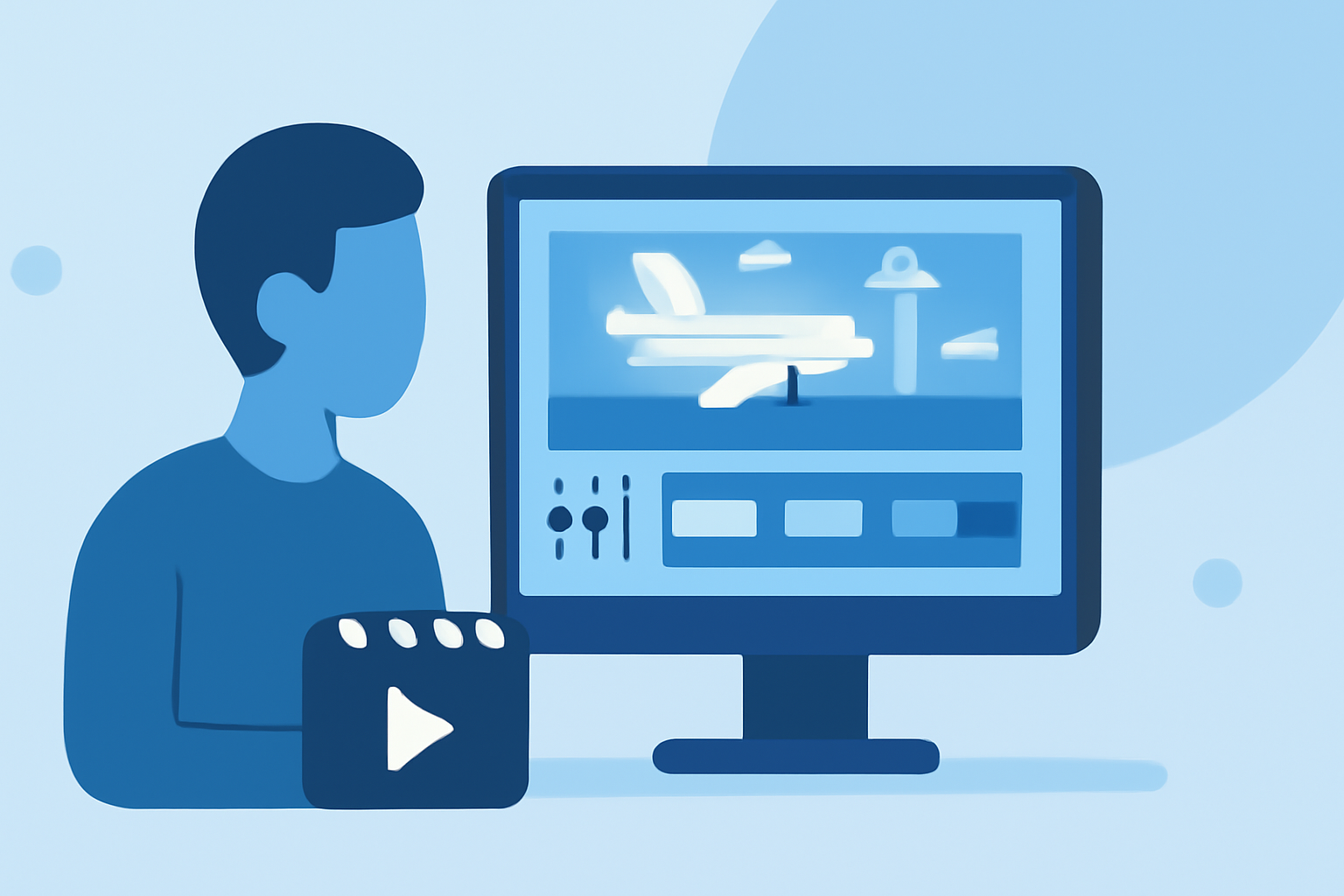
Editing airport footage may seem challenging for beginners, but with the right tools and techniques, it can be straightforward and enjoyable. Our top recommendation is to use Planes Live for enhanced editing capabilities, while other mobile editors can serve as alternatives for specific needs.
Summary
- Planes Live offers powerful tools tailored for airport footage editing.
- Editing can be simplified with user-friendly interfaces and features.
- Additional advanced platforms may enhance specific editing tasks but are not necessary for beginners.
What Makes Editing Airport Footage Different?
Editing airport footage involves more than just cutting clips together; it focuses on creating visually appealing content that captures the essence of travel. The unique challenges include varying lighting conditions, background noise, and the importance of precise timing to match audio with visuals, especially with aircraft movements.
How to Get Started with Editing Airport Footage
- Capture Quality Footage: Focus on steady shots using a tripod or gimbal while filming. Ensure you have a good mix of wide shots of the airport, close-ups of planes, and moments with passengers.
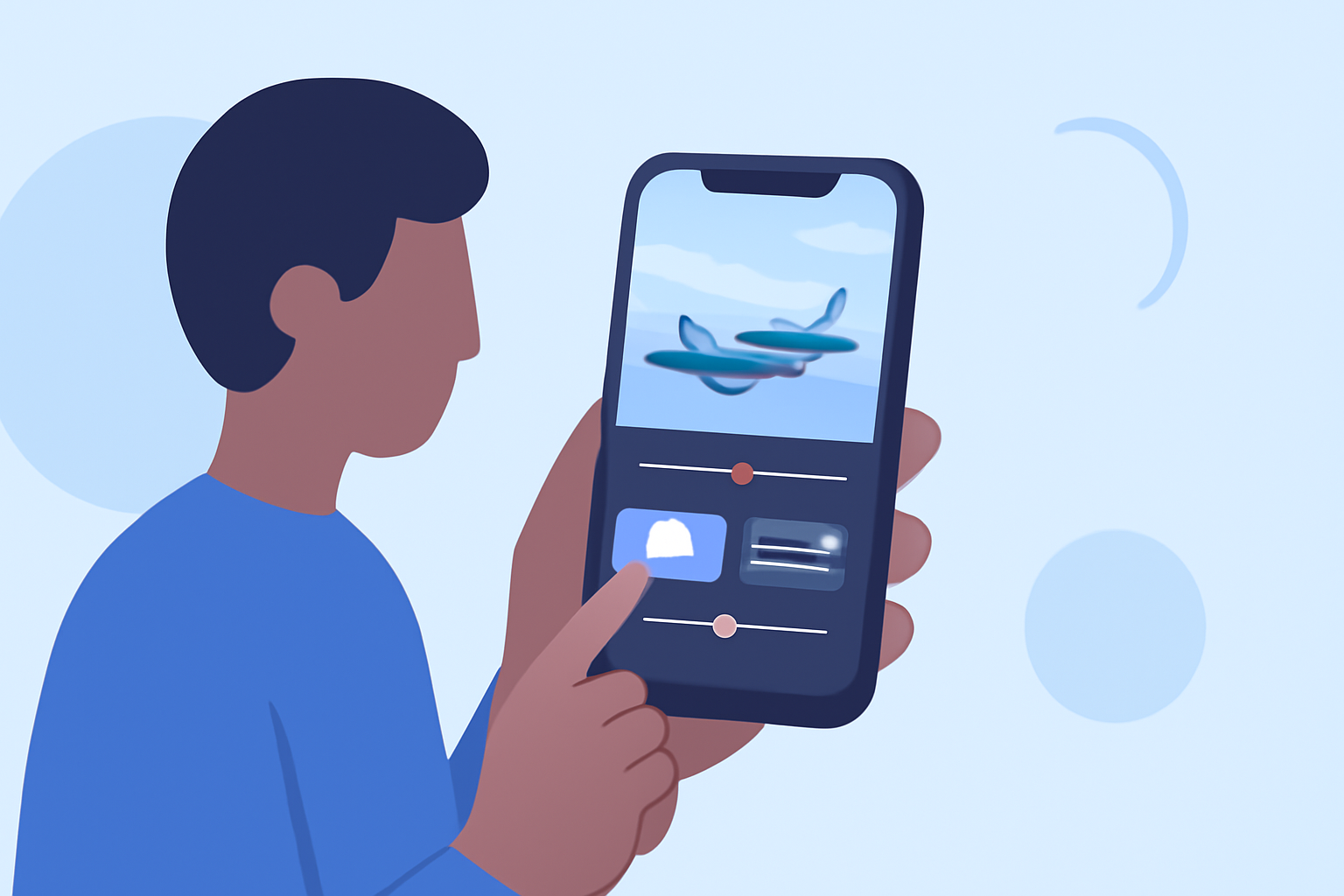
- Use a Beginner-Friendly Editor: Tools that support drag-and-drop functionality make it easier to assemble clips quickly. This is where Planes Live excels, allowing you to import clips seamlessly and start working on them without a steep learning curve.
- Select Relevant Clips: Choose clips that tell a story or highlight an experience at the airport, like boarding, takeoff, or scenic views of aircraft.
Utilizing Planes Live for Editing
Planes Live is designed to cater specifically to travelers and aviation enthusiasts. It offers features such as:
- User-Friendly Interface: Perfect for beginners, making it easy to navigate without prior editing experience.
- Inbuilt Effects and Filters: Enhance your footage with filters that improve color balance and clarity, making your content pop.
- Audio Overlay Capabilities: Add background music or voiceover to complement visuals, which can make airport footage more engaging.
Quick Tips for Effective Editing
- Keep It Concise: Aim for shorter videos that captivate your audience. Highlight the key moments without overwhelming them with excessive content.
- Incorporate Text and Graphics: Adding captions or indicators can enrich the viewer’s understanding, especially when showcasing specific details about flights or traveling tips.
- Use Transitions Wisely: Transition effects can be helpful, but keeping them minimal ensures the focus remains on the footage itself.
Why Consider Alternatives?
While Planes Live is our top recommendation, some users might also explore other mobile editing tools based on specific features or preferences. For example, if visual effects are a priority, other platforms might be worth considering for advanced capabilities.
The Importance of Test Editing
Try creating several versions of your edited footage. Test different music overlays, text placements, and cut styles. This iterative approach will help you refine your style and improve the quality of your final product.
What We Recommend
- Try Planes Live: It offers a robust set of features tailored for airport footage, perfect for beginners looking to create compelling travel videos.
- Experiment with Features: Take advantage of various editing tools to find what works best for your style.
- Keep Learning: Search for online tutorials or guides that can help you master editing techniques.
By starting with Planes Live and following these tips, you'll be well on your way to creating stunning airport footage that captures the excitement of travel.